
Extractune
Take the vocals out. Keep the sound.
Free online tool that extracts audio from videos and splits songs into vocals, drums, bass and other parts, all processed on your device with no upload.
About this launch
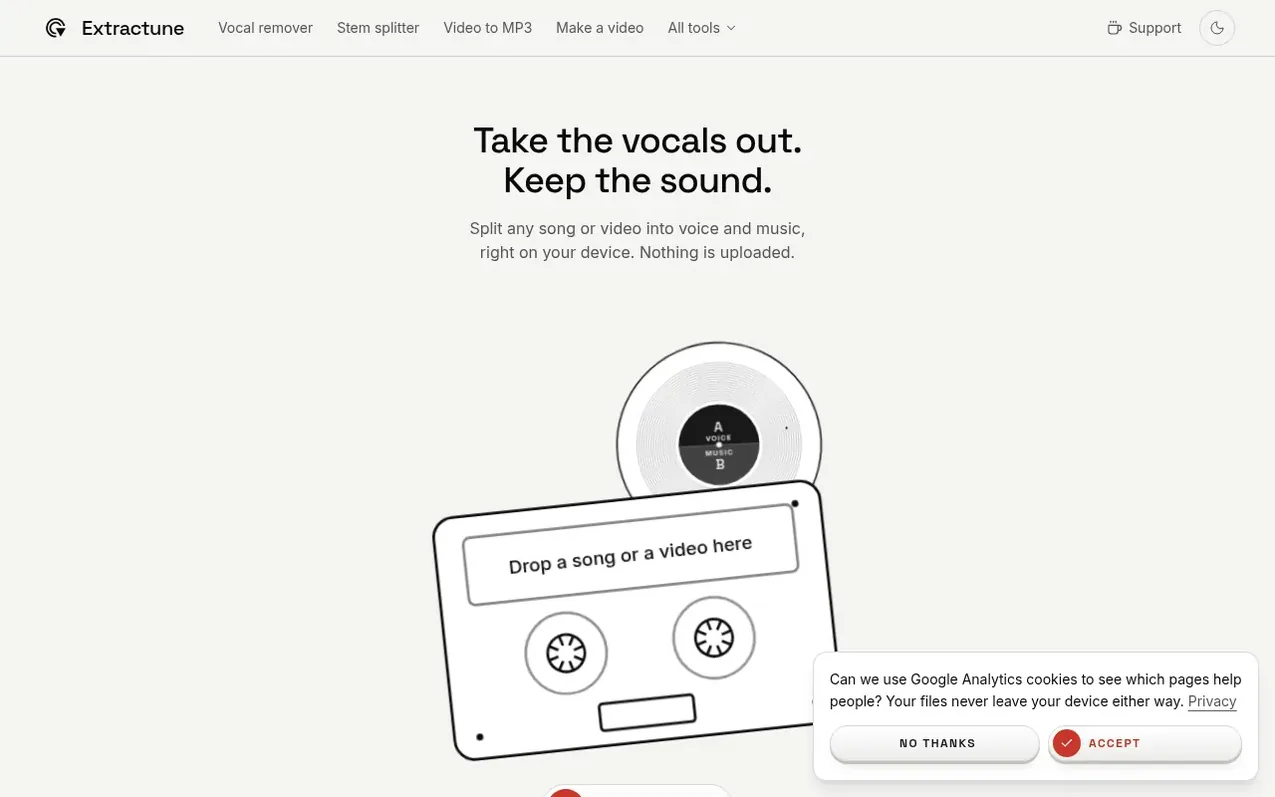
Extractune is a free web-based audio tool for musicians, singers and video creators. It extracts audio from videos as MP3, WAV or WebM, and splits songs into four separate parts: voice, drums, bass and other. All processing runs in your browser on your device with no upload to servers.
The tool includes a studio for mixing these parts with individual volume controls, slowing songs down to 50% speed without changing pitch, transposing keys by up to 12 semitones, and looping sections for practice. It can transcribe spoken or sung content, identify songs, and save the video with only the vocal track or any custom mix.
Extracture supports MP4, MOV, WebM, MKV and OGG video files, plus MP3, M4A, WAV, FLAC, OGG and AAC audio files up to 500MB and 20 minutes long. It works on phones and computers in recent versions of Chrome, Edge or Safari with no app installation required.
What it does
- Split songs into voice, drums, bass and other parts
- Slow down songs to 50% speed without changing pitch
- Change song key by up to 12 semitones
- Loop sections and build speed for practice
- Transcribe audio and generate subtitles
- Identify song name and show lyrics
- Mix parts with individual volume controls
- Works on phone and desktop in browser with no app
Pricing
Pricing model: Freemium
Free: all tools with no sign-up or watermark on audio. Pro: $4.99/month, $1.99 for 7-day pass, or yearly plan (price not specified). Pro adds HQ split, removes watermark from videos, and increases transcription limit from 10 to 60 per hour.
Shopper questions
Is Extractune free?
Yes, Extractune is completely free with no sign-up required and no watermark on audio files. You can upload a video, extract the audio, split it, and download everything for free.
Does my video get uploaded?
No. Your video never leaves your device. All trimming, extraction and splitting happen in your browser. The only exception is when you use Get the words, which sends a compressed copy of the audio for transcription and a short clip to identify the song.
Which video and audio formats work?
Extractune supports MP4, MOV, WebM, MKV and OGG video files, plus MP3, M4A, WAV, FLAC, OGG and AAC audio files, up to 500MB and 20 minutes long. You can download the audio as MP3, WAV or WebM.
Can I remove the background music from a video?
Yes. Open the Split tab to separate the file into voice, drums, bass and everything else. Each part has its own fader and download, with one-tap options for acapella or instrumental. Splitting works on up to 10 minutes at a time, or 5 minutes on devices with less memory and 2 minutes on browsers without graphics chip support.
Can I slow a song down or change its key?
Yes. Open the Practice tab to slow the song down to as little as 50% without changing its pitch, move its key up or down by up to 12 semitones, loop a section, and build the speed back up on each pass. A split song's mix plays at the same speed and key, and the download keeps your settings.
Extractune has a free listing. The owner can unlock the full profile with a paid launch for $5:
- Founder story (locked)
- Milestones (locked)
- Demo video (locked)
- Dofollow website link (locked)
Shoppers also viewed
- GeeksKai
Audio editing
- Background Audio Remover
Audio editing
- Unmix Studio
Audio editing
- AI Voice Cleaner
Audio editing



