Beadify
Turn photos into printable fuse bead patterns with editable designs and bead counts
A browser-based tool that converts photos into editable fuse bead patterns with color palettes for Perler, Hama, and Artkal beads, showing exact bead counts and
About this launch
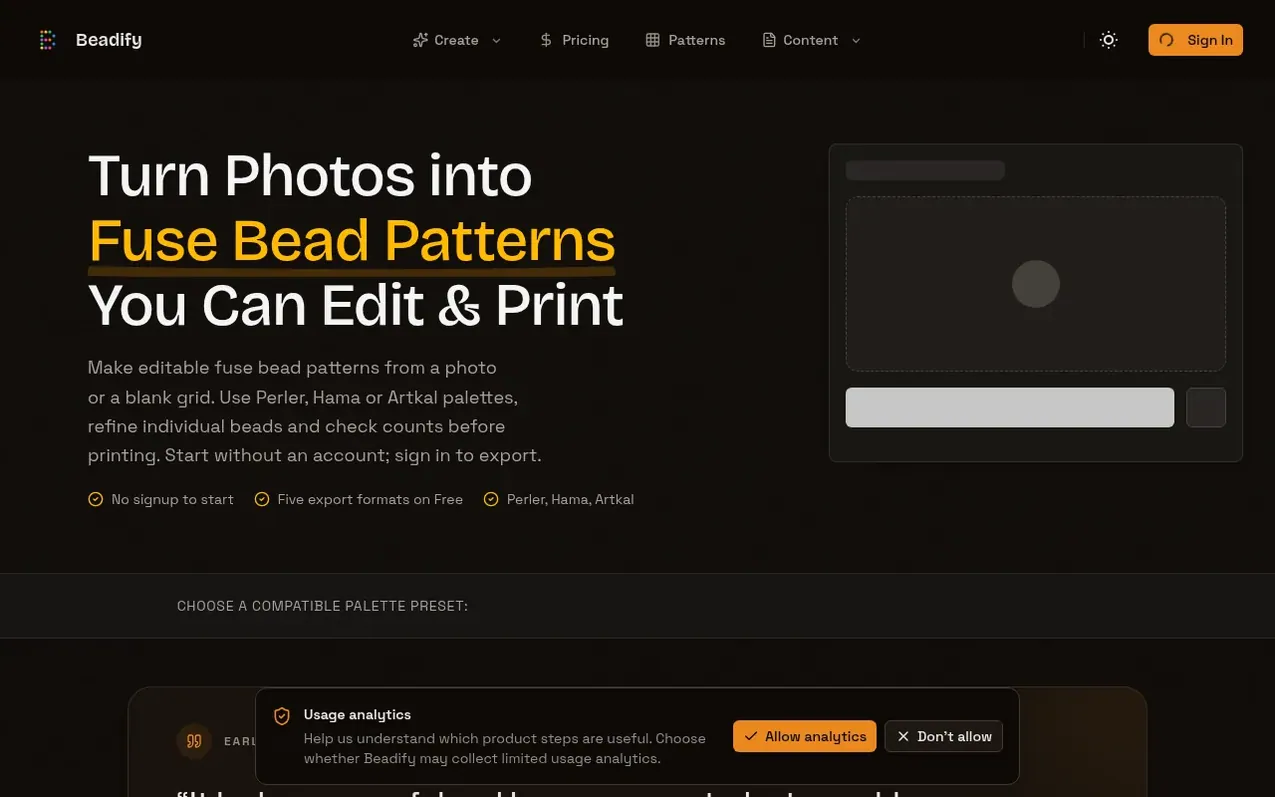
Beadify is a browser-based fuse bead pattern maker that transforms photos and illustrations into editable bead patterns. Users can upload an image or draw from scratch, then use three integrated modes: Compare to prepare the source image, Pattern to edit individual beads and refine colors, and Crafting to track progress while assembling the physical design.
The tool supports multiple fuse bead palette brands including Perler, Hama, Artkal, and Nabbi. It provides five export formats (Image, PDF, SVG, XLSX, and JSON) and shows users exactly which bead colors they need and how many of each. Users can filter available colors to match their existing inventory, organize projects in folders, and sync their work across devices with a paid plan.
Beadify offers a free tier with basic exports and pattern creation, and a paid Annual Pro plan that unlocks larger patterns, unlimited exports, higher resolution images, and automatic cloud synchronization. The product is independently developed and designed specifically for fuse bead crafting workflows, not seed-bead stitching or jewelry work.
What it does
- Photo to pattern conversion with editable results
- Compare mode to prepare and preview source images
- Pattern editing with individual bead refinement
- Crafting mode to track placement progress
- Support for Perler, Hama, Artkal, and Nabbi palettes
- Multiple export formats: Image, PDF, SVG, XLSX, JSON
- Inventory tracking and stash-based color filtering
- Project organization with folders and cloud sync
- Bead count and material requirement calculations
- AI-powered image enhancement and palette generation
Pricing
Pricing model: Freemium
Free: 3 shared exports per day, up to 16 used colors, Standard 1280px images, 3 project folders, 50 image assets, 5 welcome AI credits. Annual Pro: $79/year (billed annually, regular price $99), includes unlimited exports, up to 32x32 patterns with 17+ colors, 2K or 4K images, unlimited folders, 500
Shopper questions
Can I start for free and do I need an account?
You can upload an image and edit a pattern without signing in. Sign in to a Free account to export across five formats with 3 exports per UTC day for one physical board with up to 16 used colors.
How do Compare, Pattern, and Crafting work together?
Use Compare to crop and adjust the source beside the preview, apply it, then refine individual beads and palette choices in Pattern, and finally move to Crafting to focus on colors and mark placed beads.
Can I use only the bead colors I already own?
Yes. Mark the color types you own in Inventory, then choose Stash in the Editor to limit available colors to your existing collection.
When do I need Pro?
Pro is needed for custom exact-size patterns, multi-board exports, exports with more than 16 used colors, 2K or 4K Image exports, and to remove the daily export limit and hide Beadify branding.
Beadify has a free listing. The owner can unlock the full profile with a paid launch for $5:
- Founder story (locked)
- Milestones (locked)
- Demo video (locked)
- Dofollow website link (locked)
Shoppers also viewed
- Slot & Shaft
Design tools
- QRGlo
Design tools
- DASHUND
Design tools
- ScreenParcel
Design tools