Screenshot annotation tool for Mac with arrows, redaction, and polished designs
Stage
Not given
Not given
Founded
Not given
Not given
Based in
Not given
GE
Pricing model
Freemium
Freemium
Pricing
Free: $0 with 5 4K exports per month and 3 saved palettes. Pro: $39 for 12 months with unlimited 4K exports and 50 saved palettes, one-time payment. Week Pass: $9 for 7 days with unlimited 4K exports, one-time payment.
Free version with all core annotation tools and up to 10 screenshots per day. Pro available as Monthly at $2/month, Annual at $19.99/year, or Lifetime at $38.99 one-time payment.
Key features
Three gradient styles: blobs, stripes, and clouds
Real grain rendering at export resolution
Pixel and dither finishes
4K JPEG export with no watermark
Color, blur, contrast and saturation controls
Palette saving and reuse
MCP server integration for coding agents
Free and unmetered previews in MCP clients
Commercial use on all plans
Figma integration via export and background image
Arrows for directing attention and annotation
Numbered counters for step-by-step tutorials
Highlight tool for emphasis
Permanent redaction for sensitive information
Shapes for framing and illustration
Backgrounds and borders for polish
PDF page annotation
Spotlight and crop tools
What makes it different
Grain is rendered into the image at full resolution, not pasted on top, so it survives JPEG compression, scaling and print
Preview matches the 4K export exactly; what you tune on a laptop is what lands on the monitor
Pay once, never auto-renews; no subscription required
Free tier is genuinely useful with 5 full-resolution 4K exports monthly
No account or sign-up required to start using
All screenshots stay locally on your Mac with no uploads
Permanent redaction that cannot be removed from exported images
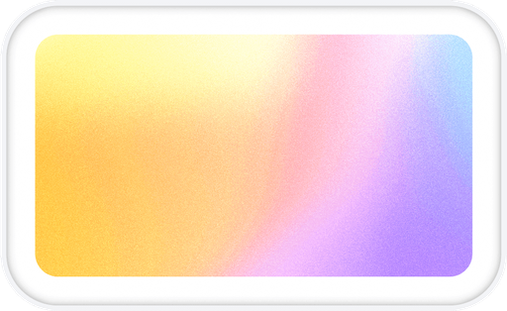 Gradients Studio
 Snapperon