Gradients Studio
Mesh gradient generator with real grain
Make gradient backgrounds for product sites, launch posts and decks with three styles, grain effects, and 4K export at no cost.
About this launch
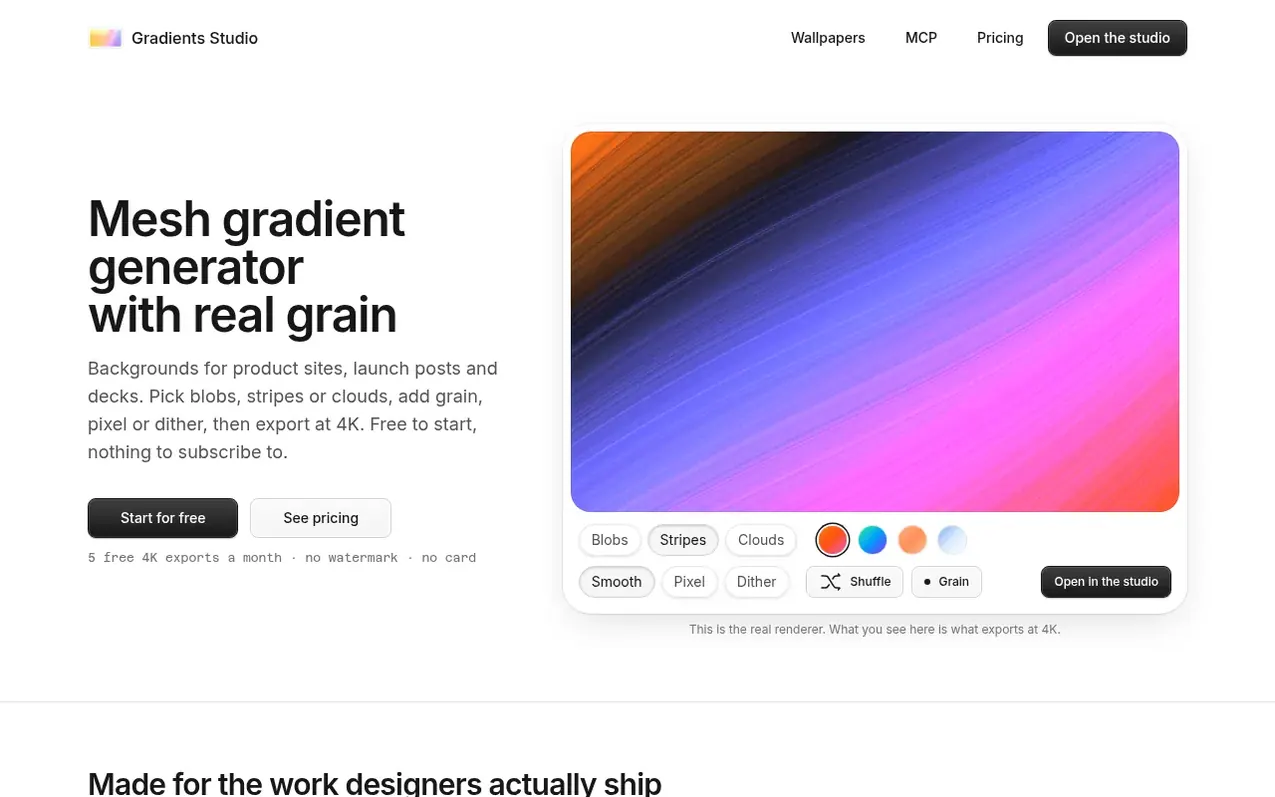
Gradients Studio is a mesh gradient generator that creates backgrounds for websites, launch posts and presentations. It offers three styles: blobs, stripes, and clouds. You can apply grain, pixel, or dither finishes and export at 4K resolution with no watermark.
The tool renders grain directly into the image rather than pasting it on top, which prevents color banding and keeps the gradient clean at large sizes and in print. The preview matches the export exactly, and everything you see in the editor is what you get in the file.
You can save palettes and reuse them across styles and sizes. The tool works inside Claude Code, Cursor and MCP clients, allowing coding agents to render and export gradients from prompts. Commercial use is included on every plan.
What it does
- Three gradient styles: blobs, stripes, and clouds
- Real grain rendering at export resolution
- Pixel and dither finishes
- 4K JPEG export with no watermark
- Color, blur, contrast and saturation controls
- Palette saving and reuse
- MCP server integration for coding agents
- Free and unmetered previews in MCP clients
- Commercial use on all plans
- Figma integration via export and background image
Pricing
Pricing model: Freemium
Free: $0 with 5 4K exports per month and 3 saved palettes. Pro: $39 for 12 months with unlimited 4K exports and 50 saved palettes, one-time payment. Week Pass: $9 for 7 days with unlimited 4K exports, one-time payment.
Shopper questions
What is a mesh gradient?
A gradient made from several color points spread across a canvas and blurred together, instead of one straight fade between two colors. It gives the soft, glowing look you see on modern app and product sites.
Is the free plan really free?
Yes. All three styles and every color, blur and grain control are open, and you get 5 full-resolution 4K exports each month plus 3 saved palettes. The pixel and dither finishes preview free and export on Pro. No watermark, no card.
Is Pro a subscription?
No. Pro is one payment for 12 months and the Week Pass is one payment for 7 days. Neither auto-renews. When the time is up you drop back to the free plan and keep every palette you saved.
Why does grain matter?
Smooth blurs at 4K show visible color bands, especially in dark palettes. Grain breaks the bands into texture the eye reads as depth. It is rendered into the image, not pasted on top, so it survives compression and print.
Can I use the exports commercially?
Yes. Anything you export, on any plan, is yours to use in personal and client work, including products you sell.
Gradients Studio has a free listing. The owner can unlock the full profile with a paid launch for $5:
- Founder story (locked)
- Milestones (locked)
- Demo video (locked)
- Dofollow website link (locked)