Free: $0 with 5 4K exports per month and 3 saved palettes. Pro: $39 for 12 months with unlimited 4K exports and 50 saved palettes, one-time payment. Week Pass: $9 for 7 days with unlimited 4K exports, one-time payment.
Free: 5 projects and 2 GB of storage. Creator: $12 a month with 200 GB storage and unlimited projects. Pro: $24 a month with 500 GB storage. Team: $20 a month per person with 500 GB per person. Business: $35 a month per person with 1 TB per person. Paying yearly gets 2 months free on every paid plan
Key features
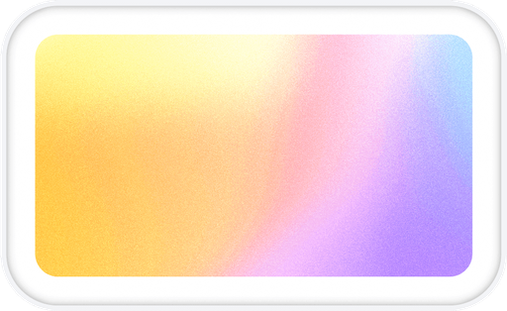
Three gradient styles: blobs, stripes, and clouds
Real grain rendering at export resolution
Pixel and dither finishes
4K JPEG export with no watermark
Color, blur, contrast and saturation controls
Palette saving and reuse
MCP server integration for coding agents
Free and unmetered previews in MCP clients
Commercial use on all plans
Figma integration via export and background image
Version tracking that keeps all iterations in order with the latest on top
Approval system tied to specific versions
Comments and feedback on each version
Size variants that track when they're out of date
Share links with customizable permissions for non-account holders
Team collaboration with @mentions and discussions
Import from Dropbox, Google Drive, or local computer
Support for 60+ file formats including PSDs, video, 3D models and RAW photos
Collections and search functionality
Original files kept at full size in all plans
What makes it different
Grain is rendered into the image at full resolution, not pasted on top, so it survives JPEG compression, scaling and print
Preview matches the 4K export exactly; what you tune on a laptop is what lands on the monitor
Pay once, never auto-renews; no subscription required
Free tier is genuinely useful with 5 full-resolution 4K exports monthly
Never trains AI on your work and has no ads or cross-site tracking
Your work is always yours and remains accessible even if you stop paying
Built for individual creators first, teams can join later
Works alongside existing tools like Photoshop, Figma and Premiere without requiring changes to workflow
Automatically groups related files and understands which versions belong together
 Gradients Studio
 Loomgrain