
Loomgrain
Version control for creative work
Creative asset management that keeps versions, sizes, and approvals of creative work together across 60+ file formats.
About this launch
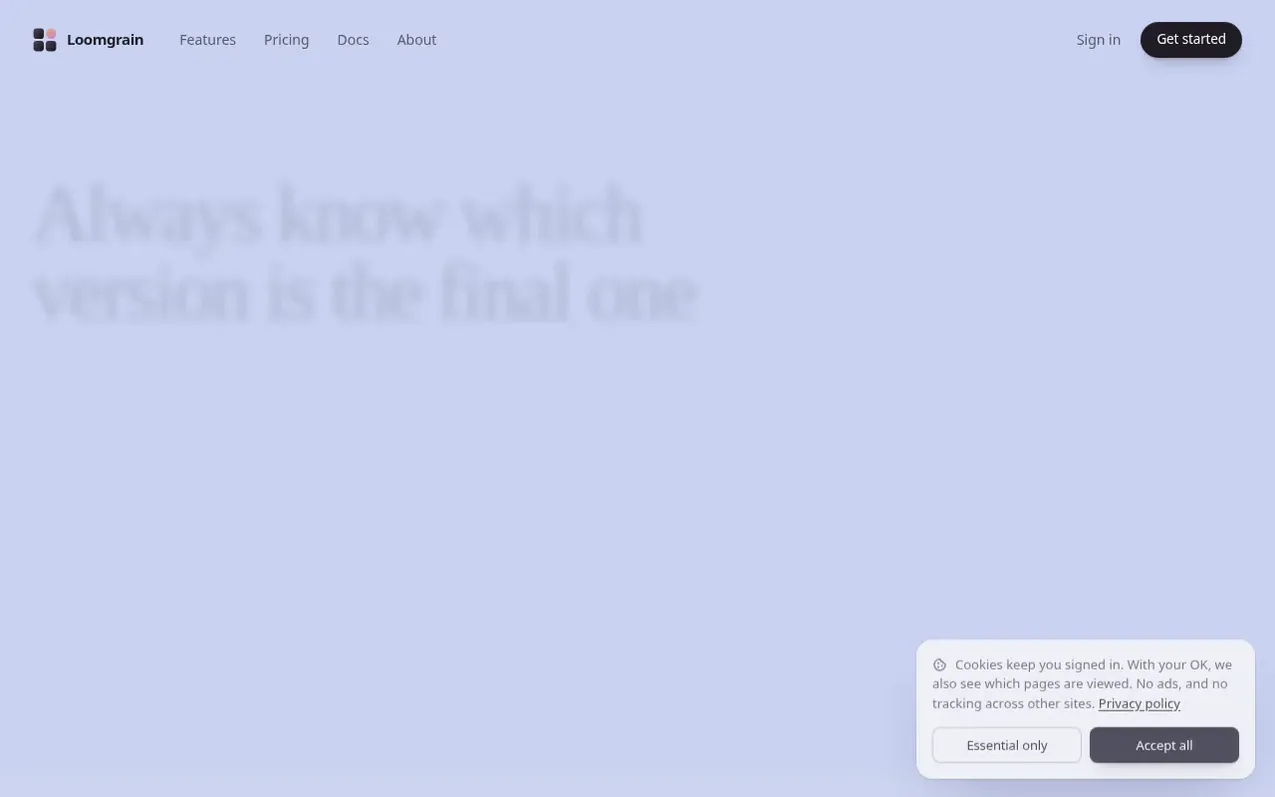
Loomgrain is version control for creative work. You upload designs, videos, and photos, and each piece of work becomes one asset with its versions in order, sizes that know when they're out of date, and approvals tied to specific versions.
Anyone can review and approve work from a link without signing up. Your team can comment on specific versions, reply to feedback, mention teammates, and discuss the work in the same place.
You can bring in work from your computer, Dropbox, or Google Drive, and Loomgrain automatically groups related files together and keeps the latest version on top. The service supports layered PSDs, Illustrator files, PDFs, Figma, Sketch, Affinity, Procreate files, video, audio, 3D models, photos, and camera RAW files.
What it does
- Version tracking that keeps all iterations in order with the latest on top
- Approval system tied to specific versions
- Comments and feedback on each version
- Size variants that track when they're out of date
- Share links with customizable permissions for non-account holders
- Team collaboration with @mentions and discussions
- Import from Dropbox, Google Drive, or local computer
- Support for 60+ file formats including PSDs, video, 3D models and RAW photos
- Collections and search functionality
- Original files kept at full size in all plans
Pricing
Pricing model: Freemium
Free: 5 projects and 2 GB of storage. Creator: $12 a month with 200 GB storage and unlimited projects. Pro: $24 a month with 500 GB storage. Team: $20 a month per person with 500 GB per person. Business: $35 a month per person with 1 TB per person. Paying yearly gets 2 months free on every paid plan
Shopper questions
What is Loomgrain?
Loomgrain is version control for creative work. You upload designs, videos, and photos, and each piece of work becomes one asset. Its versions stay in order, the crops made from it know which version they came from, and each approval is tied to the version it was for. Loomgrain groups files from a messy folder automatically.
Can people review and approve work without signing up?
Yes. You send a link and choose whether people can view, comment, approve, or download. People click right on your work to comment, and each approval is tied to the version they saw. You can reply to them right under their comment and they get an email about it without needing an account.
Do I need to change how I create work to use Loomgrain?
No. You keep making your work in the apps you already use like Photoshop, Figma, Premiere or Lightroom. When you save a new version, drop it into Loomgrain and it lands on top of the old ones, with nothing to rename.
Can I import work from cloud storage?
Yes. You can choose to import from Dropbox or Google Drive by signing in and picking what you want, or drop in a whole folder from your computer. Folders keep their structure, and Loomgrain automatically works out which files are versions of the same work.
What file types are supported?
Loomgrain supports almost anything you make: layered PSDs, Illustrator files and PDFs, Figma, Sketch, Affinity and Procreate files, video, audio, 3D models, and photos and camera RAW files. Loomgrain previews nearly all of them.
Loomgrain has a free listing. The owner can unlock the full profile with a paid launch for $5:
- Founder story (locked)
- Milestones (locked)
- Demo video (locked)
- Dofollow website link (locked)
Shoppers also viewed
- AI Kitchen Design
Design tools
- ideare
Design tools
- Matita
Design tools
- Hyperiux Vault
Design tools