
Xiaomaifang
Plan your climbing frame here first
A free online tool for designing QUADRO climbing frames, browsing ready-made models, and sharing builds with a community of parents.
About this launch
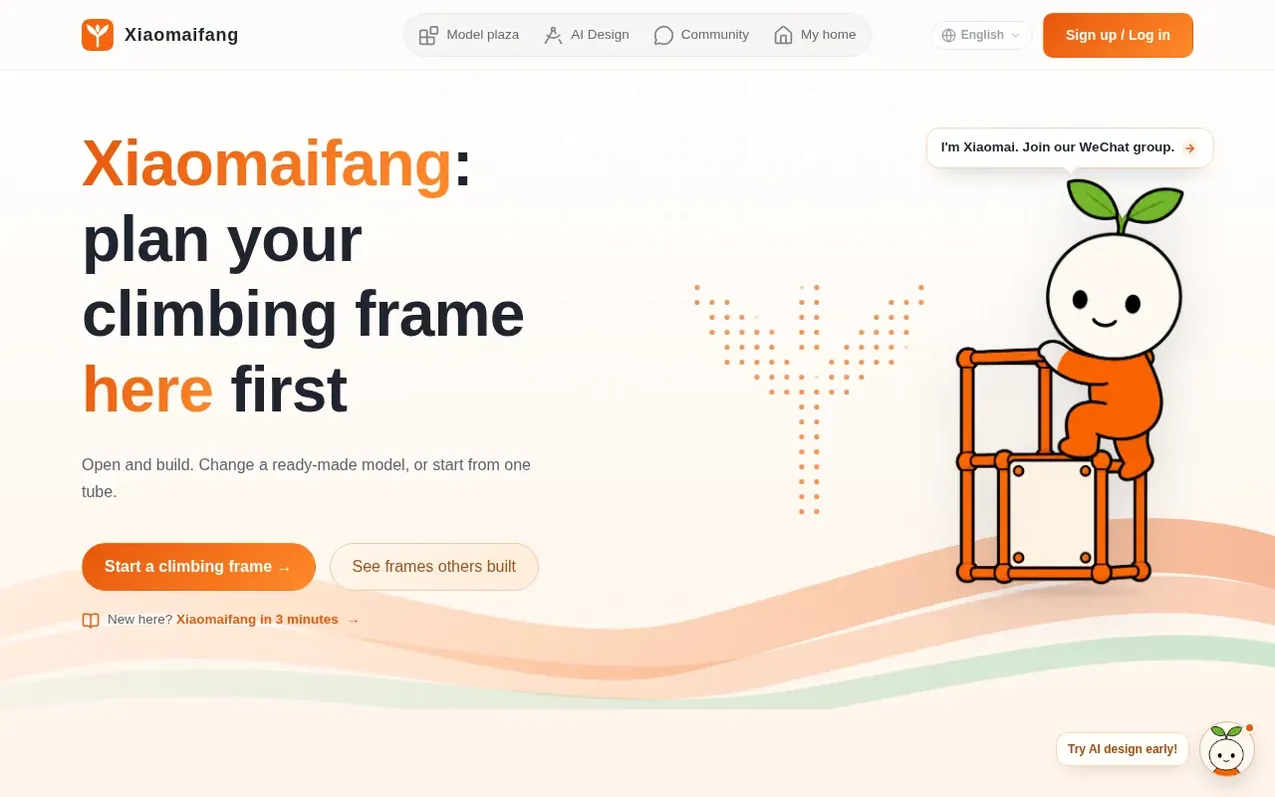
Xiaomaifang is a browser-based climbing frame design tool that lets you create, modify, and plan QUADRO climbing frames for your home. You can browse a plaza of ready-made models, use AI to generate designs from your description, or build from scratch using an interactive editor. The tool tracks your space dimensions and parts inventory, exports assembly manuals and parts lists, and saves your designs for access across devices. A built-in community lets you share your builds, photos, and tips with other parents.
What it does
- 3D model viewer and editor
- AI-powered design generation
- Model plaza with ready-made designs
- Parts list and assembly manual export
- Inventory and space tracking
- Community sharing and discussion
- Multi-device synchronization
- QUADRO factory app file compatibility
Pricing
Pricing model: Free
Shopper questions
What is Xiaomaifang?
Xiaomaifang is a browser-based tool for designing QUADRO climbing frames. It was created to provide an alternative to desktop software, allowing users to design frames, view 3D models, export parts lists and assembly manuals, and share their builds with a community.
Is there a cost to use Xiaomaifang?
No, Xiaomaifang is completely free to use. All features including unlimited exports of designs (.qdf files) and parts lists (BOM) are available at no cost.
Can I use my designs with QUADRO's factory software?
Yes, your designs can be opened again in QUADRO's factory software at any time. The files you export from Xiaomaifang are compatible with the official QUADRO app.
What are the six steps to designing a climbing frame on Xiaomaifang?
The six steps are: Find a Model (browse the model plaza), My Home (organize your space and parts), Builder (edit designs), AI Design (generate models with AI), Parts List and Manual (save and export), and Community (share your builds). You can follow these steps in any order.
How can I get help or provide feedback?
You can use the feedback box on the site to share suggestions or report issues. The creator reads feedback daily and will respond if you provide contact information.
Xiaomaifang has a free listing. The owner can unlock the full profile with a paid launch for $5:
- Founder story (locked)
- Milestones (locked)
- Demo video (locked)
- Dofollow website link (locked)
Shoppers also viewed
- MyPaperKit
Design tools
- AI Kitchen Design
Design tools
- ideare
Design tools
- Matita
Design tools



