
visualOS
A local-first infinite canvas for visual thinkers
An infinite canvas for notes, images, documents, to-dos and sketches that works fully offline and saves as real files on your device without requiring an
About this launch
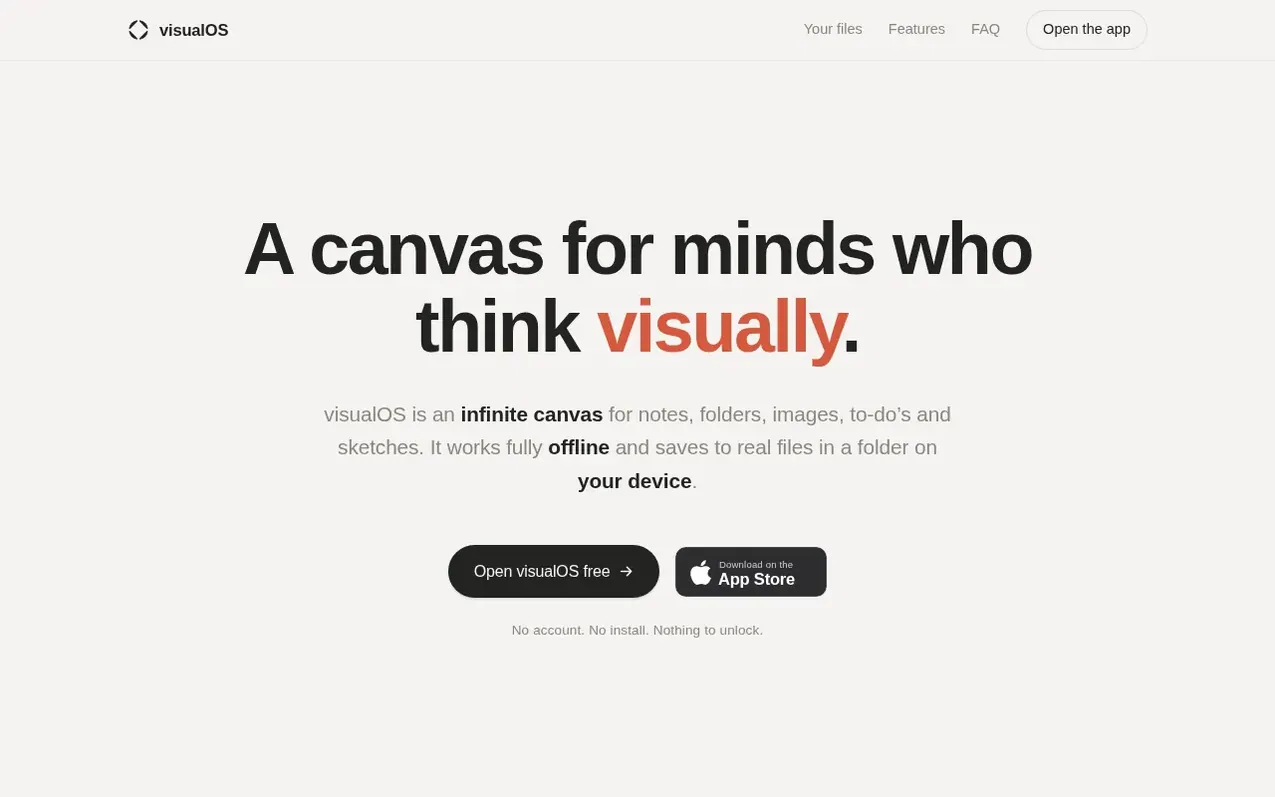
visualOS is a local-first infinite canvas where you arrange notes, images, PDFs, documents, to-do lists and freehand sketches on an endless canvas. It runs in your browser and as a native app on iPhone, iPad and Mac, and works fully offline with no server involvement. Folders on the canvas become real folders on your disk, documents are saved as Markdown files, and images stay as ordinary image files. You can sync through your own iCloud or Dropbox folder while maintaining complete control and ownership of your data.
The app includes features like nested folders, full-text search, automatic version history, magnetic arrows for connecting elements, freehand drawing, interactive checklists, and high-resolution export. Everything happens on your machine with no account required, no sign-up, and no limits on notes or folders.
What it does
- Fully offline with no server required
- Real folders on disk and Markdown files
- Automatic version history with restore
- Sync via user's own cloud folder (iCloud, Dropbox)
- Nested folders to any depth
- Freehand drawing with pen and color
- Magnetic arrows for connecting elements
- Full-text search across all folders
- Interactive to-do lists on canvas
Pricing
Pricing model: Freemium
Browser: Free. Native app for iPhone, iPad and Mac: €14.99/$12.99 at launch (regular €19.99/$19.99), one-time purchase across all three devices, no subscription.
Shopper questions
What is visualOS?
visualOS is a local-first infinite canvas where you arrange notes, images, PDFs, documents, to-do lists and freehand sketches on an endless canvas. You can nest folders inside folders and it runs in your browser and as a native app, working fully offline.
Does visualOS work offline?
Yes, visualOS is local-first with no server, so your boards, notes and files work without an internet connection. Your content never leaves your device, and the only thing that needs network access is link preview.
Is there a mobile and desktop app?
Yes, there is a native app for iPhone, iPad and Mac that shows the full canvas and works offline, syncing through your own iCloud folder. The browser version stays free while the native app is a one-time purchase.
Is visualOS free?
Yes. The full app is free forever in the browser — no account, no sign-up, and no note or folder limit. There is no server to pay for, so there is nothing to cap. The native app for iPhone, iPad and Mac is a one-time purchase — €14.99/$12.99 at launch (regular €19.99/$19.99), no subscription, one purchase across all three devices.
Where is my data stored, and who owns it?
You do, in the most literal sense. When you connect a folder, folders on your canvas become real folders on your disk, documents become Markdown files, and images stay ordinary image files. No cloud database, no export step — the files are already yours. Point the folder at iCloud Drive or Dropbox and you get automatic backup and sync across your own machines, entirely under your control.
visualOS has a free listing. The owner can unlock the full profile with a paid launch for $5:
- Founder story (locked)
- Milestones (locked)
- Demo video (locked)
- Dofollow website link (locked)
Shoppers also viewed
- MyPaperKit
Design tools
- AI Kitchen Design
Design tools
- ideare
Design tools
- Matita
Design tools



