
Video To Text
AI-powered video and audio transcription with timestamps and subtitle exports
Transcribe videos and audio into clean text with AI accuracy, multilingual support, and easy exports in multiple formats.
About this launch
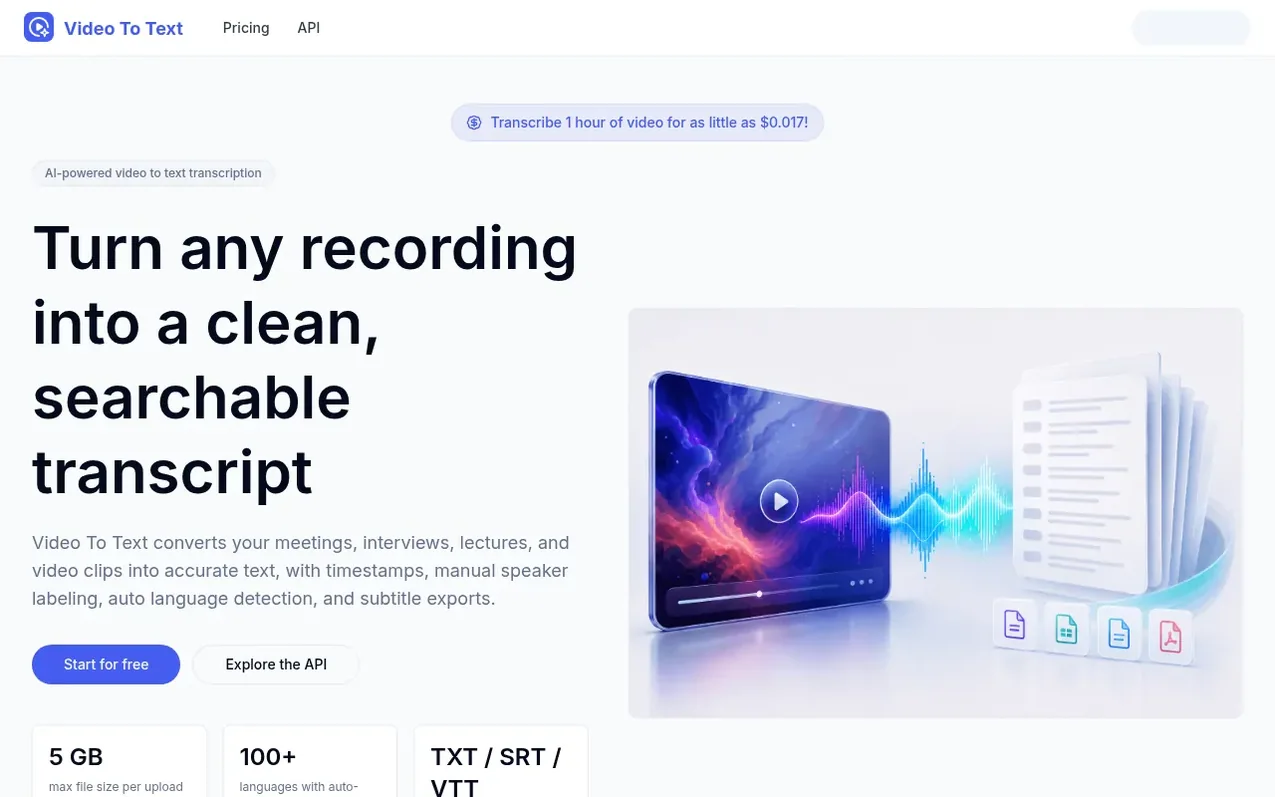
Video To Text converts your meetings, interviews, lectures, and video clips into accurate text with timestamps, manual speaker labeling, auto language detection, and subtitle exports. The tool supports over 100 languages and allows you to export transcripts as plain text, SRT subtitles, or VTT captions. It includes an in-browser editor where you can search by keyword, correct mistakes, and manually label speakers before exporting. Video To Text also offers an API for developers who want to integrate transcription directly into their own applications, with async processing and structured transcript output.
What it does
- Accurate AI-powered speech recognition
- Timestamped segments linked to recordings
- SRT and VTT subtitle export
- 100+ languages with auto-detection
- In-browser editor with search and speaker labeling
- Secure private uploads and transcripts
- Supports MP4, MOV, WEBM, MKV, MP3, WAV, M4A, AAC, and FLAC formats up to 5 GB
- API with async processing and structured output
Pricing
Pricing model: Freemium
Free plan available; paid monthly and yearly subscriptions; one-time credit packs valid for 1 year. Credits based on media duration, starting from $0.017 per hour of video.
Shopper questions
What is Video To Text?
Video To Text is an AI transcription tool that converts video and audio recordings into accurate, editable transcripts with timestamps and subtitle exports.
Does it work with audio files too?
Yes. Upload any common audio format like MP3, WAV, M4A, AAC, or FLAC and get the same accurate transcript you would get from a video file.
How do timestamps work?
Every transcript segment is linked to a specific moment in your recording. Click any line to jump to that point, and export SRT or VTT files for subtitles.
Can I use the API to transcribe inside my own app?
Yes. The Video To Text API lets developers submit media, retrieve timestamped transcripts, and integrate transcription into any product or workflow.
How are credits calculated?
Credits are based on the duration of your audio or video. A longer file uses more credits than a shorter one.
Video To Text has a free listing. The owner can unlock the full profile with a paid launch for $5:
- Founder story (locked)
- Milestones (locked)
- Demo video (locked)
- Dofollow website link (locked)
Shoppers also viewed
- v2md
Voice & transcription
- Shepit
Voice & transcription
- Saidwire
Voice & transcription
- SpeechText.AI
Voice & transcription