UXbeam
Free tree testing tool for testing information architecture
UXbeam is a free tool that tests whether users can find information in website and app navigation structures by asking participants to complete realistic tasks.
About this launch
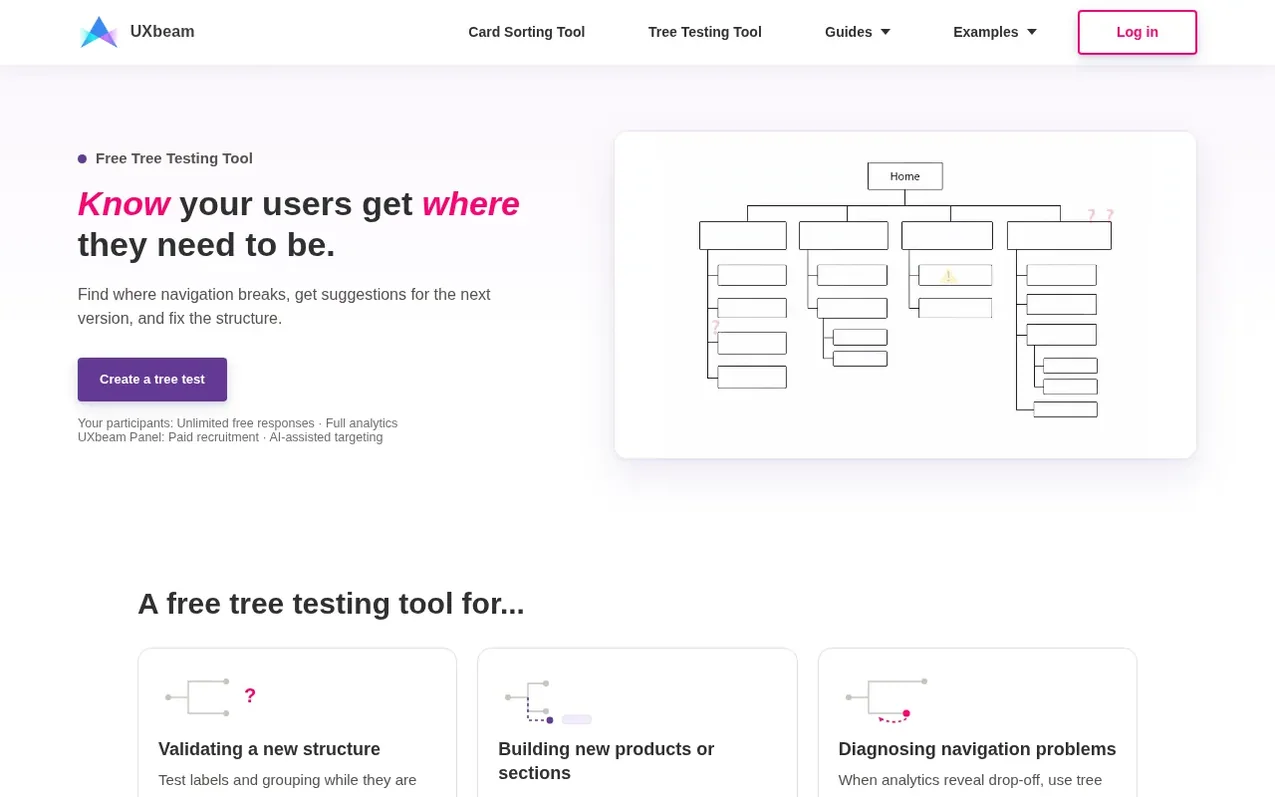
UXbeam is a free tree testing and card sorting platform for user research. It lets you test whether users can navigate proposed information architecture by presenting them with a text-only version of your navigation structure and asking them to complete realistic tasks. The platform provides unlimited studies, unlimited participants and responses, and complete analysis including task outcomes, first clicks, final destinations, navigation paths, and time per task. UXbeam includes methodological safeguards like leading-task detection and path replay visualization. It also offers card sorting to discover how users naturally group content, and can connect both methods in a single workflow. You can import structures from outlines, CSV, or previous card sorts, and export results as participant CSV, tree text files, or SVG menu cards. The platform supports mobile participation, multiple correct destinations per task, and iterative testing with versioned results.
What it does
- Unlimited tree-testing studies and participants
- Leading-task detection to catch biased wording
- Path replay visualization of participant navigation
- Task outcome breakdown into direct, indirect, and elsewhere
- Full-scenario completion tracking across multiple tasks
- Mobile-compatible participant experience
- Integrated card sorting with tree testing workflow
- Multiple valid destinations per task
- Iterative testing with versioned results
- Complete CSV export of participant-level results
Pricing
Pricing model: Free
Free for unlimited tree testing and card sorting studies, unlimited participants and responses, and full analysis. Participant recruitment through UXbeam's panel starts at $1 per participant-minute.
Shopper questions
What does a tree test tell you that product analytics cannot?
Product analytics can show where users drop off or struggle. A tree test isolates the navigation so you can see whether labels or structure are causing the problem, including participants' first choices, paths, backtracking and final destinations.
How does UXbeam compare with other free tree testing tools?
Free tree testing tools often limit response counts or access to results. On UXbeam there is no cap on studies or on participant responses, every collected response is viewable, the complete analysis is included, and you can export participant-level results at no cost.
How do I import a navigation tree?
Paste an indented outline, upload a CSV or TXT file, or import a candidate structure from a UXbeam card-sorting study.
Can participants take a tree test on a phone?
Yes. The participant experience works in mobile and desktop browsers.
Tree testing or card sorting: which should you run?
Use card sorting when you need to learn how participants group the content. Use tree testing when you have a candidate structure and need to know whether users can find what they need. Many teams run a card sort first, build a candidate sitemap from it, and tree test that.
UXbeam has a free listing. The owner can unlock the full profile with a paid launch for $5:
- Founder story (locked)
- Milestones (locked)
- Demo video (locked)
- Dofollow website link (locked)
Shoppers also viewed
- Iconaut
Design tools
- Voilà Charts
Design tools
- MockShot Studio
Design tools
- BannerSplitter
Design tools