
UseIt Studio
AI design co-pilot for physical products
Design with AI, refine every detail, and prepare files to print, cut or fold. Turn ideas into physical products through conversational editing and 3D previews.
About this launch
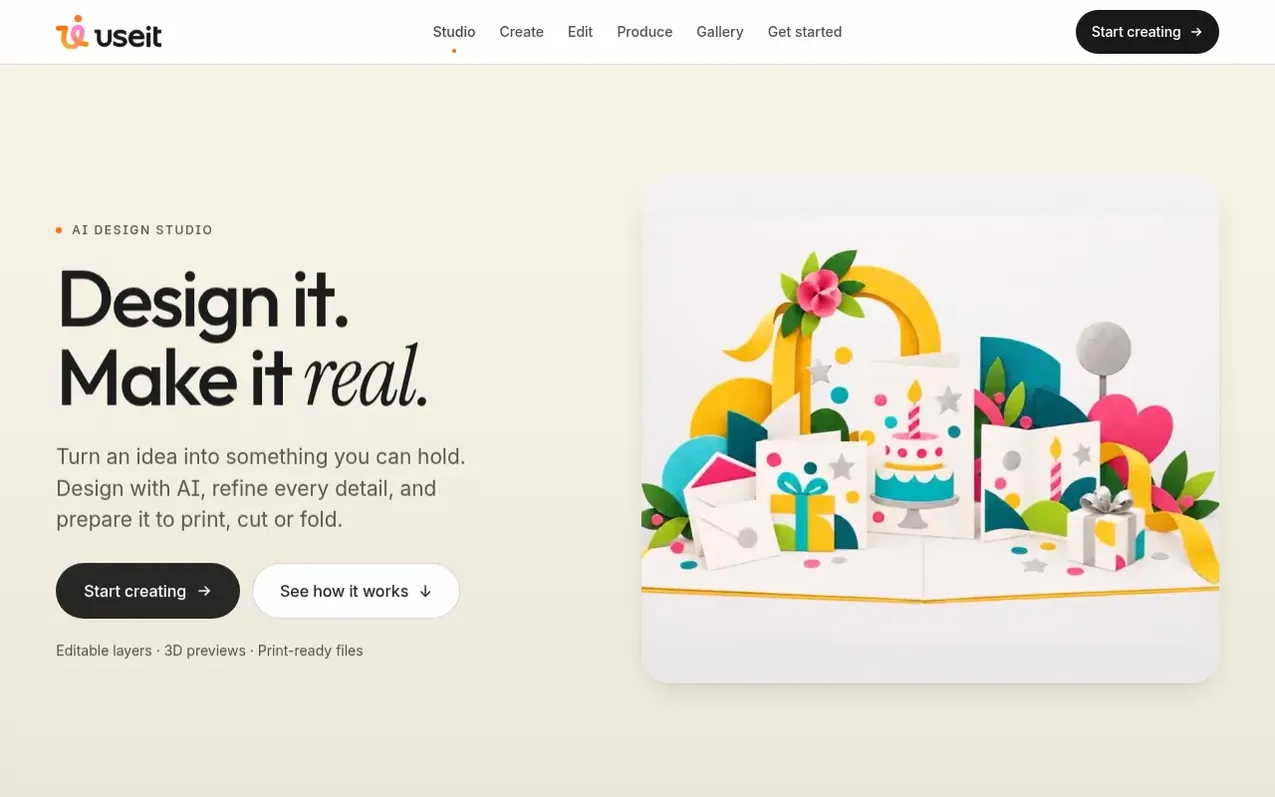
UseIt Studio is an AI design co-pilot that lets you turn ideas into physical products. Describe what you want, and the AI generates designs. Edit by describing changes in natural language—the AI modifies specific elements while preserving your vision. The platform supports editable layers, 3D previews, and print-ready file preparation. You can create small projects, brand systems, personal gifts, stickers, packaging, cards, and other everyday objects. Designs are prepared with cut lines, bleed settings, and production specs ready for manufacturers. The Gallery lets you publish designs as reusable templates others can customize for a credit cost you set.
What it does
- Conversational editing by describing changes in natural language
- Matching sets creation from single artwork
- Editable layers for text, graphics and vectors
- Live 3D preview
- Automatic cut line generation
- Production-ready file export
- Adobe Illustrator integration
- Gallery for publishing reusable templates
- Windows desktop app
- Bleed and crease layer management
Pricing
Pricing model: Freemium
Shopper questions
What can I create with UseIt Studio?
You can create small projects, brand systems, personal gifts, stickers, packaging, pins, cards, invitations, keepsakes, and everyday objects. Designs can be single items or matching sets across multiple products.
How do I edit designs in UseIt?
You edit by selecting what to change and describing it in natural language. UseIt modifies only that part while keeping the rest of your design intact. You can also edit individual layers for text, graphics, and vectors.
Are files ready for production?
Yes. UseIt generates 3D previews, adds cut lines automatically, prepares bleed settings, creates white ink layers for shaped pieces, and exports files in production-ready formats like PDF and AI files ready for Illustrator.
Can I share my designs with others?
Yes. You can publish designs to the Gallery where others can use them as templates, customizing text and images. You set whether it is free or costs credits.
Is there a desktop app?
Yes. UseIt offers a Windows app (version 0.5.2, 435 MB) that you can use from your desktop, in addition to the browser-based studio.
UseIt Studio has a free listing. The owner can unlock the full profile with a paid launch for $5:
- Founder story (locked)
- Milestones (locked)
- Demo video (locked)
- Dofollow website link (locked)
Shoppers also viewed
- MyPaperKit
Design tools
- AI Kitchen Design
Design tools
- ideare
Design tools
- Matita
Design tools



