
Ultramock
Premium product visuals for apps, websites and SaaS
Browser-based design tool for turning app, website and SaaS screens into polished images and motion for launches, marketing, websites and portfolios.
About this launch
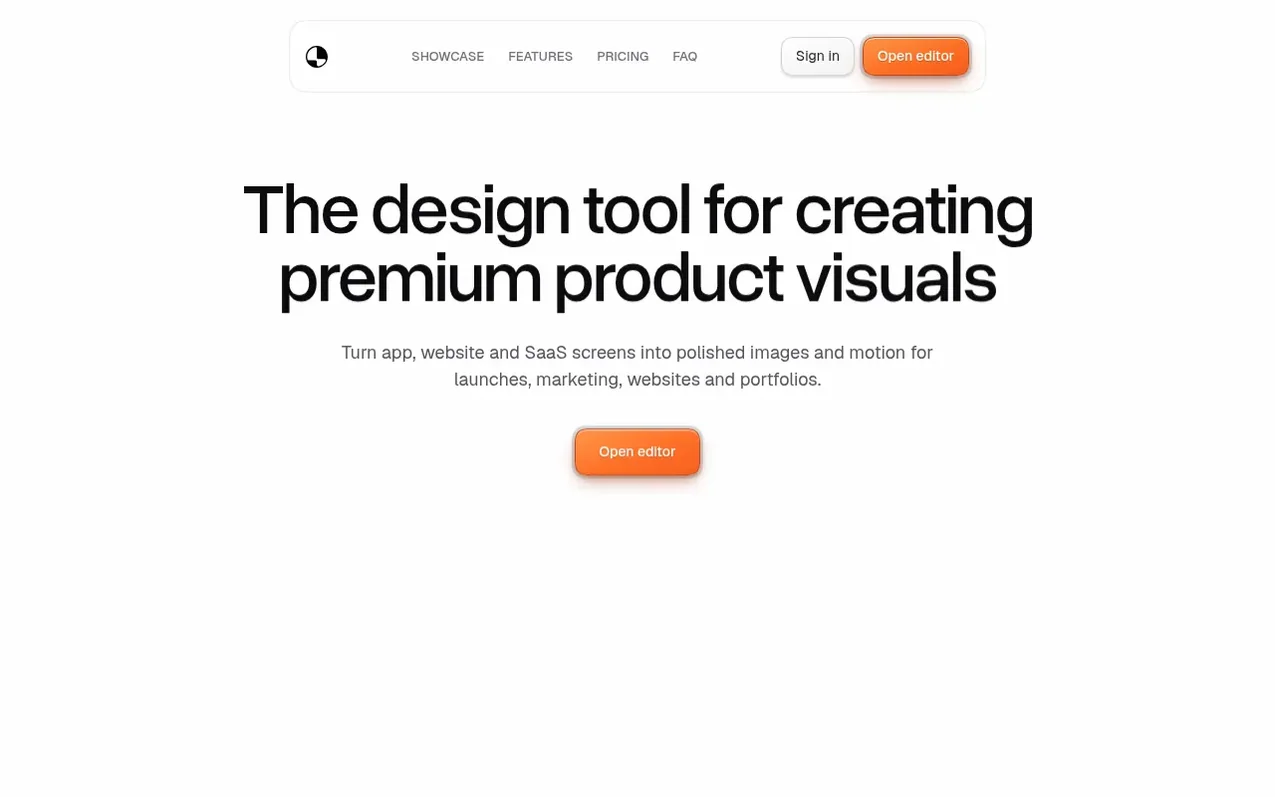
Ultramock is a browser-based creative studio for creating product visuals from app, website and SaaS screens. Users can compose scenes with detailed 3D device models, adjust camera angles, control depth of field and lighting, apply visual effects, and export finished images and videos without installing any additional software.
The workflow follows three steps: capture or import screenshots and recordings, compose the scene using pre-made templates or custom setups, and export high-resolution images and videos ready for launches, marketing, websites and portfolios. The tool renders real 3D scenes in the browser using WebGL technology.
What it does
- Detailed 3D device models and custom 3D scenes
- Depth of field, bloom, grain and colour effects
- Camera animation and image or video export
- Transparent image and video export options on Pro
- Starter templates and cloud projects
- Chrome extension for capturing browser tabs
- Up to 5120 px image and 3840 px video export
- Save and reuse custom templates on Pro
Pricing
Pricing model: Freemium
Free: $0 with core creative editor, basic 3D models, watermarked image and video exports (720p 30fps landscape, 3 per 24 hours). Pro (monthly): $20/mo with unlimited watermark-free exports up to 4K, transparent images and videos, premium 3D models, custom 3D scenes, full asset library and MCP contro
Shopper questions
What is Ultramock?
Ultramock is a browser-based creative studio for turning app, website and SaaS screens into polished images and motion. Users can compose their work with detailed 3D devices, camera control, depth of field, lighting and effects, then export it without installing a separate app.
Is Ultramock easy to use?
The workflow is focused: add your content, choose a starting point, shape the camera and export. Every control updates the preview as you work, so you can make visual decisions in context.
Can I export videos?
Yes. Free includes watermarked 1280 × 720 landscape video at up to 30fps within the shared export allowance. Pro adds higher resolutions, square and portrait output, up to 60fps, motion blur, watermark-free output and transparent-video options.
What do I get on the free plan?
Free includes the core creative editor, basic 3D models, camera, depth-of-field, motion and effects controls, plus watermarked image and 720p 30fps landscape video exports. Three image or video exports are shared per rolling 24 hours.
How much does Ultramock cost?
Pro is $20/mo billed monthly, or $120/yr billed annually, a saving of 50%, effectively 6 months free. A Free plan is available without a subscription.
Ultramock has a free listing. The owner can unlock the full profile with a paid launch for $5:
- Founder story (locked)
- Milestones (locked)
- Demo video (locked)
- Dofollow website link (locked)
Shoppers also viewed
- MyPaperKit
Design tools
- AI Kitchen Design
Design tools
- ideare
Design tools
- Matita
Design tools



