TokLiveRecorder
Record TikTok LIVE streams in original quality from any browser
A cloud-based TikTok LIVE recorder that captures streams in original quality as MP4 files without installation, accessible from any browser on phones and
About this launch
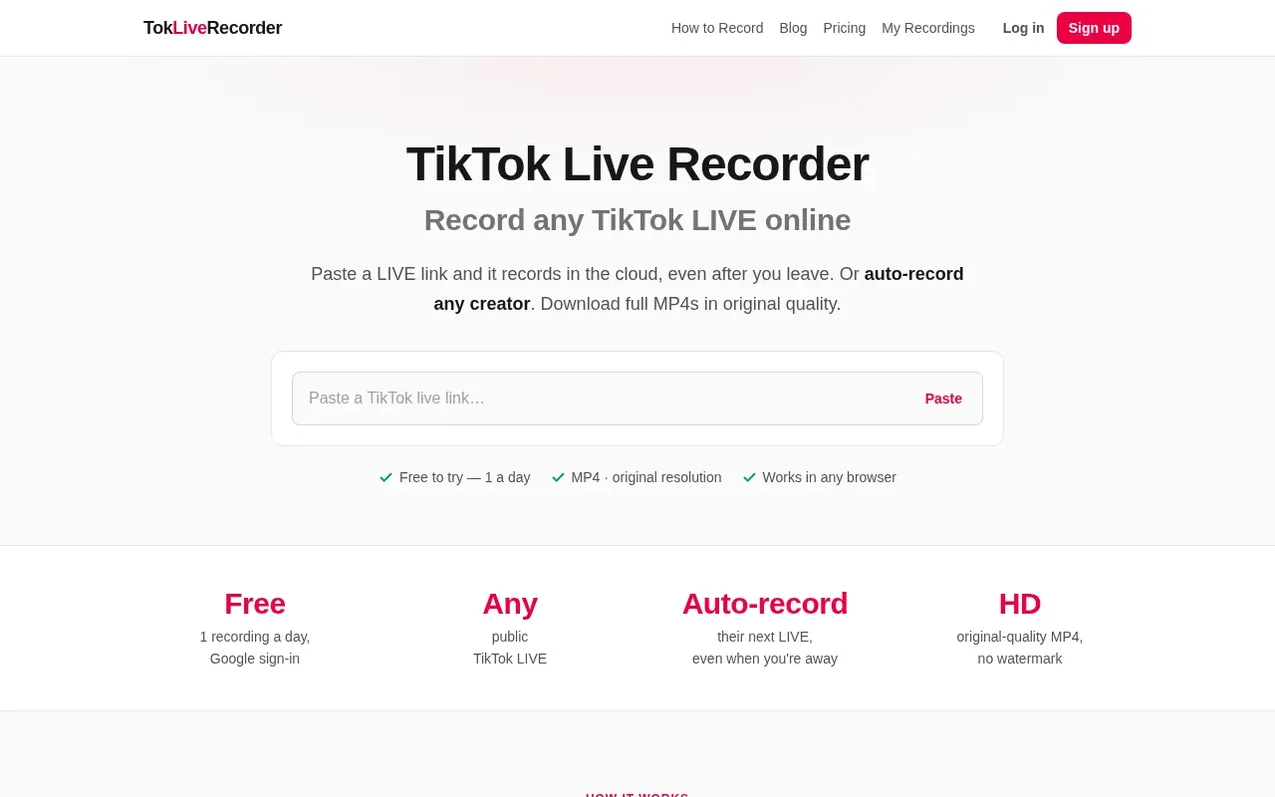
TokLiveRecorder is a web-based tool that records TikTok LIVE streams in the cloud, capturing them in original quality as MP4 files. Users can paste a LIVE link or enable auto-record for creators, and the recording continues even after closing the browser tab or turning off their phone. The service works on any device with a modern web browser—iPhone, Android, or computer—with no installation required.
The platform offers three plans: a Free tier with 1 recording per day up to 20 minutes, Pro for $9.99/month with 30 hours monthly and 3-hour per-recording limits, and Studio for $19.99/month with 120 hours monthly and 6-hour limits. All recordings are stored in original stream quality without watermarks or re-compression. Cloud recordings are kept for 3 days on Free, 7 days on Pro, and 30 days on Studio. The service also offers a desktop app for Windows and Mac that records from TikTok, Twitch, Kick, YouTube, and X.
What it does
- Cloud recording in original quality without installation
- Auto-record creators when they go live
- Recording continues after closing the browser tab or turning off phone
- Works on iPhone, Android, and computers with any browser
- No watermark or re-compression
- Desktop app for Windows and Mac records Twitch, Kick, YouTube and X
- Email notification when recording is ready
- Multiple simultaneous recordings on paid plans
Pricing
Pricing model: Freemium
Free: 1 recording per day up to 20 minutes, auto-record 1 creator, files kept 3 days. Pro: $9.99/month, 30 hours per month, 3 hours per recording, auto-record 5 creators, files kept 7 days. Studio: $19.99/month, 120 hours per month, 6 hours per recording, auto-record 20 creators, files kept 30 days.
Shopper questions
How do I record a TikTok LIVE stream?
Copy the link of a TikTok LIVE that is on right now, paste it into the box at the top of the page and press record. The servers capture the stream in its original quality while you do something else, and the finished MP4 appears on the page for you to download. Nothing to install, and it works in any browser on iPhone, Android or a computer.
Can I download a TikTok LIVE that has already ended?
No. A LIVE can only be saved while it is still on air. TikTok keeps a replay only for the creator in LIVE Center for about 30 days. Set up auto-record so the next one is captured for you.
How can I automatically record TikTok live streams?
Turn on auto-record for a creator. The service checks every 5 minutes whether they are live (every 30 minutes once a creator hasn't been live for a week), starts recording in the cloud as soon as they are, and emails you when the MP4 is ready. The Free plan auto-records one creator, Pro covers up to 5 creators and Studio up to 20.
Does TokLiveRecorder keep recording if I close the tab or turn off my phone?
Yes. TokLiveRecorder records TikTok LIVE streams on its own servers, so once a recording has started you can close the tab, lock your phone or turn it off and the recording keeps going. Notifications and phone calls cannot interrupt it.
Can I record a TikTok LIVE on iPhone without screen recording?
Yes. Open TokLiveRecorder in Safari or any browser on your iPhone, paste the TikTok LIVE link, and the service records the stream on its servers instead of capturing your screen. Notifications, calls and locking your iPhone do not interrupt it, and there is no app to install.
TokLiveRecorder has a free listing. The owner can unlock the full profile with a paid launch for $5:
- Founder story (locked)
- Milestones (locked)
- Demo video (locked)
- Dofollow website link (locked)
Shoppers also viewed
- Soundtool
Audio editing
- Echoteka
Audio editing
- EzVisualizer
Audio editing
- EraseNoise
Audio editing