
EraseNoise
Remove background noise from audio and video with AI
An online tool that removes background noise like wind, fans, traffic, and room rumble from audio and video files. Upload a recording, preview 30 seconds free
About this launch
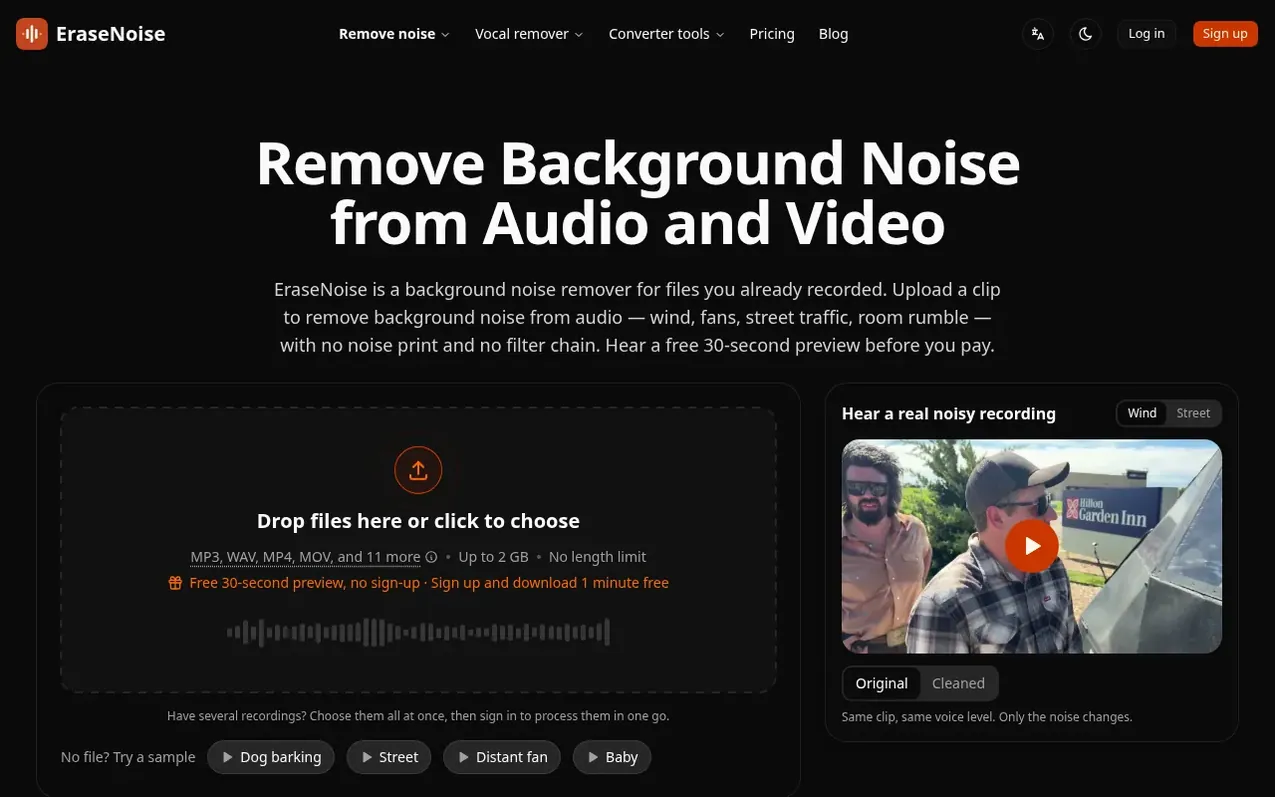
EraseNoise removes background noise from audio and video files without requiring manual editing or filter chains. Upload an MP3, WAV, MP4, MOV, or other supported format directly from your device—no need to export audio first. The tool provides a free 30-second preview before processing the full file, letting you compare the original and cleaned versions to decide if the result meets your needs.
For videos, the cleaned audio is placed back on the original video file with the picture untouched, or exported as a 48 kHz WAV for use in video editors like Premiere Pro, DaVinci Resolve, or CapCut. The tool is designed for content creators, podcasters, educators, and anyone who records on phones, cameras, or computers and needs to remove steady background noise like wind, fans, air conditioning, traffic, electrical hum, or breathing sounds.
Accounts are optional for a single 30-second preview; signing up gives 20 previews daily and a free first minute of processing. Paid plans offer minute packs that never expire, or a Pro subscription with 20 hours monthly for regular creators.
What it does
- Free 30-second preview before payment
- Upload video files directly (MP4, MOV, M4V, WebM)
- Picture copied unchanged with no re-encoding
- Export as WAV for use in video editors
- Adjustable noise reduction strength
- Remove wind, fans, traffic, hum, echo, and reverb
- Stereo stays stereo on two-mic interviews
- Files deleted automatically after 24 hours
- No account required for preview
- Free silence removal tool in browser
Pricing
Pricing model: Freemium
Free tier: 1 free minute when you sign up, unlimited silence removal, free 30-second previews. Pro: $9.99/month with 20 hours of processing per month. 20 Minute Pack: $1.99 (expires never). 1 Hour Pack: $4.99. 10 Hour Pack: $14.99.
Shopper questions
How do I remove background noise from audio?
Upload the recording, compare a 30-second preview original and cleaned before paying, then download the full file if the cleaned voice sounds better. The same steps remove background noise from a video soundtrack.
Can I remove background noise from a video without exporting the audio?
Yes. Upload the MP4, MOV, M4V, or WebM directly (up to 2 GB); you do not export the audio first. EraseNoise cleans the voice and puts the soundtrack back on the same video. H.264 and HEVC pictures are copied unchanged, so there is no quality loss; other codecs are converted to H.264.
What noise can EraseNoise remove?
EraseNoise lowers noise behind speech including wind, fans, air conditioning, traffic, and hum. In tests it also removes barking dogs, babies, breathing, and kitchen sounds. Keystrokes on top of words and other people shouting are weak cases. Use other tools for echoes, room reverb, or music under speech.
How well does EraseNoise remove noise?
On 24 real recordings from the Microsoft DNS Challenge, the background score rose from an average of 2.45 to 4.13 out of 5, and overall quality from 2.14 to 3.18. Dogs, fans, traffic, and scrubbing dropped the most; typing barely changed.
Do minutes ever expire?
No. Minutes from purchased packs never expire, so unused minutes roll over from month to month.
EraseNoise has a free listing. The owner can unlock the full profile with a paid launch for $5:
- Founder story (locked)
- Milestones (locked)
- Demo video (locked)
- Dofollow website link (locked)
Shoppers also viewed
- EzVisualizer
Audio editing
- SCloudConvert
Audio editing
- Disband
Audio editing
- CocoReader
Audio editing