
Tesla Wrap Online
Free 3D Tesla wrap designer and Paint Shop PNG exporter
A browser-based 3D wrap design tool for Tesla owners to customize vehicle wraps, preview them on a 3D model, and export Paint Shop-ready PNG files.
About this launch
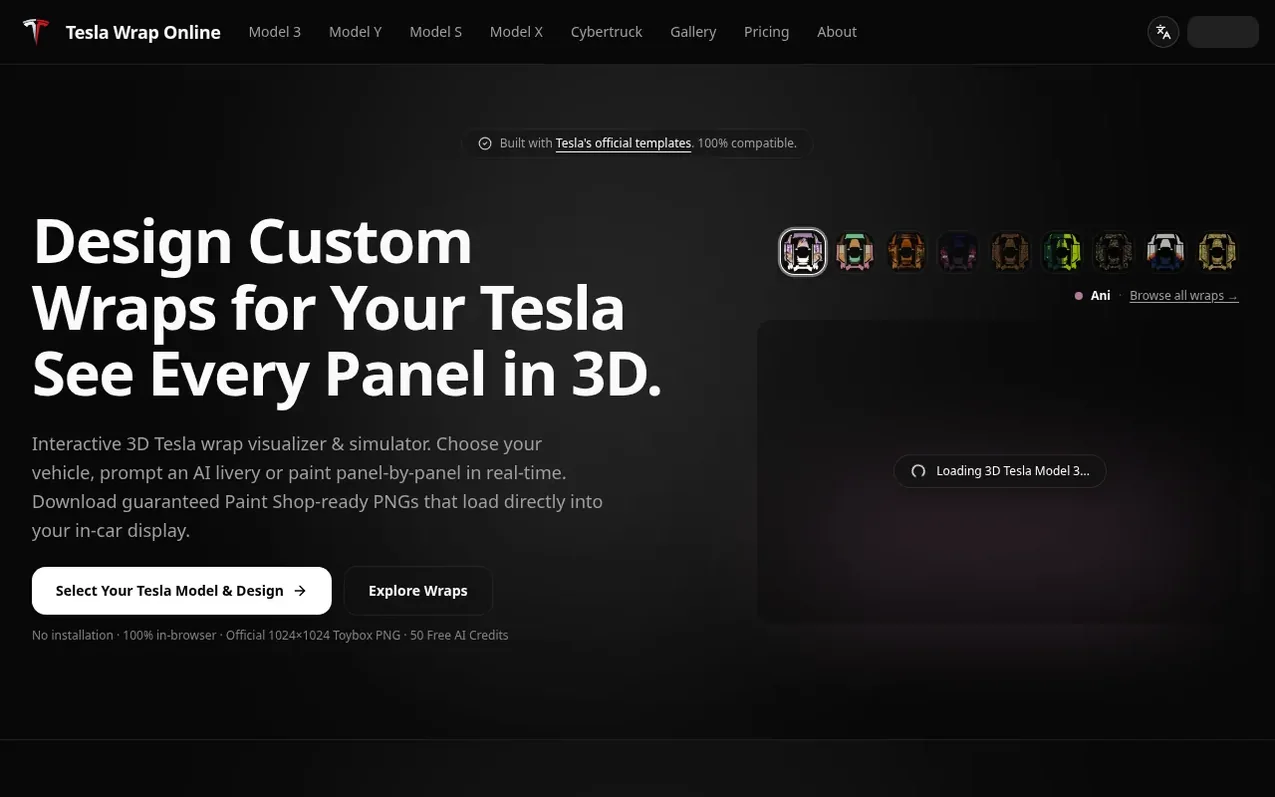
Tesla Wrap Online is a free web-based tool for designing custom wraps for Tesla vehicles. Users select from 12 official Tesla templates covering Model 3, Model Y, Model S, Model X, and Cybertruck, then paint individual panels with zero seam bleed, upload custom artwork, or use AI text-to-wrap generation to create designs. Every design is previewed in real-time on a 3D interactive vehicle model from every angle.
The tool exports PNG files verified against Tesla's strict specifications: exactly 1024×1024 pixels (or 1024×768 for Cybertruck), 8-bit sRGB, under 1 MB, with legal filenames under 30 characters. Exported files work with Tesla's Paint Shop, displayable on the in-car touchscreen via USB drive or wireless sync through the Tesla Mobile App (v4.59+).
Designs can also be printed as high-resolution templates for professional automotive wrap shops, or synced wirelessly to the official Tesla app as a personalized 3D avatar. The service offers 50 free AI credits, permanent credit packs with no expiration, and a community gallery of 60+ ready-to-use wrap designs.
What it does
- Interactive 3D WebGL vehicle preview
- 2D flat panel UV unwrap painting
- Tesla Paint Shop-ready PNG export under 1MB
- 250+ Tesla library presets
- AI text-to-wrap generation
- Panel-by-panel coloring with zero seam bleed
- Custom artwork and SVG/PNG import
- Wireless sync to Tesla Mobile App
- USB and Tesla App upload support
Pricing
Pricing model: Free trial
Free with 50 AI credits included. Optional credit packs: Starter $9.90 for 800 credits (~16 AI wrap runs), Popular $19.90 for 2,000 credits including 200 bonus (~40 AI wrap runs), Pro Studio $49.90 for 6,000 credits including 1,000 bonus (~120 AI wrap runs). All credits are permanent and never expir
Shopper questions
Is this a real wrap, or a picture on a screen?
It is a picture on a screen. Tesla's Paint Shop renders a custom skin on the car's centre display and does not change the paint. For film on the actual bodywork, you need to take the design to a wrap shop, which requires a different file than the PNG this tool exports.
What file does Paint Shop accept?
Paint Shop accepts PNG files only, between 512×512 and 1024×1024 pixels, no larger than 1 MB, with a filename of letters, numbers, underscores, dashes and spaces only, up to 30 characters. The export tool checks all of these before download.
How do I get the file onto the car?
There are two ways: save the PNG to a Wraps folder on a USB drive (exFAT, FAT32, MS-DOS FAT, ext3 or ext4) and plug it into the glovebox, or use Tesla app version 4.59.0 or later to push it wirelessly via Creations → Wrap → Upload.
Can I use my own artwork or an AI-generated image?
Yes. Any image is automatically scaled to the template and masked to the panel area so it cannot spill onto surfaces the car does not have. You can choose how it maps: fill the panel, tile as a pattern, or place it as a decal.
My wrap will not load. What usually goes wrong?
In order of frequency: the file is over 1 MB, the filename is too long or contains a character the car rejects, the USB stick is NTFS, or the stick also has a firmware update on it. The car does not report which one it was, so check all four.
Tesla Wrap Online has a free listing. The owner can unlock the full profile with a paid launch for $5:
- Founder story (locked)
- Milestones (locked)
- Demo video (locked)
- Dofollow website link (locked)
Shoppers also viewed
- Iconaut
Design tools
- Voilà Charts
Design tools
- MockShot Studio
Design tools
- BannerSplitter
Design tools