Story Planner for Writers
Outline your novels and screenplays on iPhone, iPad, and Mac
A writing planning app that helps novelists and screenwriters outline their stories and organize their writing projects across Apple devices.
About this launch
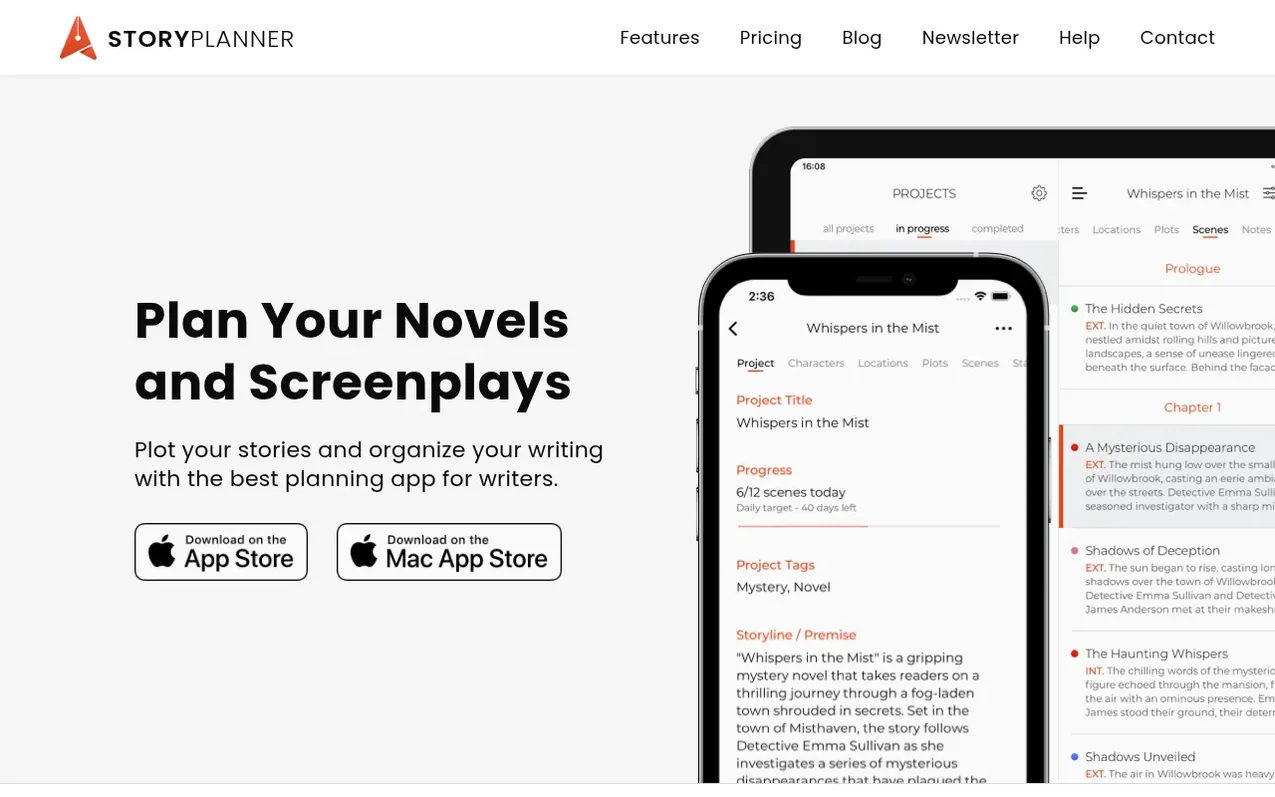
Story Planner is a writing application designed for novelists and screenwriters to outline and plan their stories. Users can arrange scenes and chapters or acts, assign colors to plots, and view story statistics at a glance. The app includes a Revision Mode to generate clean outlines for review and export.
The application offers a distraction-free writing interface with rich text formatting, project organization, note-taking, and template creation. Writers can set deadlines and goals to track their progress, with widget support for daily motivation.
Story Planner supports cross-platform syncing across iPad, iPhone, and Mac, allowing writers to access their projects from anywhere. The app can export to multiple formats including PDF, Word, RTF, Scrivener, Final Draft, and Ulysses, and supports working with favorite word processors in split view.
What it does
- Scene and chapter/act arrangement with color-coded plot tracking
- Story statistics and overview at a glance
- Revision Mode for clean outline generation
- Distraction-free full-screen writing interface
- Rich text formatting options
- Project templates for quick setup
- Deadline and goal tracking with progress widgets
- Multi-format export (PDF, Word, RTF, Scrivener, Final Draft, Ulysses)
- Cross-platform sync across iPad, iPhone, and Mac
- Split view compatibility with word processors
Pricing
Pricing model: Paid
iPhone & iPad: $8.99 (one-time purchase, requires iOS 15.3+); Mac: $12.99 (one-time purchase, requires macOS 12.2+). Local pricing may differ by country.
Shopper questions
Do I need to pay a subscription to use Story Planner?
No, Story Planner uses a one-time purchase model with no subscriptions required. You pay once for the full version on each platform.
Can I access my projects on all my Apple devices?
Yes, Story Planner syncs across iPad, iPhone, and Mac, so you can access all your writing projects on any of these devices.
What formats can I export my projects to?
You can export your projects to PDF, Word, RTF, Scrivener, Final Draft, and Ulysses formats.
Can I write my entire story in Story Planner?
Story Planner is designed for outlining and planning your stories. You can take notes and develop your writing projects, with the option to export to your favorite word processor for manuscript writing.
Story Planner for Writers has a free listing. The owner can unlock the full profile with a paid launch for $5:
- Founder story (locked)
- Milestones (locked)
- Demo video (locked)
- Dofollow website link (locked)
Shoppers also viewed
- StoriesDen
Writing & Content
- food.fast
Writing & Content
- MemoirWell
Writing & Content
- PlotForge
Writing & Content