AI Misuse & Training Audit
Protect your content from AI training and misuse
Discover how Instagram, YouTube, TikTok and others use your content for AI training. Check settings, opt-out options and limits. Free, no signup.
About this launch
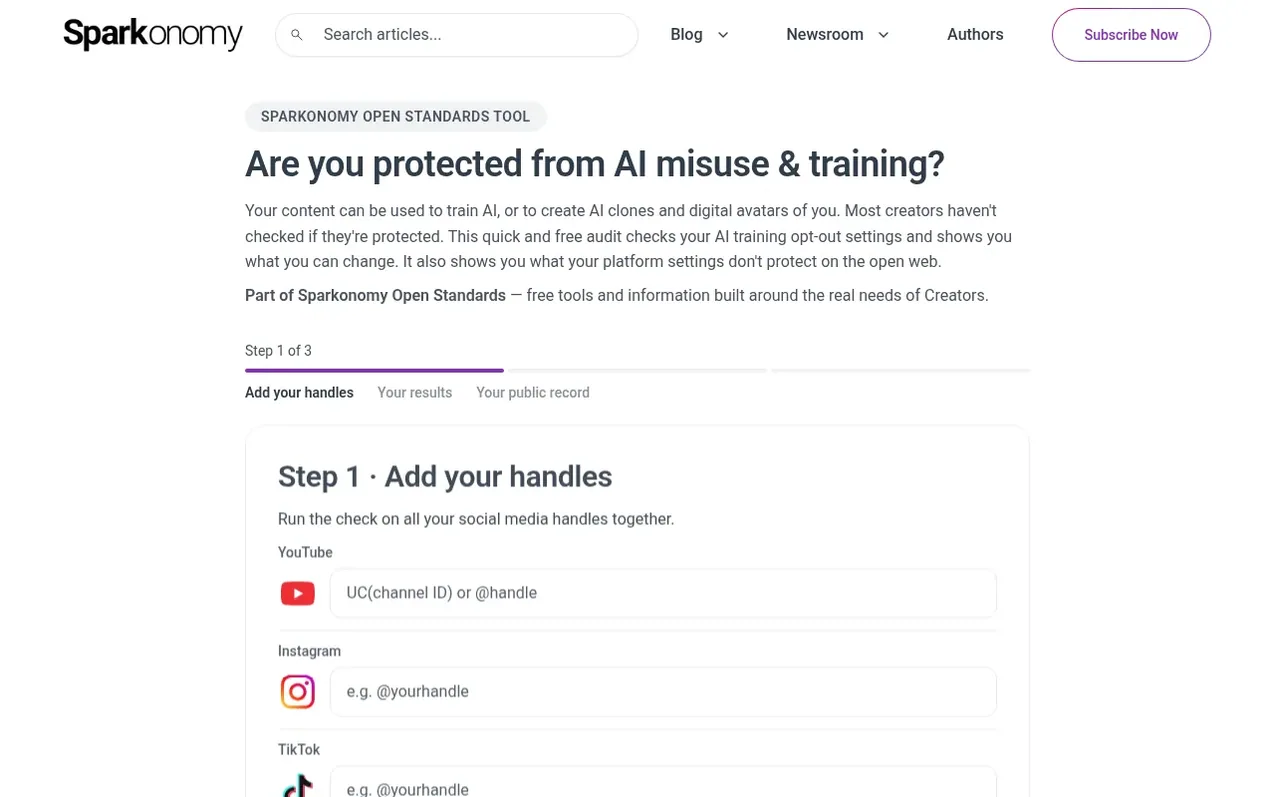
Sparkonomy is building intelligence infrastructure for the creator economy. The platform provides creators with tools to manage and scale their business, including AI-driven insights on trends, content strategy recommendations, and creative workflow tools. A key focus is the Open Creator Graph, foundational infrastructure for creator identity and consent that helps creators be discovered and accurately understood in an AI-first world while giving them greater control over how their identity and work can be used. Sparkonomy's proprietary Creator Genome analyzes creators' videos, audio, images and text to understand the creative DNA of their work, powering a personalized AI Agent Team. The company also provides strategic, financial and legal support to help creators turn their work into sustainable businesses.
What it does
- Free AI training audit across multiple platforms
- Creator identity and consent infrastructure
- AI-driven content strategy recommendations
- Personalized AI Agent Team
Pricing
Pricing model: Free
Shopper questions
How do I stop AI companies from training on my YouTube content?
Open YouTube Studio, then Settings → Channel → Advanced settings, scroll down to "Third-party training" and set the toggle. If your channel is managed by a Content Manager or MCN, this control may live there instead. YouTube exposes a public API for this status, but it samples one video and can trail Studio by up to 7 days, so treat an API result as a hint and confirm in Studio.
How do I opt out of AI training on Instagram?
On mobile: Profile → menu (⋯ top right) → scroll to "More info and support" → "Privacy Center" → "Privacy topics" → "Generative AI on Meta" → "More resources" → "How Meta uses information for generative AI models" → "Privacy and generative AI" → "Learn more and submit requests here", then fill in the form. On desktop, Meta's AI data objection form can be opened directly from Facebook's help pages. Note that Meta has no on/off switch for this — the form is an objection and Meta decides. Outside the EU they often never reply, so record the date you submitted it.
How do I opt out of AI training on TikTok?
You cannot. TikTok has no setting to turn this off. In the EU and UK its Privacy Center carries a separate "right to object" form — outside those regions there is no route at all.
How do I object to Meta using my Facebook content for AI?
On mobile: Menu (⋯ top left) → "Settings & privacy" → scroll to "Privacy Center" → "Privacy topics" → "Generative AI on Meta" → "More resources" → "How Meta uses information for generative AI models" → "Privacy and generative AI" → "Learn more and submit requests here", then fill in the form. On desktop, Meta's AI data objection form opens directly from Facebook's help pages. Meta has no on/off switch here — the form is an objection and Meta decides, so keep your own record of the date you submitted it.
AI Misuse & Training Audit has a free listing. Relaunches in the launch week of 23 November 2026. The owner can unlock the full profile with a paid launch for $5:
- Founder story (locked)
- Milestones (locked)
- Demo video (locked)
- Dofollow website link: not on this free listing yet (a top 3 finish in a launch week makes it dofollow)