SoundRange
Per-app volume control for Mac, right from the menu bar
SoundRange gives every app on your Mac independent volume control, output selection, equalizer, and noise removal from the menu bar.
About this launch
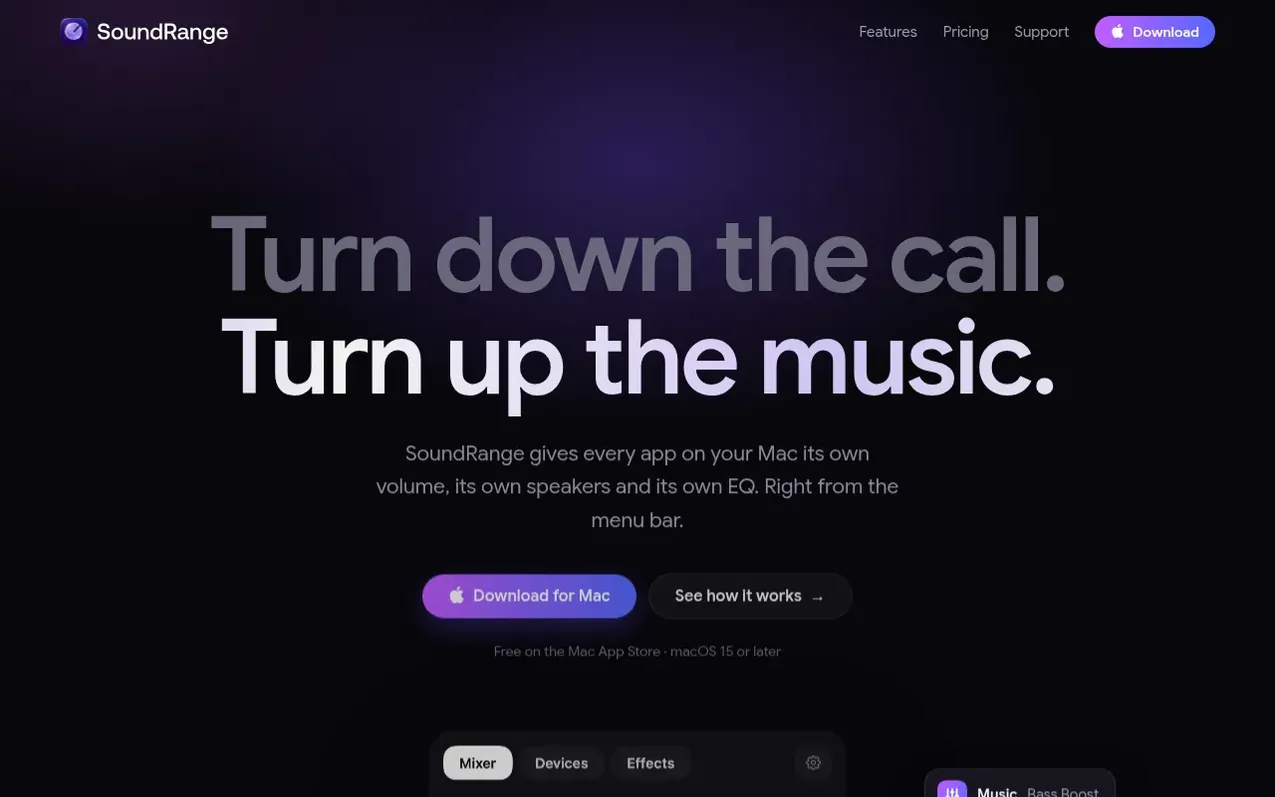
SoundRange is a macOS utility that provides independent volume, speaker, equalizer, and noise removal control for each application on your Mac. The mixer shows every app making sound with its own volume slider and live level meter. Per-app output routing lets you send different apps to different speakers, displays, or headphones simultaneously.
Features include a 10-band equalizer with presets for music and voice, noise removal for calls, volume overdrive up to 150%, auto-ducking to lower music during calls, and profiles to save and switch between different audio mixes. All audio processing happens locally on the Mac with no recording, cloud processing, or data collection.
What it does
- Per-app volume control with live level meters
- Per-app output routing to different speakers and devices
- 10-band equalizer with presets for each app
- Noise removal for calls and voice applications
- Auto-ducking to lower music during calls
- Saved profiles for different mixes
- Keyboard shortcuts for volume and controls
- Device priority and group outputs
- Balance and mono control per app
Pricing
Pricing model: Freemium
Free, with a one-time Pro upgrade for US$12.99. Free version includes volume and mute for every app, live level meters, output volume control, and balance/mono settings. Pro adds per-app output routing, noise removal, volume leveler, 10-band EQ, volume overdrive to 150%, device groups, profiles, key
Shopper questions
Why does SoundRange ask for System Audio Recording?
SoundRange needs System Audio Recording permission to pass each app's sound through itself on its way to your speakers. Nothing is recorded, saved or sent anywhere; the audio only passes through in real time. SoundRange has no network access at all.
How do profiles work?
Profiles save a mix of volume levels, mutes, outputs and EQ settings. You can create profiles like Focus, Meeting, Music or Night and switch between them with one click. Your current settings are highlighted while your mix matches a profile.
How do I try SoundRange Pro?
Click Upgrade to Pro in the SoundRange window and choose Try everything free for 14 days to start the trial. Pro settings are kept when the trial ends and return when you unlock Pro. Pro is shared with your family through Family Sharing.
What are device groups?
Device groups let you play audio to multiple outputs at the same time, like speakers in two rooms. SoundRange creates the group as an output that macOS can use, and removes it when SoundRange quits.
How do I try or restore SoundRange Pro?
Click Upgrade to Pro at the bottom of the SoundRange window, or any control with a lock. Choose Try everything free for 14 days to start the trial, or Restore Purchases on a new Mac. Pro is shared with your family through Family Sharing. When a trial ends, your Pro settings are kept and come back as soon as you unlock Pro.
SoundRange has a free listing. The owner can unlock the full profile with a paid launch for $5:
- Founder story (locked)
- Milestones (locked)
- Demo video (locked)
- Dofollow website link (locked)
Shoppers also viewed
- EzVisualizer
Audio editing
- EraseNoise
Audio editing
- SCloudConvert
Audio editing
- Disband
Audio editing