
Snipee
Screenshot app and screen recorder for Mac
Snipee is a screenshot app and screen recorder for Mac that captures your screen, annotates, blurs and records with sound.
About this launch
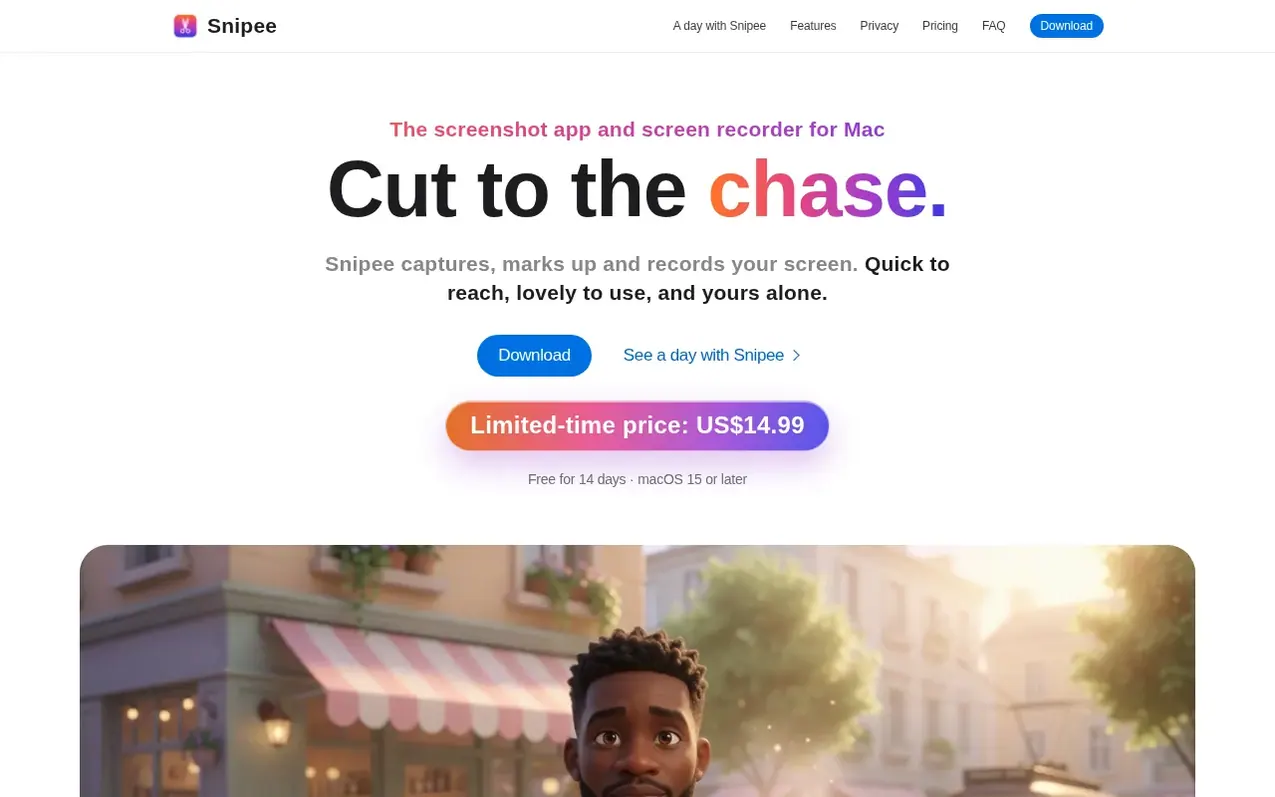
Snipee is a screenshot app and screen recorder for Mac. It captures, marks up and records your screen with features to annotate screenshots with arrows, boxes, numbered steps, a pen, highlighter, words and blur. You can grab text directly from your screen using OCR in English and the language you use Snipee in. For screen recording, Snipee records with sound and lets you draw on the screen as you talk. The app works offline, with captures and recordings staying on your computer. Everything is free to try for 14 days with all features included, then requires a one-time purchase to continue using new features.
What it does
- Mark up with arrows, boxes, numbered steps, pen, highlighter, words and blur right where you captured
- Delay capture with countdown to open menus or tooltips before capturing
- Blur or block sensitive information in screenshots
- Private while presenting - keeps selection and interface hidden from shared screens
- Grab text from screen with OCR in multiple languages
- Record screen with sound and draw while recording
- Auto-numbering steps in screenshots
- Customizable keyboard shortcuts
- Works offline with no account or tracking required
- Support for 8 languages including English, Chinese, Japanese, Korean, German, French and Spanish
Pricing
Pricing model: Free trial
US$14.99 one-time purchase after 14-day free trial. One purchase covers use on any two computers at the same time.
Shopper questions
Is Snipee a snipping tool for Mac?
Yes. Snipee is a screenshot app and screen recorder: snip an area, a window or the whole screen, annotate it with arrows, text, numbers, blur or blocks, then copy or save it. You can also record your screen with sound and draw on it while you record.
How is Snipee different from the Mac's built-in screenshots?
Snipee keeps going from basic capture: mark it up where you took it, blur or block what shouldn't be seen, grab the text, number your steps, draw while you record, cut your videos, and find it all again in the library.
What do I need to run Snipee?
A Mac with Apple silicon or an Intel processor, running macOS 15 or later.
Does Snipee upload my screenshots?
No. Your captures and recordings never leave your computer unless you send them somewhere yourself.
Can I use Snipee on more than one computer?
Yes. One license covers any two computers at the same time, whatever system they run.
Snipee has a free listing. The owner can unlock the full profile with a paid launch for $5:
- Founder story (locked)
- Milestones (locked)
- Demo video (locked)
- Dofollow website link (locked)
Shoppers also viewed
- EzVisualizer
Audio editing
- EraseNoise
Audio editing
- SCloudConvert
Audio editing
- Disband
Audio editing