
Shotomatic
Turn clicks into step-by-step guides
Shotomatic is a Mac screenshot automation tool that captures clicked actions and converts them into editable step-by-step guides for tutorials, support
About this launch
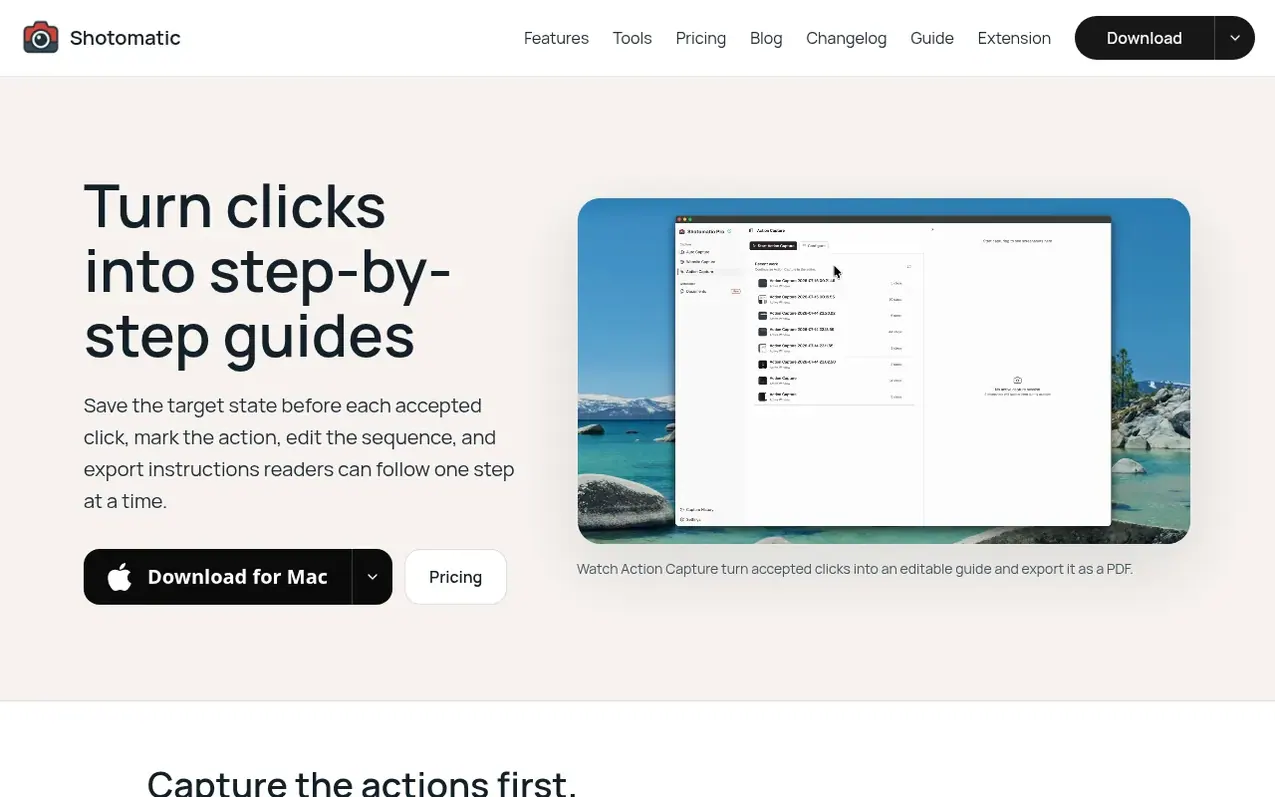
Shotomatic is a screenshot automation tool for macOS that helps users capture, schedule, and script screenshots. It features Action Capture, which saves the target state before each accepted click, marks the action location, and collects saved steps in an editable document that can be exported as clear visual guides.
The tool supports multiple capture workflows: hands-free timed capture for archiving multi-page content like books and webcomics, click-driven guides for creating step-by-step instructions, and batch website capture for recording multiple URLs at once. Users can edit captured pages, add annotations, and export in multiple formats including PDF, PNG, JPG, WebP, and ZIP.
Shotomatic is available in a free version with up to 5 captured steps per session, and a Pro version with unlimited steps, blur tools, click markers, and step numbers. The app works entirely offline and keeps all captures local to the user's Mac.
What it does
- Action Capture: save target state before each accepted click and create editable step-by-step guides
- Timed screenshot capture with configurable intervals
- Keypress automation to simulate keystrokes between shots
- Website batch capture for multiple URLs at once
- Export formats: PDF, PNG, JPG, WebP, ZIP, and MP4
- Editing tools: text, shapes, lines, arrows, framing, and Action Focus
- Multi-page document capture for books, comics, and webcomics
- Capture entire screen, specific window, or custom area
- Timelapse video creation from screenshot sessions
- Offline operation: all captures stay on Mac unless shared
Pricing
Pricing model: Freemium
Free: up to 5 captured steps per session, unlimited saved guides and documents, basic editing and export tools. Pro Lifetime (1 Mac): $39 one-time. Pro Lifetime (3 Macs): $109 one-time. Pro Subscription (3 Macs): $12/month or $72/year.
Shopper questions
What is Action Capture?
Action Capture saves the target state immediately before each accepted click, marks the click location, and collects the saved steps in an editable document.
How many steps can I capture on the Free plan?
You can save up to 5 steps in one Action Capture session. After the fifth step is saved, Shotomatic pauses, but you can open the document in the editor or activate Pro to continue the same capture session. The number of guides and documents you save is not limited.
Which editing tools are included on the Free plan?
Free includes page organization, titles and descriptions, text, rectangles, ellipses, lines, arrows, framing, Action Focus, undo, and redo. Pro adds Blur, Click Marker, and Step Numbers.
Which export formats does Action Capture support?
Free and Pro can export documents as PDF, PNG, JPG, WebP, or ZIP.
When should I use Action Capture instead of screen recording?
Use Action Capture when readers need an ordered reference they can scan and follow one step at a time. Use screen recording when motion, timing, or audio is necessary to understand the task.
Shotomatic has a free listing. The owner can unlock the full profile with a paid launch for $5:
- Founder story (locked)
- Milestones (locked)
- Demo video (locked)
- Dofollow website link (locked)
Shoppers also viewed
- MyPaperKit
Design tools
- AI Kitchen Design
Design tools
- ideare
Design tools
- Matita
Design tools



