
SchemaSketch
Free database diagram tool for designing schemas from plain text with live ER diagram rendering
Design database schemas as plain text, see live ER diagrams, export SQL or Laravel migrations, or edit via AI clients.
About this launch
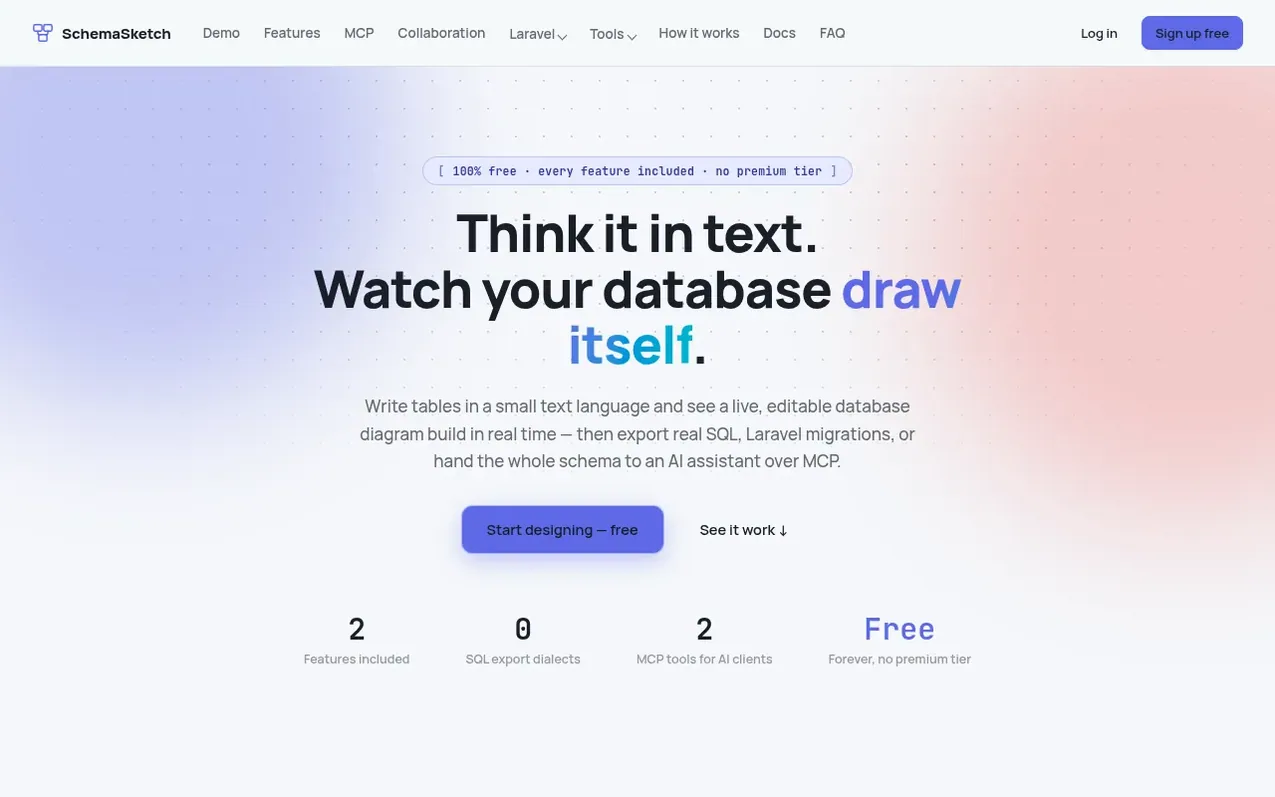
SchemaSketch is a free web-based database diagramming tool where you write table definitions as plain text and instantly see an interactive ER diagram render live. It supports four SQL dialects (PostgreSQL, MySQL, SQL Server, Oracle) and can reverse-engineer existing databases from SQL, Mermaid, or PlantUML formats.
Every feature is included at no cost: live collaboration with role-based permissions, version history, public or private sharing with embeds, and export to multiple formats including Laravel migrations and Eloquent models. The tool integrates with AI assistants via an MCP server, allowing AI clients like Claude to read and edit diagrams using the same schema language.
What it does
- Live text-to-diagram rendering
- Drag-and-drop relationships
- Subject areas for grouping tables
- Built-in validation
- Reverse-engineer SQL
- Export to four SQL dialects
- Export diagrams as SVG, PNG, or PDF
- Mermaid and PlantUML import/export
- Live collaboration with permissions
- Version history and restore
Pricing
Pricing model: Free
Shopper questions
Is SchemaSketch actually free, or is this a trial?
SchemaSketch is completely free with no trial period or premium tier. Every feature, including all four SQL dialects, Mermaid and PlantUML import/export, Laravel migrations and Eloquent models, and the MCP server, is available on every account.
Where are my diagrams stored?
Diagrams are stored in your account on the server, not just in local browser storage. You can sign in from any device and find your diagrams exactly where you left them. Every schema is also encrypted at rest in the database.
Can I bring in a database I already have?
Yes, you can paste existing CREATE TABLE or ALTER TABLE SQL, a Mermaid erDiagram, or a PlantUML entity diagram into the import dialog and SchemaSketch will reverse-engineer it into an editable diagram.
What can I export?
You can export the raw DBML source, PostgreSQL, MySQL, SQL Server, or Oracle SQL, zipped Laravel migrations and Eloquent models, Mermaid erDiagram or PlantUML entity syntax, or the diagram itself as SVG, PNG, or PDF. Live preview tabs for Mermaid, PlantUML, and SQL are also available in the editor without exporting.
How does the MCP server work?
The MCP server exposes your diagrams as tools that list, fetch, create, edit, validate, export, and convert between DBML, SQL, Mermaid, and PlantUML for any MCP-compatible AI client. The AI reads and writes the same schema language you would type by hand.
SchemaSketch has a free listing. The owner can unlock the full profile with a paid launch for $5:
- Founder story (locked)
- Milestones (locked)
- Demo video (locked)
- Dofollow website link: not on this free listing (its website link is nofollow)
Shoppers also viewed
- Hexby.ai
Design tools
- Emblematic
Design tools
- DASHUND.link
Design tools
- Apptune
Design tools