
RoomRearrange
AI room redesign that keeps your existing furniture and reimagines the layout, colors, and lighting around it.
Upload a room photo, name the furniture pieces you want to keep, and get an AI-generated concept showing a new layout, colors, and lighting while preserving
About this launch
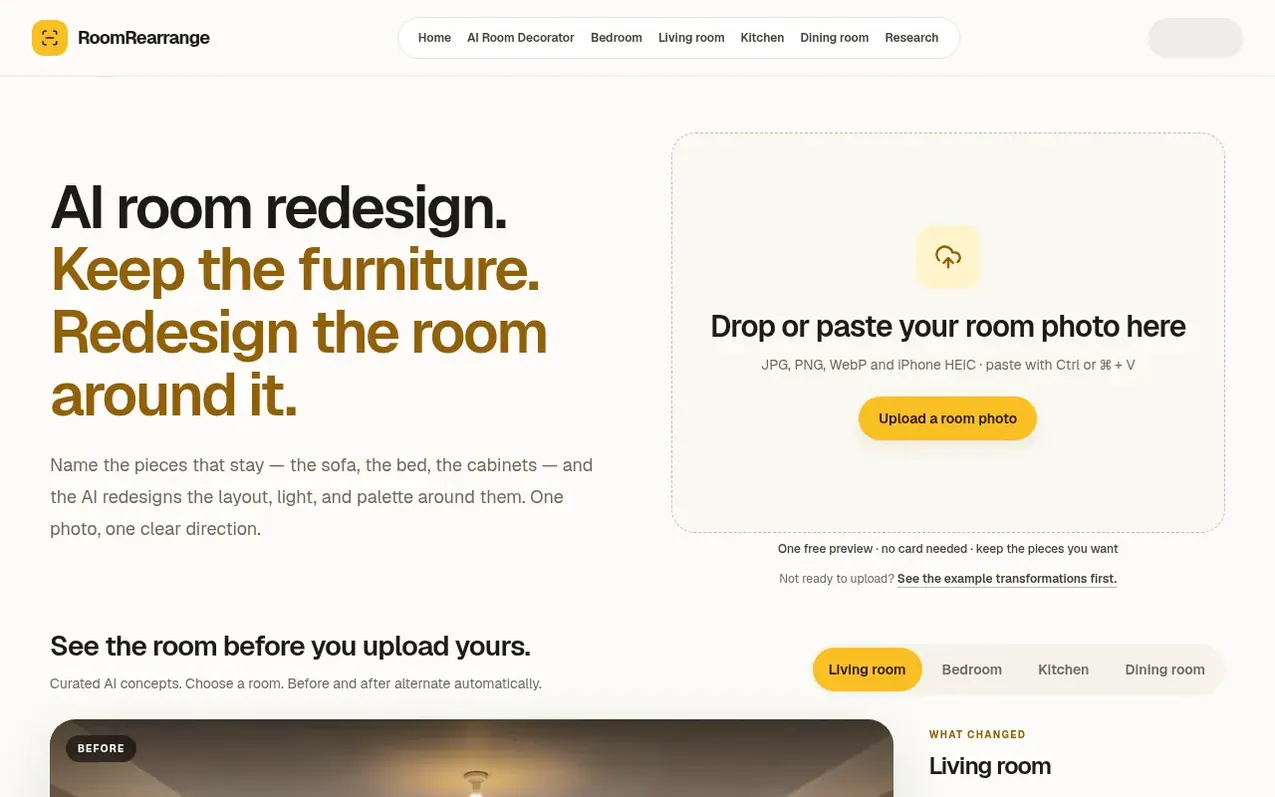
RoomRearrange uses AI to redesign rooms based on your existing furniture and spaces. Upload a clear photo of your room, specify which pieces must stay and whether they can move, and the AI generates a photorealistic concept showing a new layout, colors, rugs, and lighting around those anchored items. The tool provides a visual starting point for decorating decisions, allowing you to compare the proposal with your original photo and request revisions in plain language. One free preview is available with no credit card required after Google sign-in; additional redesigns and revisions use a credit system.
What it does
- Keep specified furniture pieces while redesigning surrounding layout, colors, and lighting
- Generate photorealistic room concepts from uploaded photos
- Automatic room analysis identifying room type, design problems, and fitting direction
- Side-by-side comparison of original and redesigned room
- Request revisions in plain language and download results
- Google sign-in authentication for free and paid previews
- Accepts JPG, PNG, WebP, and iPhone HEIC photo formats up to 10MB
Pricing
Free: one 1K preview after Google sign-in. Room Pack: $19.90 USD for 30 credits; each redesign, revision, or 2K version uses one credit.
Shopper questions
Can AI redesign my room while keeping my existing furniture?
Yes. Upload your room photo and name the pieces you want to keep, including whether each piece must stay in its current position. The AI then explores new layout, colors, rugs, and lighting around those pieces. A preservation request guides generation but does not guarantee an exact replica.
What is AI room redesign?
AI room redesign uses a photo of your current room to create a photorealistic concept for a new layout, colors, furniture, and lighting. RoomRearrange takes your preservation requests into account and shows the proposal beside the original. The result is a visual starting point, not a measured floor plan.
Can AI redesign my room from one photo?
Yes. Upload one clear room photo and describe what must stay and how the room should feel. A bright, wide photo that shows the floor, walls, windows, and main furniture gives the AI the strongest reference.
Can I change the design after seeing the result?
Yes. Request a revision in plain language, such as warmer curtains or fewer decorative objects. Name the layout and pieces that should remain unchanged, then compare the revised image with the previous version. Additional redesigns and revisions use credits when the paid flow is enabled.
How can I make a small room feel less crowded?
Start with the route you use most, such as the doorway to the sofa or the bed to the wardrobe. Identify furniture that interrupts that route and ask for a layout with fewer competing pieces, useful storage, and a quieter palette. Preview the change from your photo, then measure real gaps before moving or buying furniture.
RoomRearrange has a free listing. The owner can unlock the full profile with a paid launch for $5:
- Founder story (locked)
- Milestones (locked)
- Demo video (locked)
- Dofollow website link (locked)
Shoppers also viewed
- MyPaperKit
Design tools
- AI Kitchen Design
Design tools
- ideare
Design tools
- Matita
Design tools



