
RocketScribe
Transcribe audio and video to text in minutes
Free AI transcription service that converts audio and video files to text with speaker labels, timestamps, and support for 90+ languages.
About this launch
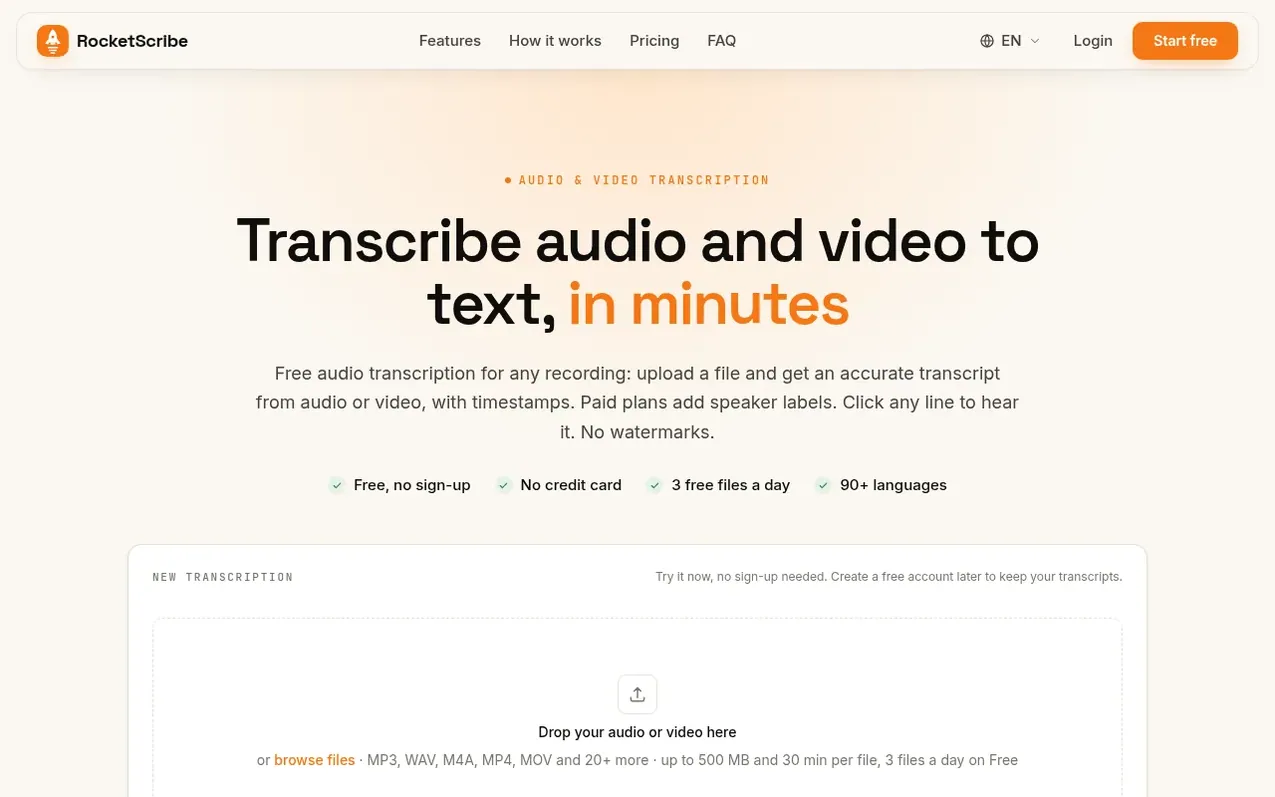
RocketScribe is an AI transcription service that converts audio and video files to text. Users can upload files or record directly from their browser, and transcripts are generated in minutes with automatic language detection. The service includes speaker identification on paid plans, synced playback that highlights the current line while audio plays, and exports to multiple formats including Word, PDF, TXT and SRT.
Transcripts include timestamps for each line and can label multiple speakers. Files up to 500 MB and 30 minutes are supported free, with paid plans accommodating larger files up to 5 GB and 600 minutes. The service supports 90+ languages including Chinese, Japanese, and mixed-language speech.
What it does
- Speaker identification with automatic labeling
- Synced playback with timestamps
- Support for 90+ languages
- Multiple export formats including Word, PDF, TXT and SRT
- Automatic language detection
- Live transcription progress tracking
- Audio repair for noisy recordings
- Support for files up to 5 GB on paid plans
- AI prompt export and translation on all plans
- Secure file storage never used for training
Pricing
Pricing model: Freemium
Free: 3 files a day, up to 30 minutes each, no credit card required. Plus: $6/month (billed $72 yearly), 1,200 minutes per month. Unlimited: $10/month (billed $120 yearly), unlimited transcription with fair use cap of 12,000 minutes per month. Minute Pack: $10 for 600 minutes or $1 per 60 minutes, s
Shopper questions
How do I transcribe an audio recording to text?
Drop your file into the box or record from your browser. The language is detected automatically and the transcript is usually ready in a few minutes. You can then edit it, play any line, and export to TXT, Word, PDF or SRT. No account is needed to try it.
Do I need an account?
No. You can pick a file and start transcribing right away with the Free plan's limits. You can create a free account afterwards to keep your transcripts; everything you transcribed before signing up moves into the account.
Which formats are supported?
Any common audio or video file is supported: MP3, WAV, M4A, AAC, FLAC, OGG, MP4, MOV, WEBM, MKV and more. The audio is extracted from video automatically.
Is speaker identification included?
Speaker identification runs on demand. It is included on Plus and on Unlimited for up to 2,400 minutes a month. Free accounts get full transcripts with timestamps and can identify speakers with Minute Pack minutes.
How big can a file be?
Per file: up to 500 MB and 30 minutes on Free, 5 GB and 300 minutes on Plus, and 5 GB and 600 minutes on Unlimited. A Minute Pack gives a Free account Plus limits.
RocketScribe has a free listing. The owner can unlock the full profile with a paid launch for $5:
- Founder story (locked)
- Milestones (locked)
- Demo video (locked)
- Dofollow website link (locked)
Shoppers also viewed
- v2md
Voice & transcription
- Shepit
Voice & transcription
- Saidwire
Voice & transcription
- SpeechText.AI
Voice & transcription