Reverse Audio
Play any sound backwards online for free
A free browser-based tool to reverse audio from files, videos, or recordings. Upload, listen to the backwards version, and download as MP3 or WAV.
About this launch
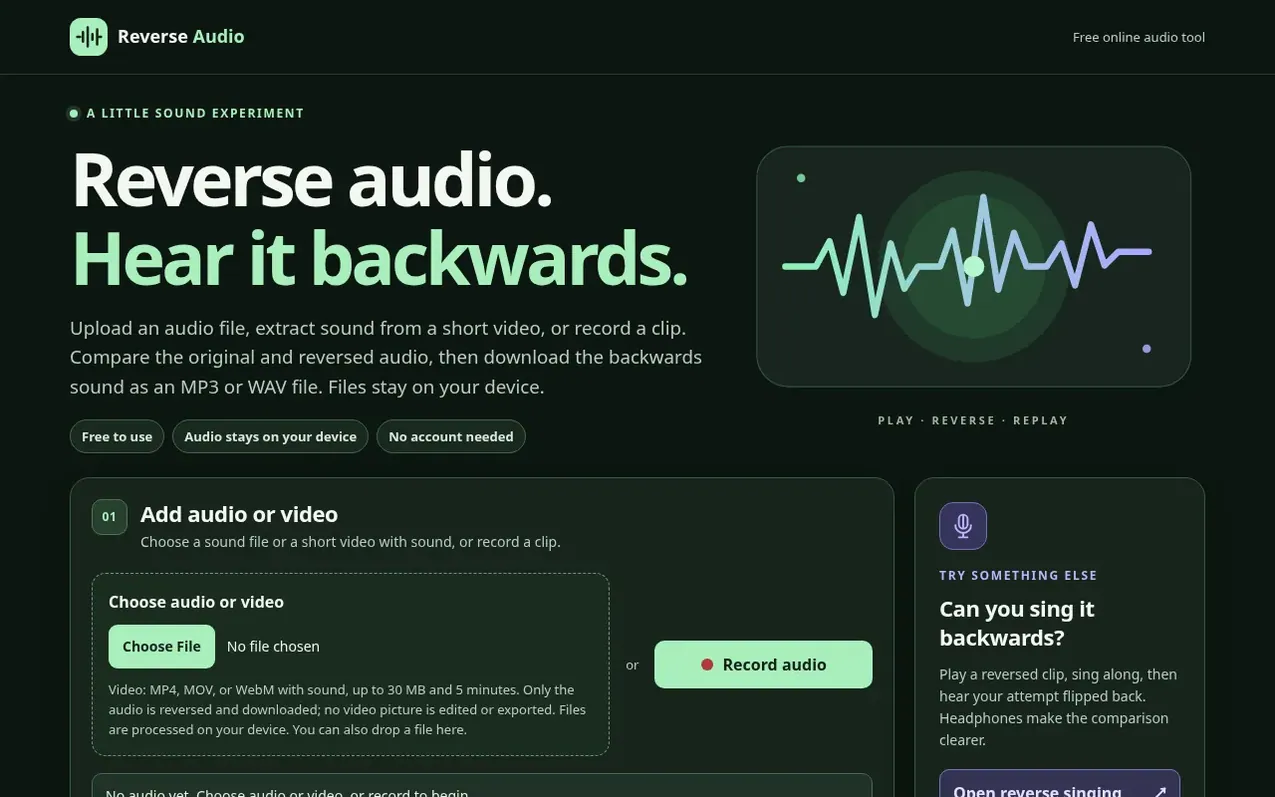
Reverse Audio is a free online tool for reversing audio. You can upload an audio file, extract sound from a short video, or record a clip directly in your browser. The tool then plays the sound backwards so you can listen to and compare the original and reversed versions. You can download the reversed audio as an MP3 or WAV file. All processing happens on your device—files are not uploaded to a server. No account is required.
The tool supports MP4, MOV, and WebM video files up to 30 MB and 5 minutes in length, though only the audio is reversed and downloaded. It also includes a reverse singing mode where you can record your attempt to sing along with a reversed clip, then hear your attempt reversed back for comparison.
What it does
- Upload audio files to reverse
- Extract and reverse audio from video files
- Record audio directly in browser
- Compare original and reversed audio
- Download as MP3 or WAV file
- Reverse singing mode
- No account required
- Process files on device only
- Support for MP4, MOV, WebM video formats
- MP3 compression option or WAV lossless format
Pricing
Pricing model: Free
Shopper questions
How do I reverse a voice recording?
Use the Record audio option to speak a short phrase and stop recording. Listen to the Original to check its quality, then play Reversed. You can record again if the first take is too quiet or noisy.
Can I reverse a song or a longer clip?
You can choose an audio file your browser can decode. Large or long files take more memory and may process more slowly, especially on a phone. For a first test, use a short excerpt that you have the right to use.
Can I upload a video to reverse its audio?
Yes. You can choose an MP4, MOV, or WebM with an audio track. The tool extracts the sound in your browser and lets you listen to or download it backwards as an MP3 or WAV file. It does not reverse or export the video picture. Videos over 30 MB or 5 minutes are not supported.
Why does my reversed recording sound quiet or distorted?
If the original track is already quiet, clipped, or echoing, reversing the order will not repair it. Record again in a quieter place, avoid a very loud nearby speaker, and use headphones for the singing mode.
Does reverse audio reveal hidden words?
It can produce sounds that resemble words, but that resemblance is subjective. This tool reverses the playback order and does not analyze speech or verify hidden messages. Compare the original and reversed versions before drawing a conclusion.
Reverse Audio has a free listing. The owner can unlock the full profile with a paid launch for $5:
- Founder story (locked)
- Milestones (locked)
- Demo video (locked)
- Dofollow website link (locked)
Shoppers also viewed
- EzVisualizer
Audio editing
- EraseNoise
Audio editing
- SCloudConvert
Audio editing
- Disband
Audio editing