
RepostGrid
Free TikTok banner splitter that cuts one image into three profile tiles
Free online tool that splits images into tiles for TikTok banners, grids, and Instagram profiles without uploading or requiring sign-up.
About this launch
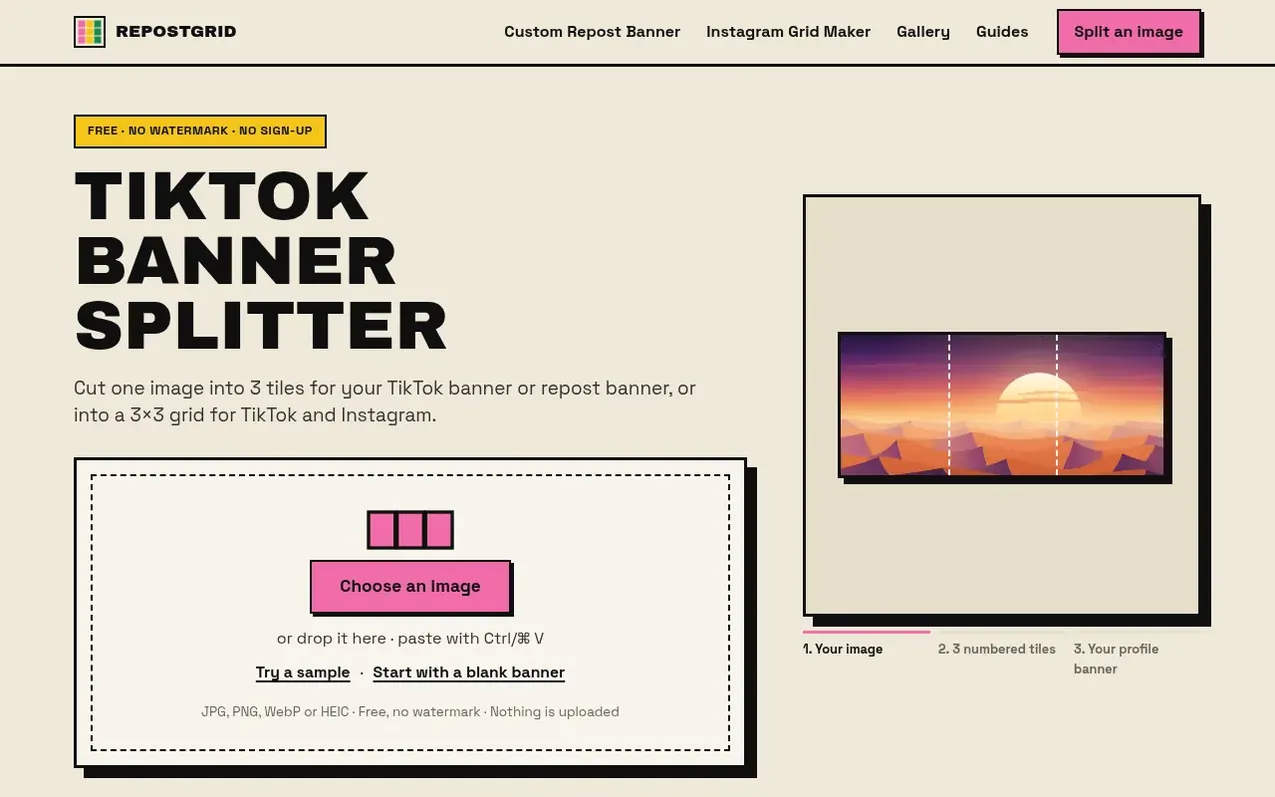
RepostGrid is a free web-based tool that splits images into numbered tiles for social media banners and grids. It cuts one wide image into three equal pieces that post as separate photos to create a banner across your TikTok profile top row, or makes 3×3 grids for TikTok and Instagram profiles. The tool previews tiles in your TikTok profile layout before posting, labels them with posting order, and processes everything in your browser so images never leave your device. It works on phones and computers with no sign-up, watermark, or upload limits.
What it does
- Splits images into 3 numbered tiles with posting order
- Preview tiles on TikTok profile layout before posting
- Creates 3×3 grids for TikTok and Instagram
- Carousel splitter for swipeable slides
- Full-screen tiles option for 9:16 posts
- Custom grid with any rows, columns and tile shape
- Shows TikTok safe zones and label placement
- Add text with font, size, position and color options
- Supports HEIC, PNG, JPG and WebP formats
- Download tiles as ZIP file or one by one
Pricing
Pricing model: Free
Shopper questions
What is a TikTok banner splitter?
A TikTok banner splitter cuts one wide image into three equal pieces that you post as three separate photos. When those posts sit side by side in the top row of your profile, they read as one banner. People also call it a banner cutter or a banner divider.
How do I split a banner into 3 for TikTok?
Choose your image, keep the TikTok banner layout selected, and drag or zoom until the preview looks right. Then save the three tiles which are numbered 1st, 2nd and 3rd in posting order.
Which piece do I post first?
Post the right piece first. TikTok shows your newest post first, so post the right piece, then the middle, then the left, and pin them in that same order so the banner stays at the top.
What size should a TikTok banner be?
The recommended size is 3240 × 1440 pixels, which splits into three 1080 × 1440 tiles in the 3:4 shape TikTok uses for profile thumbnails. For full-screen posts, use 3240 × 1920 for 1080 × 1920 pieces.
Is it free and does it have a watermark?
Yes, it is completely free with no watermark, no sign-up required, and no limit on how many banners you can make.
RepostGrid has a free listing. The owner can unlock the full profile with a paid launch for $5:
- Founder story (locked)
- Milestones (locked)
- Demo video (locked)
- Dofollow website link (locked)
Shoppers also viewed
- MyPaperKit
Design tools
- AI Kitchen Design
Design tools
- ideare
Design tools
- Matita
Design tools



