RemoveBGNoise
AI background noise removal for audio and video
Free online tool that removes background noise from audio and video files using AI speech models to keep voice clear and reduce traffic, wind, hum and other
About this launch
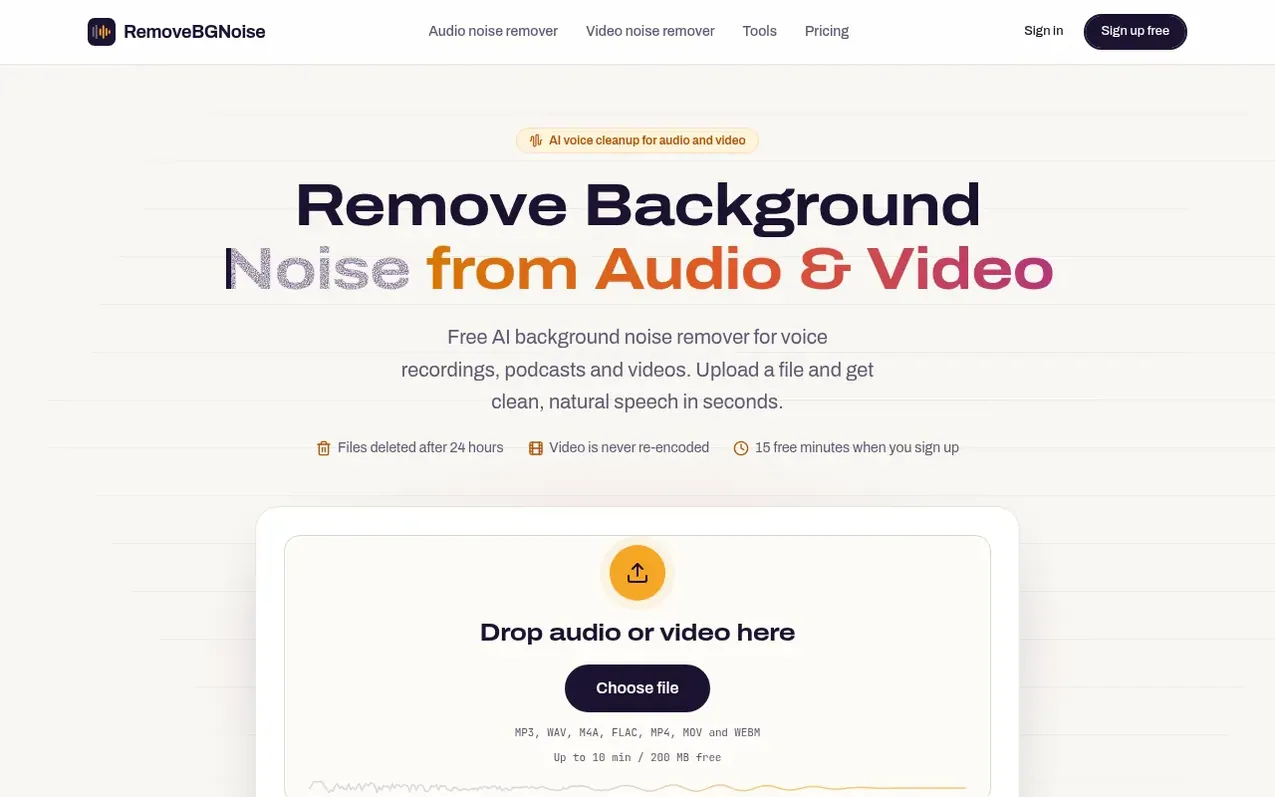
RemoveBGNoise is a free online tool that removes background noise from audio and video files. An AI speech model identifies the human voice and keeps it while reducing traffic, wind, hum, hiss, fans and room chatter. The tool runs in a web browser with no software installation needed. Users upload a file, choose between Balanced or Max noise removal strength, and compare the cleaned version with the original before downloading. Video files keep their original picture while only the soundtrack is processed.
The service supports MP3, WAV, M4A, AAC, FLAC and OGG audio formats, plus MP4, MOV, WEBM, MKV and AVI video formats. Free accounts receive 15 minutes of noise removal per month with files up to 10 minutes or 200 MB. Paid plans offer more processing minutes and support for longer files. Files are automatically deleted after 24 hours and never used for training AI models. No watermark is added on any plan.
What it does
- Remove traffic, wind, hum and room noise
- Balanced and Max strength settings
- Process video without re-encoding
- Compare original and cleaned versions before downloading
- Works on mobile browsers
- Support MP3, WAV, M4A, AAC, FLAC and OGG audio
- Support MP4, MOV, WEBM, MKV and AVI video
- Files automatically deleted after 24 hours
- Processing time about 30 seconds for 3-minute clips
Pricing
Pricing model: Freemium
Free: 15 minutes on sign-up, files up to 10 min / 200 MB. Pay as you go: $4.99 one-time for 60 minutes (valid 1 year), or $14.99 for 5 hours. Starter: $9/month for 4 hours every month, files up to 60 min / 1 GB. Pro: $19/month for 10 hours every month, files up to 3 hours / 4 GB.
Shopper questions
Is RemoveBGNoise really free?
Yes. A free account gets 15 minutes of noise removal with no watermark. Paid plans add more minutes and longer files.
How long does it take to remove background noise?
A 3-minute clip usually takes about 30 seconds. An hour-long podcast takes around 5 to 10 minutes.
Can I remove background noise from a video?
Yes. Upload MP4, MOV, WEBM or MKV. The soundtrack is cleaned and the video picture is copied as-is with no quality loss and audio stays in sync.
Can I remove background noise on my phone?
Yes. RemoveBGNoise works in mobile browsers on iPhone and Android with no app to install.
Will it remove background music?
Usually yes. The AI is trained to keep speech, so music and other non-speech sounds get reduced along with noise.
RemoveBGNoise has a free listing. The owner can unlock the full profile with a paid launch for $5:
- Founder story (locked)
- Milestones (locked)
- Demo video (locked)
- Dofollow website link (locked)
Shoppers also viewed
- EzVisualizer
Audio editing
- EraseNoise
Audio editing
- SCloudConvert
Audio editing
- Disband
Audio editing