
Offline Captions
Word-by-word caption app for Windows, pay once
A pay-once desktop app that adds animated word-by-word captions to videos on your own computer, with offline transcription and batch export.
About this launch
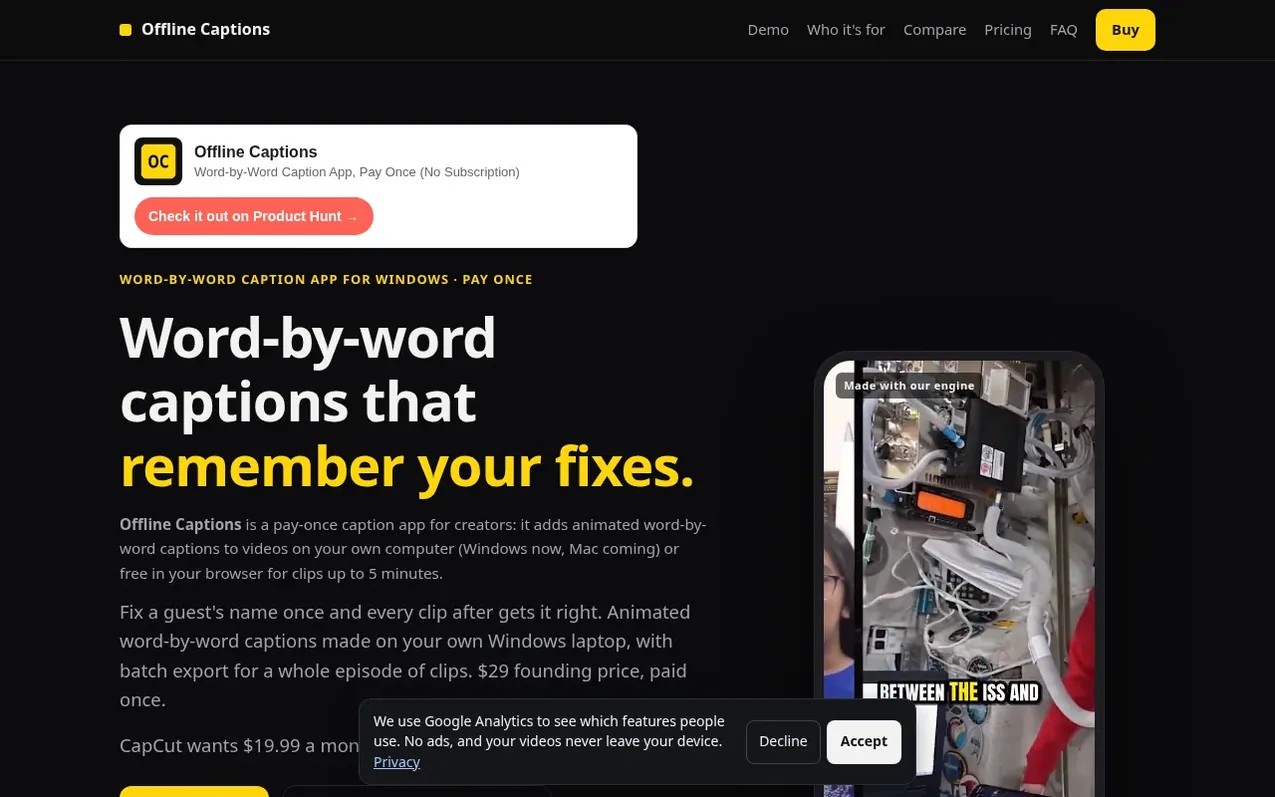
Offline Captions is a caption app for video creators that generates animated word-by-word captions without requiring uploads or subscriptions. It transcribes video on your own Windows computer (Mac coming soon) or free in a browser for clips up to 5 minutes, highlighting each word as it's spoken. The app remembers corrections you make through a personal dictionary, so repeated names and brand words stay consistent across multiple videos. It exports captioned MP4 files at your video's original resolution plus SRT subtitle files, and can process entire batches of clips in one run. The desktop version costs $29 at the founding price or $39 later, with no monthly fees, per-video charges, watermarks, or account requirements.
What it does
- Four caption styles: Bold, Clean, Punch, Reveal
- MP4 and SRT file export
- Offline transcription with no uploads
- Yellow highlighting for uncertain words
- Free browser version for clips up to 5 minutes
Pricing
Pricing model: Paid
Founding price $29 once, regular price $39 once; free web version for clips up to 5 minutes
Shopper questions
What is the best CapCut auto captions alternative that works offline?
Offline Captions transcribes on your own Windows PC (Mac version coming soon), works with no internet connection, and costs $39 once ($29 at the founding price). CapCut Pro costs $19.99 a month or $179.99 a year. CapCut is a full video editor, so if you need its effects and templates it can still be the better fit.
Is there a one-time-purchase caption app?
Yes. Offline Captions is a one-time purchase: $39 later, $29 for founding buyers. There is no subscription, no credits and no watermark, and there is no limit on how many videos you caption, because the work happens on your computer instead of a paid server.
Do my videos get uploaded anywhere?
No. Transcription and rendering happen on your computer. Your video and audio never leave your machine, and the app works offline once it and its speech model are installed.
Does Offline Captions work without internet?
Yes, after a one-time setup. Once the Windows app and its speech model are downloaded and your licence key is activated, transcription and rendering run entirely on your own computer. There's no upload queue and nothing stops working when the Wi-Fi does.
Do I need an account?
No. There's no account or login. The desktop app unlocks with the licence key that is emailed after purchase, and the free browser version needs no signup at all.
Offline Captions has a free listing. The owner can unlock the full profile with a paid launch for $5:
- Founder story (locked)
- Milestones (locked)
- Demo video (locked)
- Dofollow website link (locked)
Shoppers also viewed
- EzVisualizer
Audio editing
- EraseNoise
Audio editing
- SCloudConvert
Audio editing
- Disband
Audio editing