mask bridge
Free, open-source plugin for Lightroom Classic that exports masks as PNG, TIFF or JPEG files
Export Lightroom Classic masks and AI-generated silhouettes as image files for compositing, 3D capture and batch workflows on your own computer.
About this launch
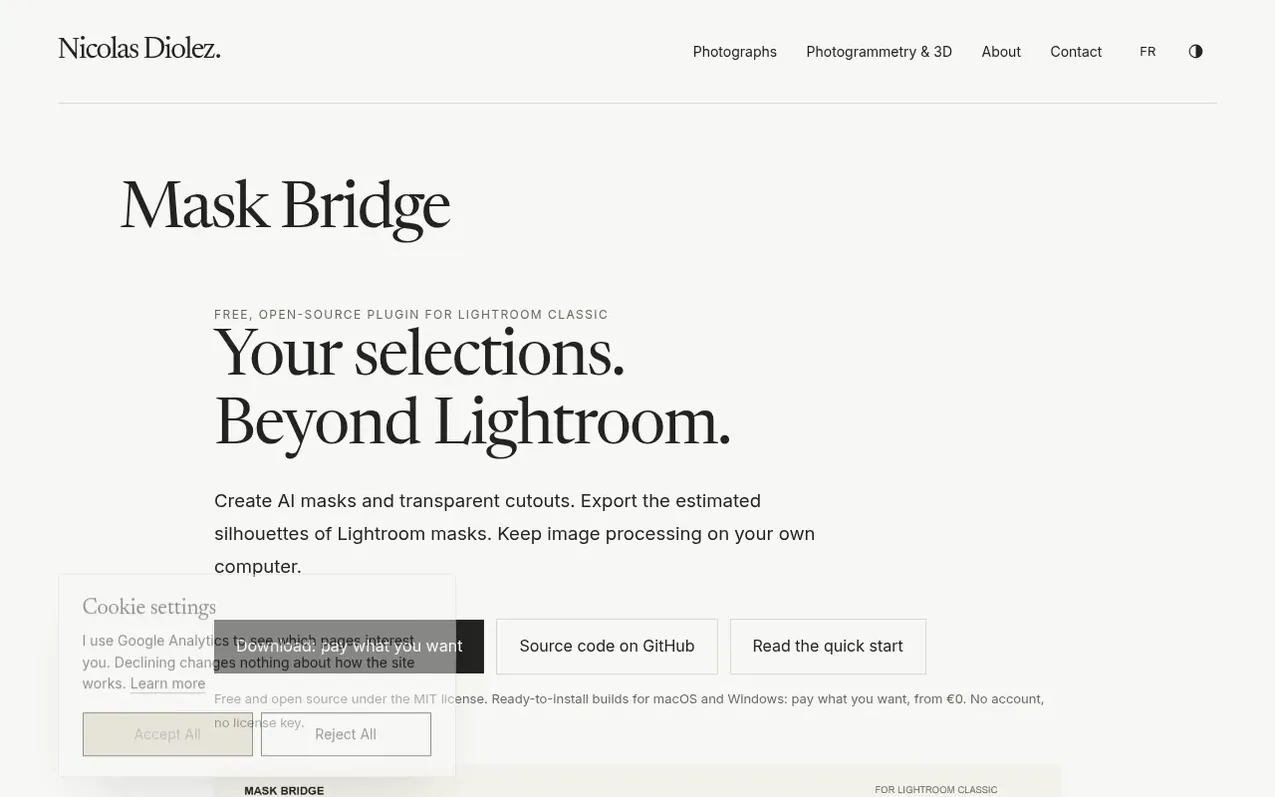
Mask Bridge is a free, open-source plugin for Adobe Lightroom Classic that allows photographers and 3D artists to export masks as PNG, TIFF or JPEG files. It uses local AI processing to detect and export object silhouettes, supporting both native Lightroom masks and AI-generated selections.
The plugin processes images offline on your computer without requiring an account or internet connection. It works across single photos or entire batches, maintaining matching filenames for masks and images. The tool supports transparent cutouts and offers quality options including Standard for binary masks and HD Fine Detail for detailed subjects like hair and fur.
Mask Bridge is designed for high-end workflows including photogrammetry, Gaussian splatting, 3D object capture and compositing. Ready-to-install builds are available for macOS and Windows under the MIT license, with source code available on GitHub.
What it does
- Export masks as PNG, TIFF or JPEG
- Batch process multiple images and sequences
- Local AI-powered object detection with RF-DETR
- Standard and HD Fine Detail quality modes
- Generate transparent PNG cutouts
- Offline processing without internet or account
- Matching filenames for images and masks
- macOS and Windows support
- MIT open-source license with source code on GitHub
- Apple-signed and notarized builds
Pricing
Pricing model: Open source
Pay what you want, from €0
Shopper questions
What file formats does Mask Bridge export?
Mask Bridge exports masks as PNG, TIFF and JPEG files, with optional transparent PNG cutouts.
Does Mask Bridge require an internet connection?
No. Image processing runs on your computer and Mask Bridge needs no account, no license key and no internet connection while you use it.
What are the system requirements?
Mask Bridge requires Lightroom Classic 14 or later (15.3 or later to run AI masks on a whole selection), macOS 14 or later on Apple Silicon, or Windows 10/11 64-bit. Intel Macs and cloud-based Lightroom are not supported.
Can I use Mask Bridge for 3D capture and photogrammetry?
Yes. Mask Bridge is designed for workflows that accept image masks, including photogrammetry and Gaussian splatting, with matching filenames for images and masks.
Is Mask Bridge open source?
Yes. Mask Bridge is released under the MIT license and the source code is available on GitHub for anyone to read, build and improve.
mask bridge has a free listing. The owner can unlock the full profile with a paid launch for $5:
- Founder story (locked)
- Milestones (locked)
- Demo video (locked)
- Dofollow website link (locked)
Shoppers also viewed
- Iconaut
Design tools
- Voilà Charts
Design tools
- MockShot Studio
Design tools
- BannerSplitter
Design tools