
MakeFont
AI font generator for handwriting and lettering images
Create fonts from handwriting samples or text descriptions using AI. Upload a reference image or describe a style, generate characters including missing
About this launch
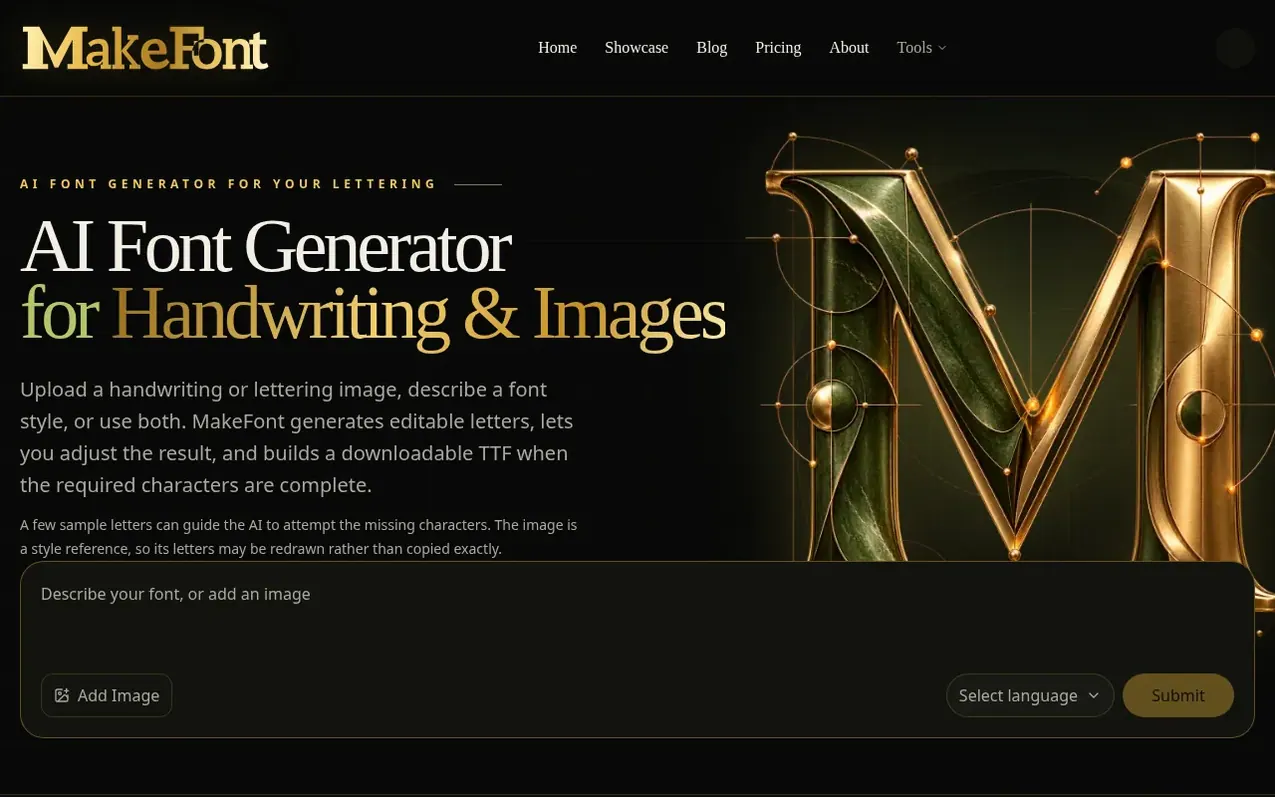
MakeFont is an AI-powered font creation tool that generates custom fonts from handwriting samples or text descriptions. Users can upload a handwriting or lettering image as a style reference, add a description, or use both to guide the AI. The tool generates character sets for the selected language, including letters not present in the sample image.
After generation, the browser-based interface allows users to inspect and edit individual glyphs, adjust spacing and baselines, and repair any failed characters. Once all required characters are complete, users can preview the font with custom text and download it as a TTF file for use in other applications.
MakeFont supports five languages with Latin character sets: English, Spanish, French, German, and Portuguese. The service charges credits for language detection and AI generation tasks, with free accounts receiving 50 lifetime credits and paid plans providing monthly allowances. All accounts can edit fonts locally and export to TTF without additional charges.
What it does
- AI generation from text description, handwriting sample, or both
- TTF file download and export
- Support for five languages with Latin character sets
- Image upload up to 20 MB in PNG, JPG, or WEBP format
- Automatic language detection
- Undo and redo in glyph editing
Pricing
Pricing model: Freemium
Shopper questions
What is MakeFont?
MakeFont generates an editable font from a description, a handwriting or lettering image, or both. The AI font generator attempts the selected character set, including letters absent from your sample. Your browser traces the generated sheets and attempts to build a font preview.
Do I need to write every letter?
No. A few distinct letters can guide the style. AI attempts the other characters in your selected set, but it may change the shapes you supplied. Inspect the result before using it; MakeFont does not promise an exact copy of your handwriting.
Is MakeFont free?
A Free account receives 50 lifetime credits at registration and includes TTF downloads. Automatic language detection costs 1 credit; a font creation task reserves 20 credits and keeps them after successful glyph correction.
Can I edit the font before downloading?
Yes. The local Font Profile supports glyph repair, bounds and baseline adjustments, drawing, erasing, transforms, undo, and redo. Rebuild after an edit so the downloaded TTF reflects the latest glyph revision.
Can I use the generated font commercially?
MakeFont makes no blanket commercial-use promise in V1. You must have the rights to any reference material and assess your intended use. MakeFont does not claim a result is original, exclusive, copyrightable, or eligible for trademark registration.
MakeFont has a free listing. The owner can unlock the full profile with a paid launch for $5:
- Founder story (locked)
- Milestones (locked)
- Demo video (locked)
- Dofollow website link (locked)
Shoppers also viewed
- AI Kitchen Design
Design tools
- ideare
Design tools
- Matita
Design tools
- Hyperiux Vault
Design tools