
ImageToBeads
Free Perler bead pattern maker that converts photos into editable bead patterns
A browser-based tool that converts photos into Perler bead patterns with support for multiple bead brands, editing tools, and PNG export.
About this launch
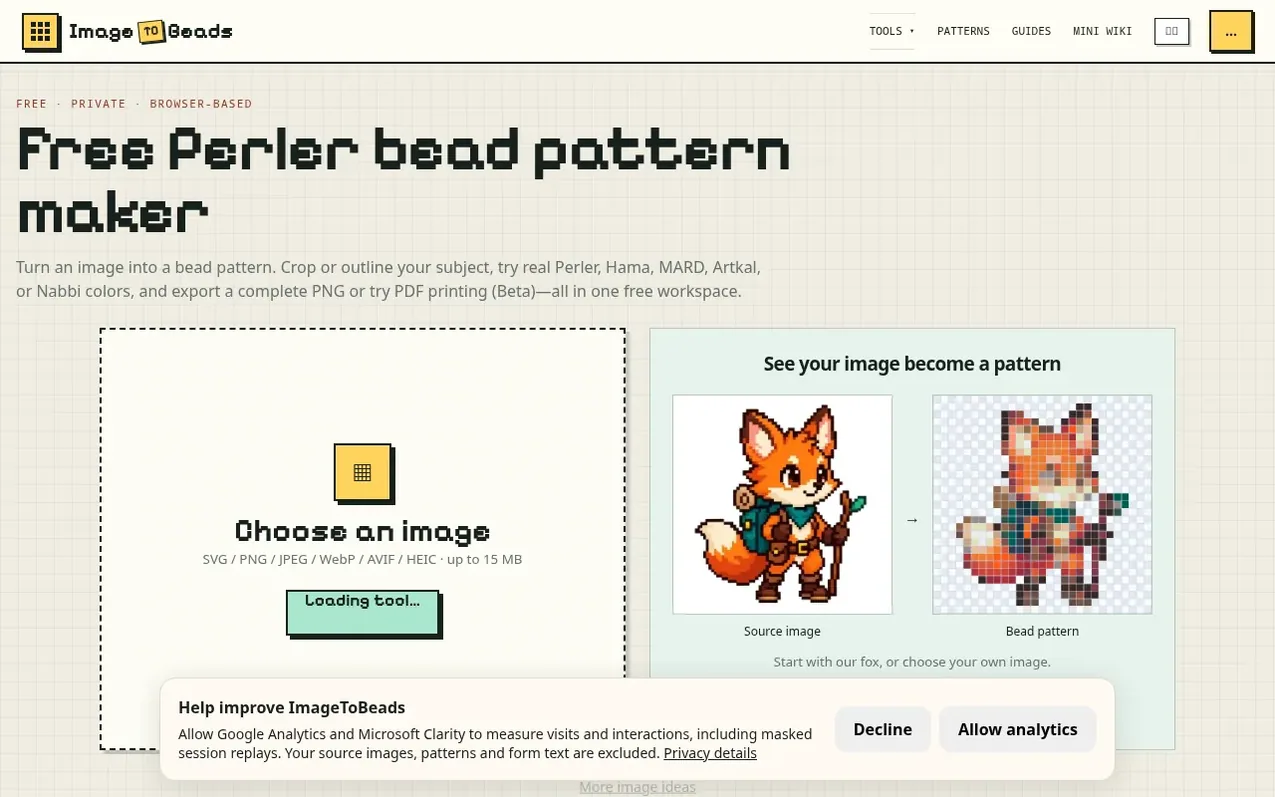
ImageToBeads is a free, browser-based pattern maker that turns photos and illustrations into Perler bead patterns. Users upload an image, choose the pattern width and maximum number of colors, then generate a grid matched to supported bead palettes including Perler, Hama, MARD, Artkal, and Nabbi. The tool includes editing features to merge rare colors, clean isolated cells, and correct individual beads. Complete PNG exports include the bead grid, color legend with quantities, and optional official color codes. All processing happens in the browser with no account required, and one current draft is automatically saved locally.
What it does
- Upload photos and illustrations in JPEG, PNG, WebP, AVIF, and HEIC formats
- Support for multiple bead brands including Perler, Hama, MARD, Artkal, and Nabbi
- Crop and select specific parts of images
- Merge rare colors and clean isolated cells
- Local draft auto-save with one recoverable draft per device
- Export complete PNG with grid, color legend, and bead quantities
- Optional color codes in exported patterns
- Manual editing tools and undo functionality
- No account required for core functionality
- Mobile-friendly workspace
Pricing
Pricing model: Free
Shopper questions
Is this Perler bead pattern maker free?
Yes. Image conversion, pattern editing, local draft recovery, and complete PNG export are free and do not require an account.
Can I make a Perler bead pattern from a photo?
Yes. Upload a photo or illustration, choose the pattern width and maximum number of colors, then generate a grid matched to a supported bead palette.
What happens if I refresh the page?
After you confirm your image and generate a pattern, this browser automatically saves one current draft. Unconfirmed image changes and undo history do not survive a refresh, and private browsing or storage limits can remove the draft.
How do I make a pattern easier to build?
Start with a smaller width or lower color limit. After generation, merge rare colors and clean isolated single cells, then use undo and manual editing to review the result.
What does the PNG export include?
The complete PNG always includes the full pattern, color swatches, and quantities. Optionally, you can add official color codes to the materials list and available short codes to cells.
ImageToBeads has a free listing. The owner can unlock the full profile with a paid launch for $5:
- Founder story (locked)
- Milestones (locked)
- Demo video (locked)
- Dofollow website link (locked)
Shoppers also viewed
- MyPaperKit
Design tools
- AI Kitchen Design
Design tools
- ideare
Design tools
- Matita
Design tools



