
Image Color Picker
Free browser-based tool to extract HEX, RGB, and HSL color codes from any image pixel
Upload an image and click any pixel to instantly get HEX, RGB, HSL, CMYK, and OKLCH color codes, with matches to traditional Chinese and Japanese color names.
About this launch
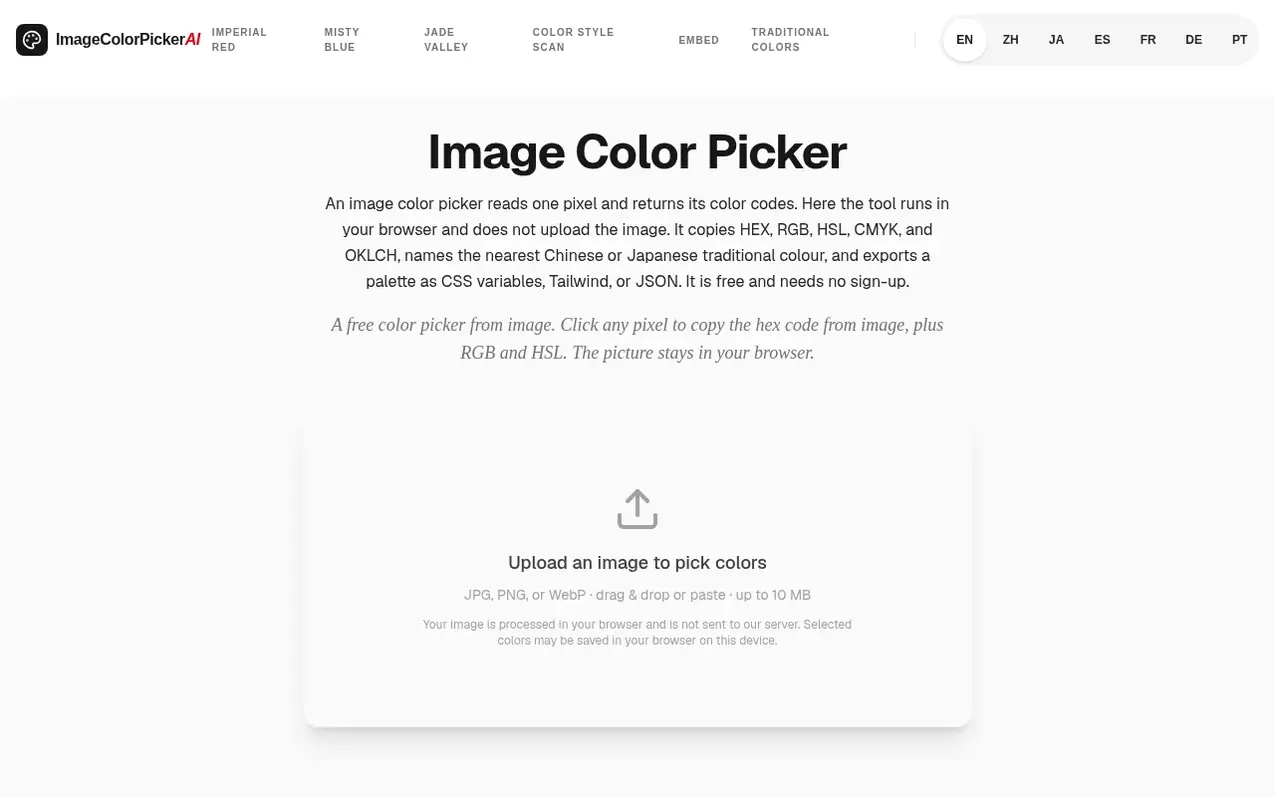
Image Color Picker is a free online tool that reads color codes from any image without uploading it to a server. Click or tap any pixel in a JPG, PNG, or WebP image to instantly get HEX, RGB, HSL, CMYK, and OKLCH values with one-click copy buttons. The tool identifies the nearest match in its library of traditional Chinese and Japanese colors, showing the color's name and historical origin. It works on mobile devices with touch controls and the on-screen keyboard, saves your color history in your browser, and allows you to export color palettes as CSS variables, Tailwind theme snippets, or JSON.
What it does
- Click or tap any pixel to read its exact color code
- Get HEX, RGB, HSL, CMYK, and OKLCH values with one-click copy
- Extract dominant colors from an image as a palette
- No server upload – image processing happens entirely in your browser
- Match colors to traditional Chinese and Japanese color names
- Save color history in your browser on this device
- Works on mobile with touch and on-screen keyboard
- Export palettes as CSS variables, Tailwind, or JSON
- Support for JPG, PNG, and WebP image formats with drag-and-drop upload
- Use arrow keys to nudge the cursor and fine-tune pixel selection
Pricing
Pricing model: Free
Shopper questions
How do I pick a color from an image?
Upload a JPG, PNG, or WebP image, then click or tap any point on the picture, or use arrow keys to nudge the cursor. The tool reads that exact pixel and shows its HEX, RGB, and HSL values instantly.
Is this image color picker free to use?
Yes. The picker runs entirely in your browser with no sign-up, and you can open and pick colors from your images as you work.
What color formats does the tool show?
For every picked pixel it displays HEX, RGB, and HSL, each with a one-click copy button so you can paste straight into CSS or design software.
Can it match my color to a traditional palette?
When a picked color is close to a shade in the traditional-color library, the tool shows the nearest match and its origin (Chinese, Japanese, Pantone, or natural), with a link to its full details page.
Does the color picker work on mobile?
Yes. Upload, tap-to-pick, and copy all work with touch and the on-screen keyboard, and the page scrolls normally while you interact with the picture.
Image Color Picker has a free listing. The owner can unlock the full profile with a paid launch for $5:
- Founder story (locked)
- Milestones (locked)
- Demo video (locked)
- Dofollow website link (locked)
Shoppers also viewed
- MyPaperKit
Design tools
- AI Kitchen Design
Design tools
- ideare
Design tools
- Matita
Design tools



