
ID Photo App
Guided photo maker for badges, student IDs and cards with head-position guides and background checks
Free tool for creating ID photos for badges, student IDs, membership cards and other non-passport formats with guided crop, head positioning and background
About this launch
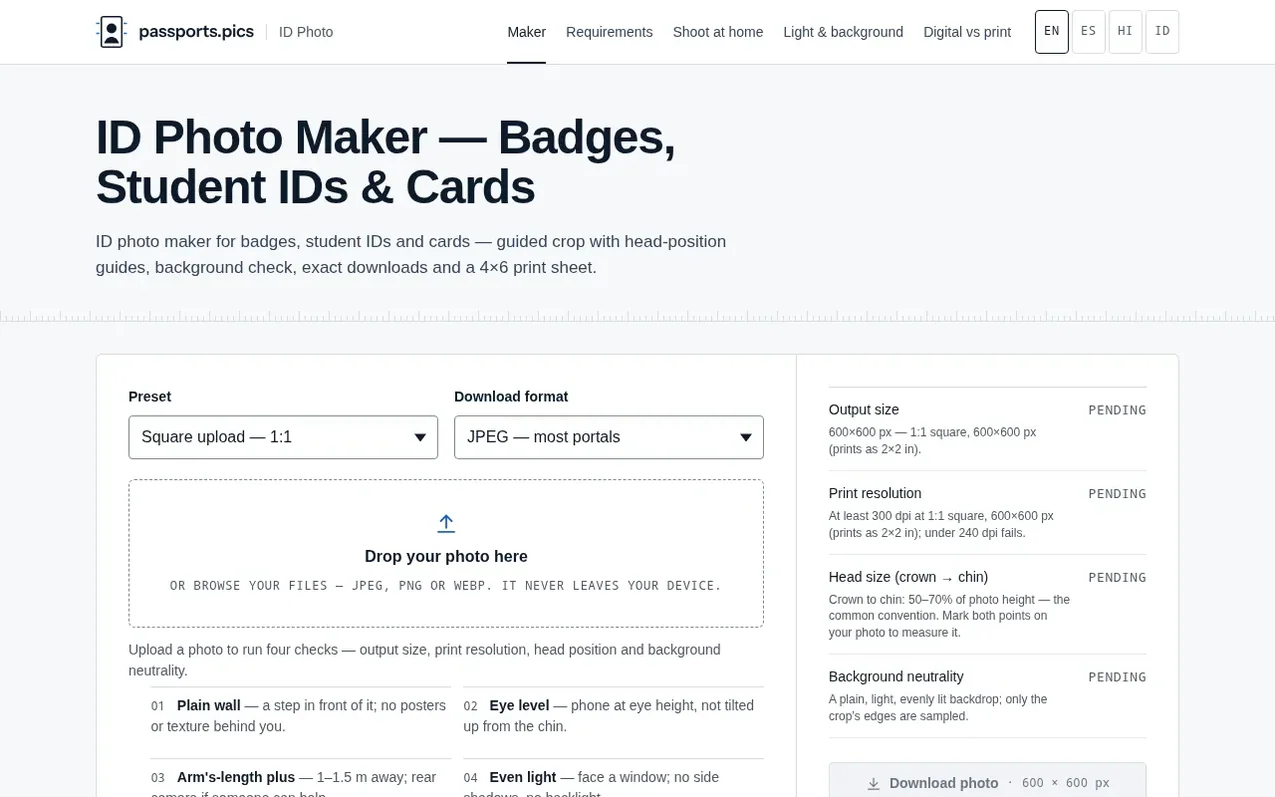
ID Photo App is a guided maker for badge, student ID and card photos—the ID formats that aren't passports. It helps with the photo-taking process and technical checks: a guided crop frame with head-position markers, a background-neutrality check that samples edge pixels, and downloads in exact pixel dimensions plus a 4×6 print sheet at 300 dpi. The tool distinguishes between genuine standards (like the 35×45 mm EU/ISO ID-card format) and common conventions set by employers, schools or platforms. All processing happens in your browser; photos never leave your device.
What it does
- Guided crop with head-position guides
- Background neutrality check
- Custom ratio from 1:1 to 9:9 printed at 20–51 mm wide
- 4×6 print sheet at 300 dpi with cutting guides
- All processing in-browser with no upload
- Head size checking with 70–80% range for ID cards, 55–75% for badges, 45–65% for professional headshots
Pricing
Pricing model: Free
Shopper questions
Is my photo uploaded anywhere?
No. The tool is JavaScript running in your browser tab where your file is decoded, cropped, sampled and re-encoded on your own device. You can load the page, turn off Wi-Fi, and every feature still works.
Which presets are included?
Six presets: a generic square (1:1, 600×600 px), an employee badge (1×1 in, 300×300 px), the EU/ISO ID-card format (35×45 mm), a 3:4 portrait (30×40 mm for student IDs), a professional profile headshot (square 600×600 px), and a custom ratio from 1:1 to 9:9 printed at 20–51 mm wide.
What does the background check actually measure?
It samples the border pixels of your crop at the top and side edges where only background should be, and measures brightness, evenness and how colourful the pixels are. A plain light wall passes; a dark, strongly coloured or busy backdrop is flagged.
Will a pass on every check guarantee acceptance?
No. The tool measures technical properties like crop shape, output pixels, head height and background tone, but expression, shadows on the face, photo age and the human reviewing your submission are outside measurement. A pass means no common technical problem found; your issuer always decides.
What do I get at the end?
Two downloads: the single photo file at the exact pixel dimensions of the preset (JPEG or PNG), and a 4×6-inch print sheet at true 300 dpi with your photo tiled as many times as fits—for example, 24 badge-size prints or eight 35×45 mm prints—plus dashed cutting guides.
ID Photo App has a free listing. The owner can unlock the full profile with a paid launch for $5:
- Founder story (locked)
- Milestones (locked)
- Demo video (locked)
- Dofollow website link (locked)
Shoppers also viewed
- MyPaperKit
Design tools
- AI Kitchen Design
Design tools
- ideare
Design tools
- Matita
Design tools



