
HomeDesignly
AI home design from your own photos
Upload a photo of a room, house exterior, garden or floor plan to get AI-redesigned versions in seconds, keeping the structure while changing style, furniture
About this launch
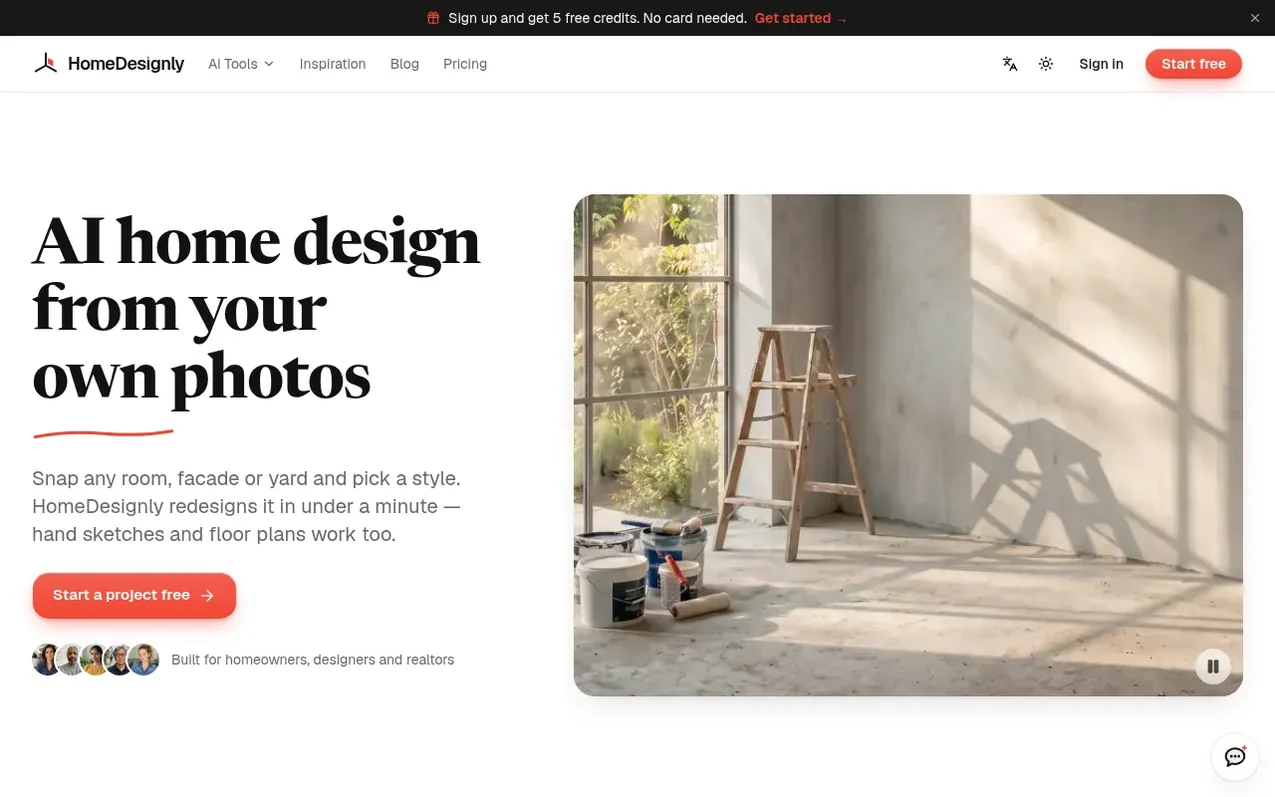
HomeDesignly is an AI design tool for homeowners, designers, real estate agents and renters. Upload a photo and pick a style to redesign rooms, exteriors, gardens or floor plans. The AI keeps walls, windows and layout while reimagining furniture, materials and colors into photorealistic renders.
You can redesign interiors, stage empty rooms, try paint and color schemes, makeover house facades, plan gardens, generate floor plans, and create before-and-after videos. The tool works in the browser on phone or computer with no installation needed. Results can be downloaded and you own the images and videos you create.
Start with 5 free credits (no card needed), then subscribe for monthly credits or buy packs that never expire. Each render uses credits: Lite designs cost 1 credit, Max designs cost 4 credits for sharper detail.
What it does
- Redesign rooms in new styles while keeping walls and windows
- Stage empty rooms for listings
- Remove clutter and furniture from photos
- Redesign house exteriors and try color schemes
- Plan gardens and outdoor living spaces
- Generate floor plans from photos or sketches
- Convert floor plans to 3D furnished views
- Create before and after videos
- Browser-based tool with no installation
Pricing
Pricing model: Freemium
Free: 5 credits on sign-up, 1 design per run. Basic: $12.99/month (160 credits, ~40 Max designs, 2 per run) or $109/year. Pro: $29.99/month (450 credits, ~112 Max designs, 4 per run) or $249/year. Studio: $99/month (1,800 credits, ~450 Max designs) or $948/year. Pay as you go packs: $4.99 (40+20 bon
Shopper questions
What can AI home design do?
Redesign rooms in new styles, stage empty rooms, try paint and color schemes, make over house exteriors, plan gardens, generate floor plans, and create before-and-after videos. Everything starts from a photo or a short description.
Does it keep the geometry of my space?
Yes, the tool keeps walls, openings and camera position while changing only finishes, furniture and planting. For the most faithful results, start from a straight-on photo or model view, though you should check each result as AI can still shift a detail.
What can I upload?
Site photos, hand sketches, plans and elevations, or screenshots from design tools like SketchUp, Rhino and Revit.
Can I try AI home design for free?
Yes. Every new account gets 5 free credits with no card needed, enough for 5 Lite designs. Free accounts make 1 image per run. Paid plans add more credits monthly, and credit packs are a one-off purchase that never expire.
Do credits expire?
Free sign-up credits and pack credits never expire while your account is open. Subscription credits expire at the end of the billing period they come with. On yearly plans, all 12 months of credits arrive upfront and last for the year.
HomeDesignly has a free listing. The owner can unlock the full profile with a paid launch for $5:
- Founder story (locked)
- Milestones (locked)
- Demo video (locked)
- Dofollow website link (locked)
Shoppers also viewed
- MyPaperKit
Design tools
- AI Kitchen Design
Design tools
- ideare
Design tools
- Matita
Design tools



