
HomeDesign
See your future home in minutes
AI-powered tool for designing and visualizing interior, exterior, and floor plan spaces from photos or existing plans.
About this launch
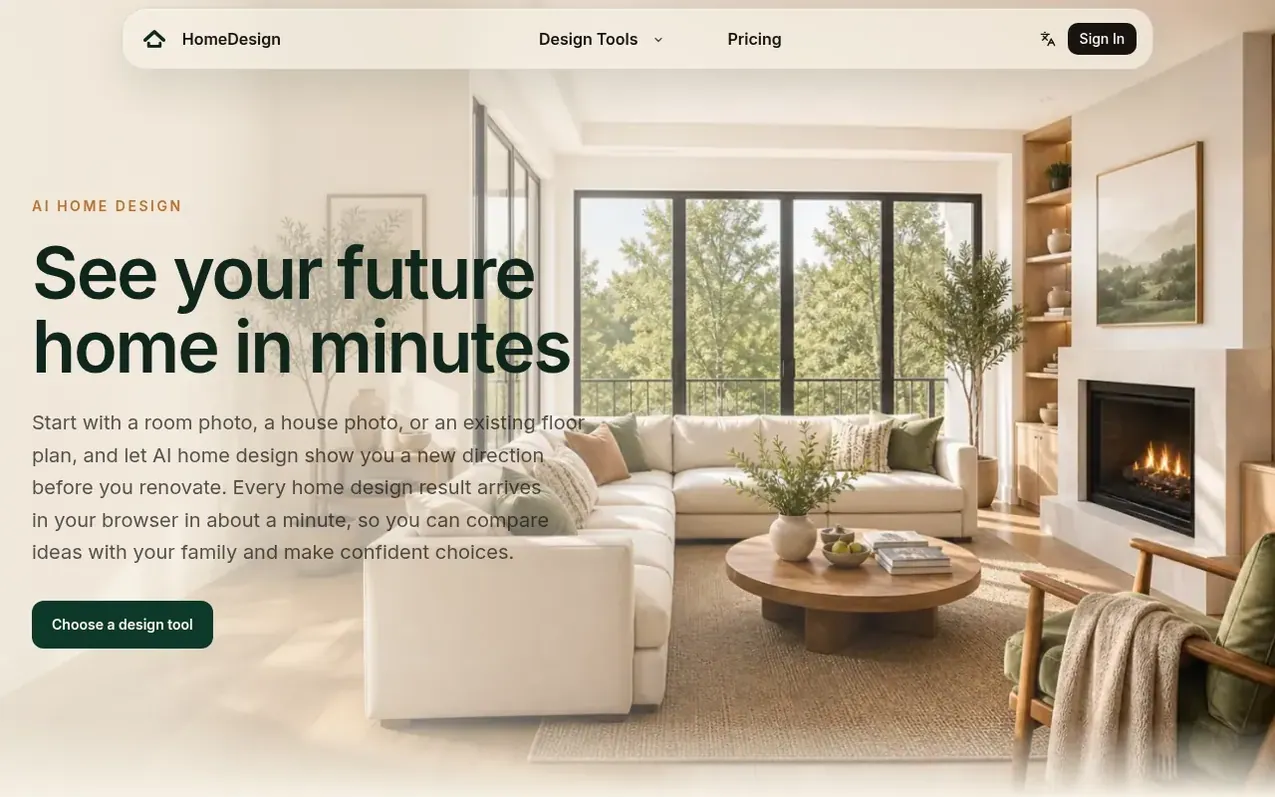
HomeDesign is an AI home design platform that helps users explore interior, exterior, and floor plan ideas without design experience. Upload a room photo, house photo, or existing floor plan to start. The AI rebuilds spaces in your chosen style, renders realistic previews, and creates optional 360° walkthroughs that arrive in your browser within about a minute. Compare original photos with AI-generated home design concepts side-by-side to make confident renovation decisions. All results are visual planning references for family alignment and contractor briefs.
What it does
- AI Interior Design from room photos
- AI Exterior Design from house photos
- AI Floor Plan to 3D rooms with furniture layouts
- 360° room walkthroughs
- Local editing for specific design elements
- Style selection for design direction
- Before and after comparison views
- Credit-based pricing with flexible amounts
- Commercial usage rights
Pricing
Pricing model: Paid
Lite: $5 (80 credits, valid 30 days). Plus: $9 (was $10, 160 credits, valid 60 days, for typical 7-room home). Pro: $17 (was $20, 320 credits, valid 90 days). Max: $32 (was $40, 640 credits, valid 180 days). Credits cost: Room concept 1 credit, 2D room plan 2 credits, Realistic render 3 credits, 360
Shopper questions
What should I upload?
Upload a clear photo of a room, house exterior, or existing floor plan. Use images with good lighting and straight-on angle, at least 1024 pixels on the longest side. Keep the whole space in frame and avoid heavy filters for best results. The AI home design workflow preserves your space's structure while trying new finishes and furniture.
Can I change just one part of a design?
Yes, you can mark specific areas and describe edits like a different sofa or wall color. The AI regenerates only that region, costing fewer credits than a full regeneration. You can repeat local edits until satisfied, keeping the rest of your design unchanged and iterations fast and cheap.
How much does a generation cost?
Cost depends on the tool, model, and output type. The exact credit cost is always shown before you confirm generation. Credit packs start at $5 with no subscription required. Budgeting is simple because credit cost is always visible before you generate.
Can I use my designs commercially?
Yes, you keep full commercial rights to all generated designs. You can use, sell, or modify results for any lawful purpose with no attribution required. Commercial rights apply to every home design you create.
Which tool should I start with?
If you already have a floor plan, AI Floor Plan turns a selected room into a 2D furniture layout, a photorealistic render, or an optional 360° view — it visualizes your existing plan rather than drawing a new one. Working from a photo instead? Use AI Interior Design for rooms and AI Exterior Design for the outside of the house. All three share the same AI home design workflow: upload, pick a style, generate, compare. If you are not sure, start with the photo you already have — every home design tool accepts the same upload formats.
HomeDesign has a free listing. The owner can unlock the full profile with a paid launch for $5:
- Founder story (locked)
- Milestones (locked)
- Demo video (locked)
- Dofollow website link (locked)
Shoppers also viewed
- MyPaperKit
Design tools
- AI Kitchen Design
Design tools
- ideare
Design tools
- Matita
Design tools



