Grid for Artists
Free grid drawing tool to copy reference photos onto paper or canvas
Browser-based grid drawing tool that overlays labeled grids on reference photos, with step-by-step copying mode and various export formats including PDFs for
About this launch
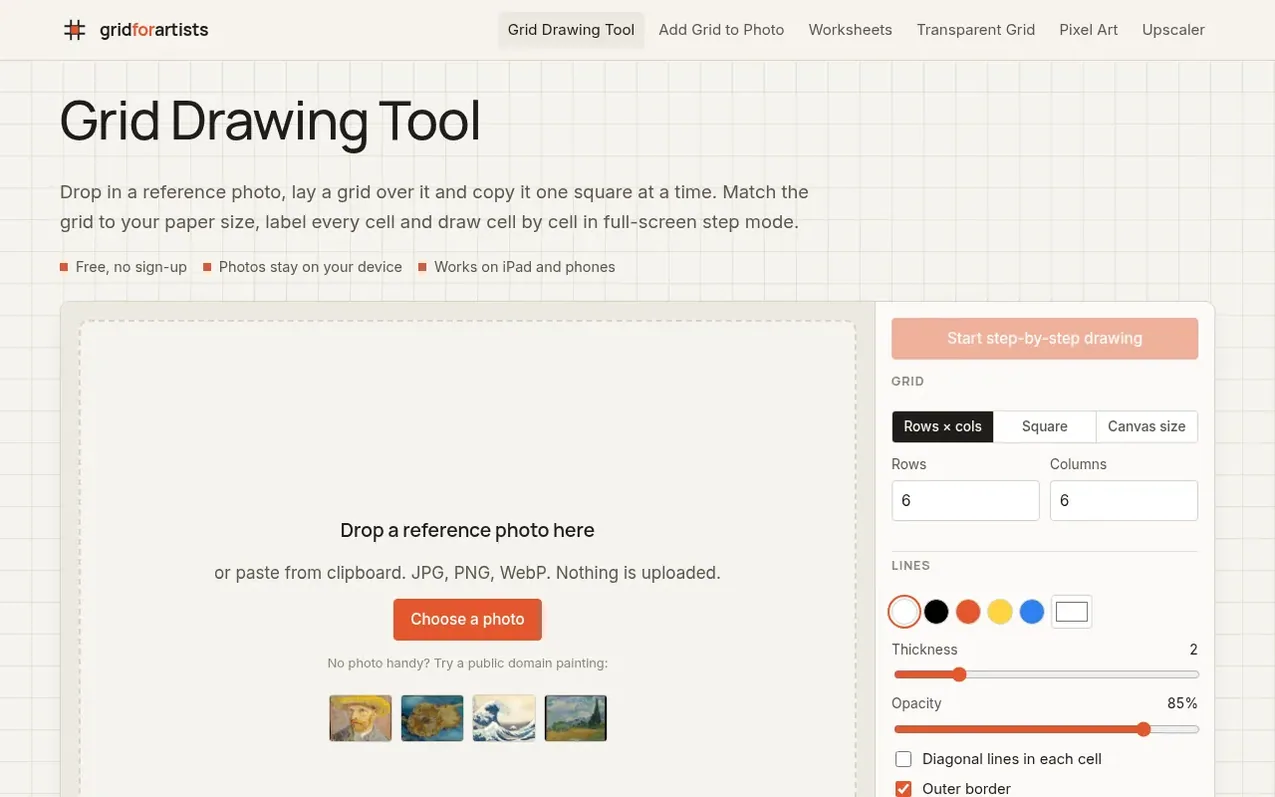
Grid for Artists provides a free web application for artists to use the grid method of drawing. Upload a reference photo and overlay a customizable grid with labeled cells. The step-by-step drawing mode displays one cell at a time, enlarged on screen, with neighboring cells dimmed around it to show where lines continue. Drawing progress is saved in the browser. Export options include PNG, JPG, print-ready PDF, blank grid PDF, and full-size tiled PDFs for murals. The tool runs entirely in your browser with no uploads to servers, works on tablets and phones, and requires no account or sign-up.
What it does
- Customizable grid with rows and columns
- Cell labeling with A1 style labels
- Step-by-step cell drawing mode with progress saved
- Black and white and value study filters
- Multiple export formats: PNG, JPG, PDF
- Diagonal guide lines in cells
- Canvas size matching for paper dimensions
- Works on tablets and phones
- Rule of thirds and golden ratio overlays
- Full-size tiled PDF for murals
Pricing
Pricing model: Free
Shopper questions
What is a grid drawing tool?
A grid drawing tool lays evenly spaced lines over a reference photo so you can copy it in small, manageable squares. You draw the same grid lightly on your paper or canvas, then copy what is inside each square one at a time.
How many squares should my drawing grid have?
For a first attempt use 4×4 to 6×6 squares. Portraits and detailed scenes usually work best with 8 to 12 squares across.
What is step-by-step drawing mode?
Step-by-step mode shows one cell of your reference at a time, enlarged to fill the screen, with the edges of the neighbouring cells dimmed around it so you can see where lines continue. Your progress is saved in the browser.
Is the grid drawing tool free? Do I need to sign up?
Yes, it is free with no account, no watermark and no paywalled features. Exports include PNG, JPG, print-ready PDF, a blank grid PDF and full-size tiled PDFs.
Are my photos uploaded to a server?
No. The image is opened and processed by your own browser. Nothing is sent to the server, which is also why the tool keeps working if your connection drops after the page has loaded.
Grid for Artists has a free listing. The owner can unlock the full profile with a paid launch for $5:
- Founder story (locked)
- Milestones (locked)
- Demo video (locked)
- Dofollow website link (locked)
Shoppers also viewed
- Iconaut
Design tools
- Voilà Charts
Design tools
- MockShot Studio
Design tools
- BannerSplitter
Design tools