
GlyPho
AI SVG generator for editable, consistent SVG sets
Create matching logos, icons, and illustrations from one prompt with consistent styles and editable SVG output.
About this launch
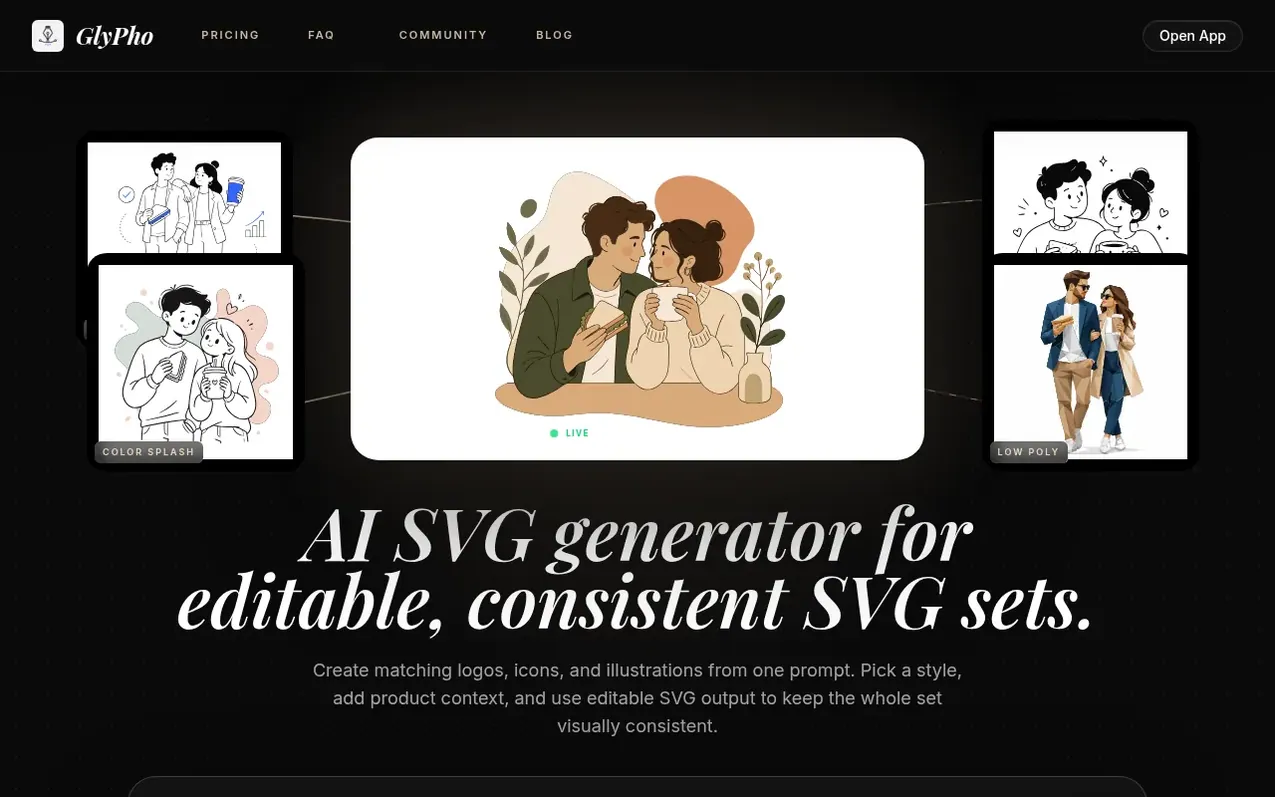
GlyPho is an AI SVG generator that creates editable, consistent vector sets from text prompts. Users describe the SVG set they need, choose from preset styles like Minimal Outline, Notion Style, Sticker, Duotone, and Line Art, and receive editable SVG output that maintains visual consistency across logos, icons, and illustrations.
The tool keeps generated assets in a private library, allows preset reuse for visual consistency, and enables editing of colors, paths, and spacing after export. All results remain as editable SVG files that can be used in design and code tools.
GlyPho differs from stock SVG libraries by creating new assets from user briefs instead of requiring searches across unrelated files. Users can share generated SVGs to a community library to earn credits, with every tenth first-time public share granting one free credit.
What it does
- Multiple preset styles including Minimal Outline, Notion Style, Sticker, Duotone, and Line Art
- Private library to keep useful generations and reuse preset logic
- Editable SVG output with adjustable colors, paths, and spacing
- Community library with rewards for sharing SVGs
- Image to SVG converter for PNG, JPG, and WebP files
- SVG compression and optimization tools
- Multiple SVG export formats including PNG, JPG, and code
- AI-powered prompt-to-SVG generation for consistent visual families
- Commercial use licensing for Pro and Business plans
Pricing
Pricing model: Freemium
Free plan available. Pro: $16/month billed yearly (Save $48/yr) or $20/month monthly, includes 70 AI credits monthly, private library, and commercial use. Business: $48/month billed yearly (Save $144/yr) or $60/month monthly, includes 250 AI credits monthly and team-ready workflow.
Shopper questions
Can this AI SVG generator create a consistent series?
Yes. Choose one preset and keep the visual details you care about in each prompt. GlyPho uses that shared direction to help logos, icons, and illustrations feel like parts of the same set while keeping every SVG editable.
What makes GlyPho different from a stock SVG library?
GlyPho creates a new editable asset from your brief and keeps the prompt, preset, and library context ready for the next piece in the family, whereas stock search requires making unrelated files work together.
Can I keep generations private?
Yes. Keep useful generations private in your library, reuse their preset logic, and share only the SVGs you want to publish to the community.
What can I edit after export?
You can adjust colors, inspect paths, or place the file in code and design tools. Every result stays useful after it leaves GlyPho as an editable SVG.
Can I use outputs in commercial projects?
Commercial use is included in Pro and Business plans, allowing you to use generated SVGs in commercial projects.
GlyPho has a free listing. The owner can unlock the full profile with a paid launch for $5:
- Founder story (locked)
- Milestones (locked)
- Demo video (locked)
- Dofollow website link (locked)
Shoppers also viewed
- MyPaperKit
Design tools
- AI Kitchen Design
Design tools
- ideare
Design tools
- Matita
Design tools



