
Funeral Program Maker
Create printable funeral programs with templates, AI writing, and print-ready PDFs
Online tool to create customizable funeral program templates with order of service, photos, and obituaries, then download as print-ready PDFs.
About this launch
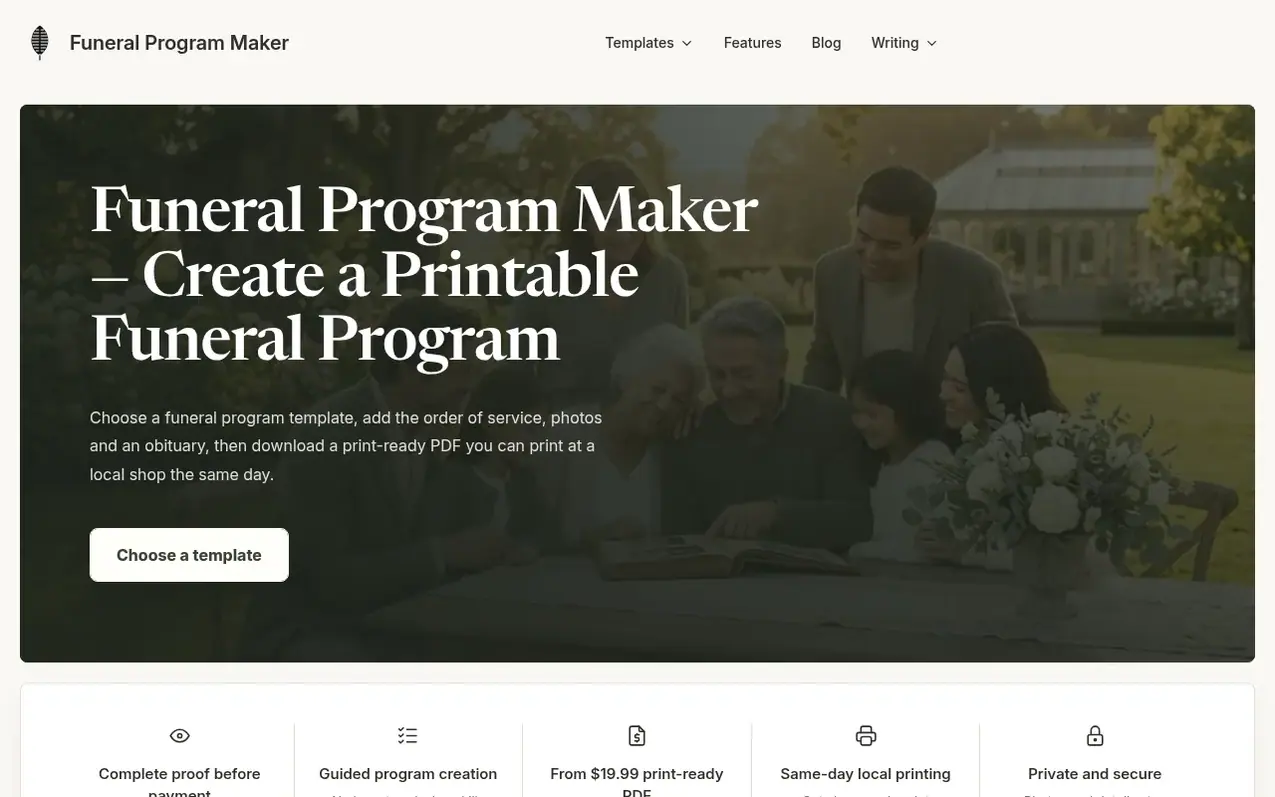
Funeral Program Maker helps families create professional funeral programs online. Users choose from respectful templates in multiple formats (4-page, 8-page, or trifold), add service details, photos, and an obituary, then download a print-ready PDF. The tool includes an AI obituary writer, pre-built service structures like Catholic Mass or Homegoing outlines, and a PDF checker to ensure proper formatting. All details entered once can be reused for related materials like prayer cards and thank-you notes. Programs stay private and are never published online.
What it does
- AI obituary writer that drafts text from confirmed facts
- Multiple template formats: 4-page, trifold, and 8-page booklet
- Pre-built service structures including Catholic Mass and Homegoing outlines
- Built-in PDF checker for fonts, images, and layout
- Print-ready local shop instructions included
- Reusable memorial details for prayer cards, thank-you notes, and bookmarks
- No account required for free preview and design
- Private memorial details never published online
Pricing
Pricing model: Free trial
From $19.99 per PDF download
Shopper questions
What is the difference between a 4-page, trifold and 8-page funeral program?
A 4-page program is one Letter sheet folded in half for most services. A trifold is one Letter sheet folded into thirds for a short service or graveside reading. An 8-page booklet is two Letter sheets for a full Mass or longer content.
How do I write an obituary for a funeral program?
Include the full name, birth and death dates, a short life story, the surviving family members, and the service time and place if available. The free AI obituary writer drafts text from the facts you type in and does not invent details you leave out.
How much does it cost to make a funeral program?
You buy the file only: one payment for a finished PDF, and you can print as many copies as you need. We do not print, ship or mail programs — no printing or delivery service is included. The exact price for each format is shown in the editor before you pay.
Is there a free funeral program maker?
Yes. Browse every template, fill in the details, preview every page, and use the AI obituary writer and the PDF checker for free — no account and no card. You pay only when you download the finished PDF without the preview watermark. Most families finish in about ten minutes.
How do I print a funeral program double-sided?
Open the PDF in Adobe Acrobat Reader and choose Booklet, not the plain "2 pages per sheet" option — Booklet sets the page order so the sheet folds correctly, while 2-up prints pages 1 and 2 side by side and breaks the sequence. The pages are half-Letter, so two fit side by side on one Letter sheet; keep scaling at 100% (Actual size), never "Fit to page". Set double-sided to flip on the short edge, print one sheet, and fold it as a test: the cover should be outside, with pages 2 and 3 inside.
Funeral Program Maker has a free listing. The owner can unlock the full profile with a paid launch for $5:
- Founder story (locked)
- Milestones (locked)
- Demo video (locked)
- Dofollow website link (locked)
Shoppers also viewed
- MyPaperKit
Design tools
- AI Kitchen Design
Design tools
- ideare
Design tools
- Matita
Design tools



