FloorDraft
Free online floor plan editor to draw rooms, arrange furniture and export designs
Draw measured 2D floor plans, arrange furniture, trace images and export to PNG, PDF or DXF without watermarks in your browser.
About this launch
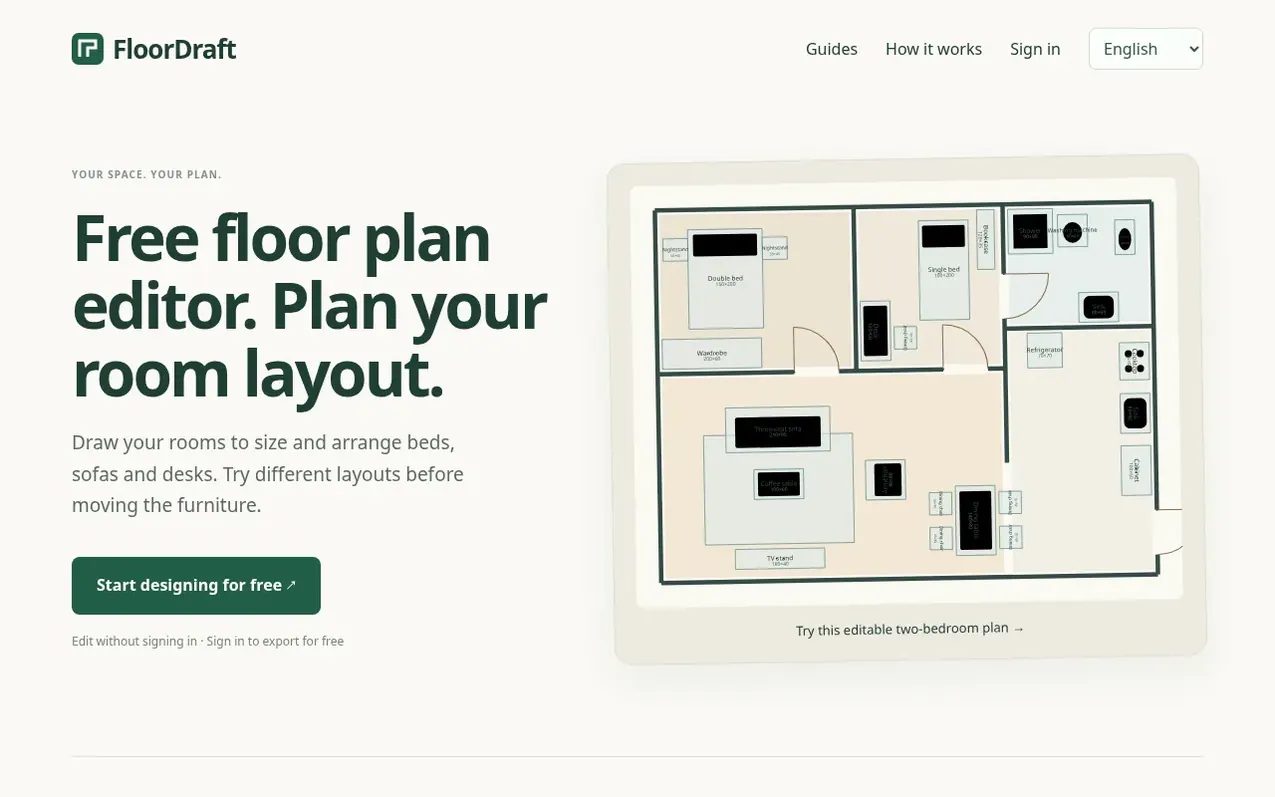
FloorDraft is a free browser-based floor plan editor that lets you design room layouts without downloading software. Draw walls, doors, and windows at actual measurements, then arrange furniture to explore different configurations before buying or moving pieces. Upload existing floor plans as reference images to trace over, or start from scratch with a blank design.
The editor includes tools for precise dimensions, furniture positioning, floor area calculations, and utility marking. All editing is free and requires no account. Sign in with Google to export designs as PNG images for sharing, PDF documents for printing, or DXF files to continue editing in CAD software. Exports have no watermarks. Save up to 3 projects to the cloud and access them from any computer.
What it does
- Arrange furniture with exact width and depth measurements
- Trace images and calibrate to scale
- Export to PNG, PDF and DXF formats
- Calculate room floor area
- Add dimensions and notes to drawings
- Manage layers and compare layout options
Pricing
Pricing model: Freemium
Shopper questions
Do I need an account to draw a floor plan?
No. You can draw and arrange furniture for free in a desktop browser. Sign in with Google when you want to export PNG, PDF or DXF files. Exports are free and have no FloorDraft watermark.
Can I upload an existing floor plan?
Yes. Upload a PNG or JPG as a tracing reference. Set the scale using a known length in the image, then draw the walls and add doors and windows yourself.
Can I check whether a bed, sofa or desk will fit?
Yes. Draw the room to its measured size, enter the actual width and depth of your furniture, and try different positions.
How do I continue on another computer?
Sign in with Google and save your project to the cloud. Sign in with the same account on another computer and open it from My projects. Each account can save up to 3 cloud projects.
Do I need to install software?
No. Use a desktop browser to draw and export. On your phone, you can read the help pages and drawing guides.
FloorDraft has a free listing. The owner can unlock the full profile with a paid launch for $5:
- Founder story (locked)
- Milestones (locked)
- Demo video (locked)
- Dofollow website link (locked)
Shoppers also viewed
- Iconaut
Design tools
- Voilà Charts
Design tools
- MockShot Studio
Design tools
- BannerSplitter
Design tools