
Exismic
AI-powered creative workspace for images, video, audio, PDFs, and everyday tasks
Browser-based suite of 50+ AI tools for creating, editing and processing images, video, audio, PDFs and documents without installing software or signing up with
About this launch
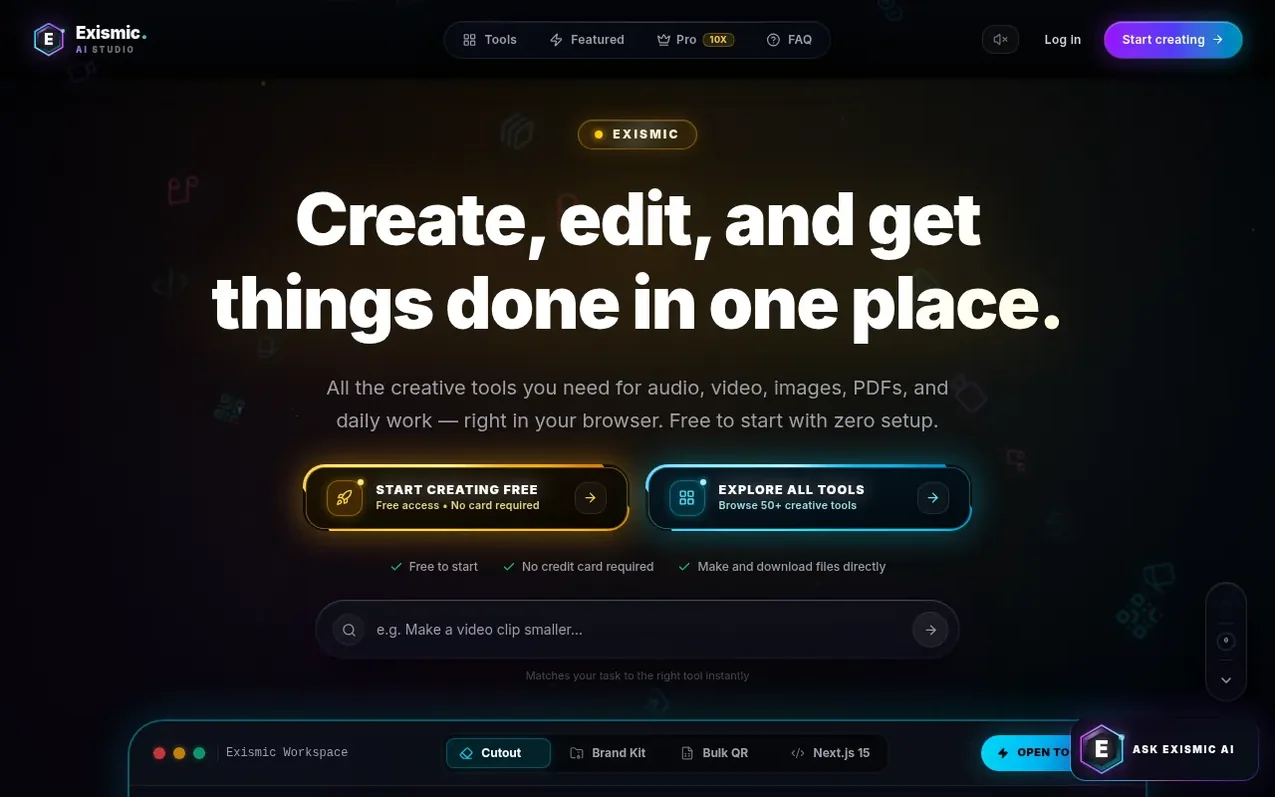
Exismic is an all-in-one creative workspace that brings image editing, video trimming, audio processing, PDF tools, and code generation into a single browser interface. The platform offers over 50 tools organized into categories including background removal, logo generation, vocal isolation, text scanning, QR code generation, invoice creation, and Next.js code export. Users can process files with 50 daily free credits, with no credit card required to start. The workspace provides step-by-step guides for each task and real downloadable files in formats including PNG, GIF, PDF, SVG, MP3, and ZIP packages. Privacy-first processing means some tools run locally in the browser while others use external services, with options to upgrade to Pro for 500 daily credits and access to premium features like project folders and bulk file processing.
What it does
- Background removal with transparent PNG output
- Vocal remover with audio stem separation
- Video trimming and format conversion
- Text scanning and OCR from documents
- Next.js 15 code generation and export
- Bulk QR code generation from spreadsheets
- AI image generation
- AI writing for scripts, articles and emails
Pricing
Pricing model: Freemium
Free Forever: 50 daily credits, 50+ tools, direct file downloads, no credit card required. Exismic Pro: $6.99/month with 500 daily credits, startup brand kit, bulk spreadsheets, Next.js source code, saved project folders, and clean exports without watermarks.
Shopper questions
Is Exismic really free to use?
Exismic offers free tools and daily credits, allowing users to try supported workflows without entering payment information. Some actions use credits or require paid access, and users can check the selected tool before starting to see its available features and requirements. The free and Pro options can be compared on the Pro page.
What kind of files can I download?
Available downloads depend on the selected tool and include PNG images, GIF animations, PDF documents, text files, audio tracks, and ZIP packages. The export controls show the exact format and quality available, and SVG exports can either contain vector paths or embed a picture inside an SVG file.
Are my files private and secure?
Processing varies by tool: some utilities work locally in the browser, while others upload files to Exismic or external services. Users should check the selected tool's guide and the privacy policy before providing sensitive documents, images, or audio.
How does the Pro subscription work?
Exismic Pro provides a larger daily credit allowance and access to the features included in the chosen plan. Users can visit the Pro page to compare current prices, allowances, and billing periods, and their account settings show subscription details and available management options.
Do I need to install any software or extensions?
No, Exismic can be opened in a web browser without installing a separate desktop application or extension. The interface adapts to phones, tablets, laptops, and desktop screens, though tool support can vary by browser and device.
Exismic has a free listing. The owner can unlock the full profile with a paid launch for $5:
- Founder story (locked)
- Milestones (locked)
- Demo video (locked)
- Dofollow website link (locked)
Shoppers also viewed
- MyPaperKit
Design tools
- AI Kitchen Design
Design tools
- ideare
Design tools
- Matita
Design tools



