
CropDen
Free image cropper for exact platform sizes, runs in your browser
CropDen is a free browser tool that crops and resizes images to exact sizes for Instagram, YouTube, passports and other platforms, with compression and format
About this launch
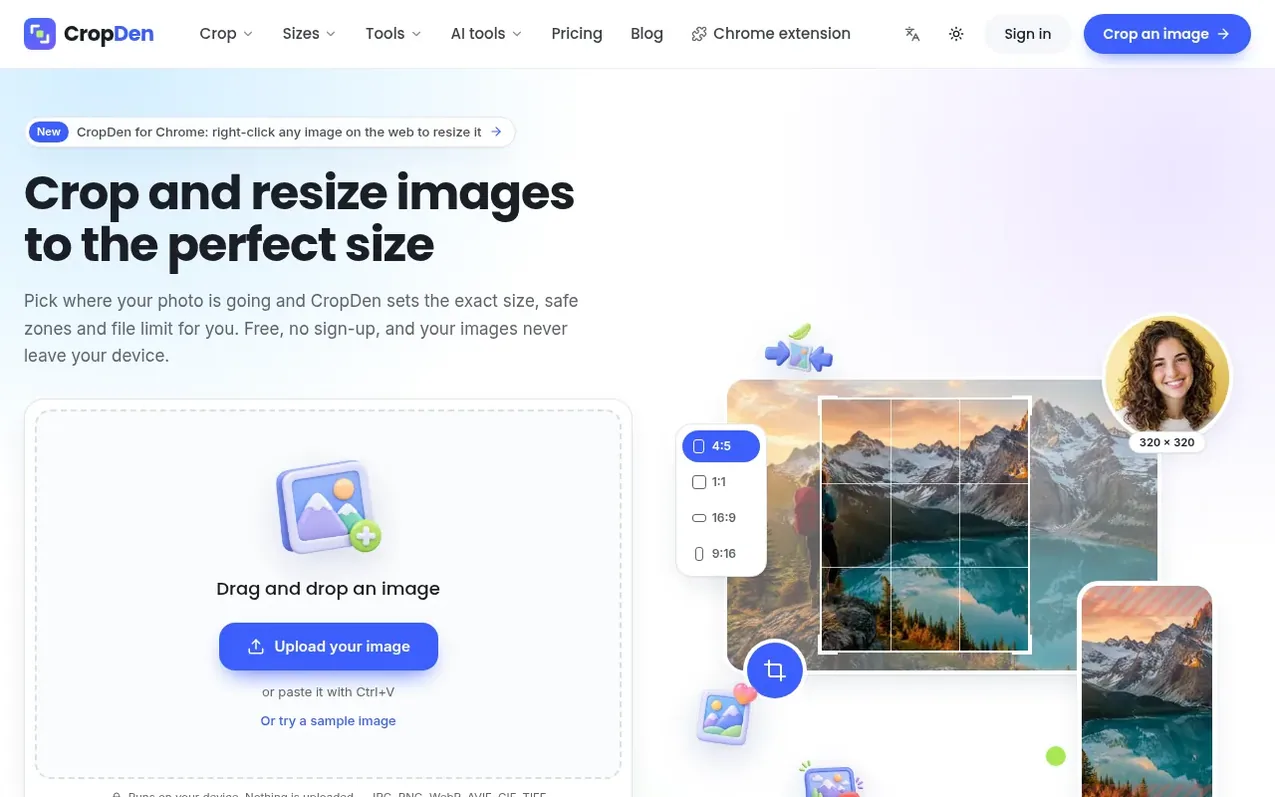
CropDen is a free web tool that crops and resizes images to exact platform sizes for social media, professional photos and documents. Drop an image, select your target platform or aspect ratio, and the tool shows you exactly what will be visible with safe zones marked. The entire process runs in your browser on your device, so images are never uploaded to a server.
The core tools—cropping, resizing, compression and conversion—are completely free with no account required and no watermarks. AI tools for extending, upscaling and background removal use optional credits. A Chrome extension allows you to right-click any web image to resize it for Instagram, YouTube, passports or other formats without uploading.
Platform sizes come from official documentation and are checked at least quarterly. Free accounts can process up to 20 images per batch and files up to 20 MB. Pro plans offer larger batches and file sizes for professional workflows.
What it does
- Crop images to exact platform sizes for Instagram, YouTube, Facebook, X, LinkedIn, Discord, TikTok, Twitch, and passports
- Batch resize multiple images to one size
- Compress images to target file size from 20 KB to 2 MB
- Convert TIFF files including multi-page to JPG
- Crop and resize animated GIFs without losing animation
- AI image extender to add background around photos
- AI image upscaler to enlarge photos 2× or 4× with sharper detail
- Remove background from images in one click
- Chrome extension for right-click resizing of web images
- Convert GIF to silent MP4 video in browser
Pricing
Pricing model: Freemium
Free: crop, resize, compress, convert tools with no account needed, up to 20 files per batch (50 with account). Pro (monthly): $9.00 USD per month or founding price $4.95 USD per month for first 200 subscribers. Pro (yearly): $65.00 USD per year or founding price $35.75 USD per year for first 200 su
Shopper questions
Is CropDen free?
Yes. The crop, resize, compress and convert tools are free to use, with no sign-up and no watermark on what you download. The optional AI tools (extend, upscale, remove background) use credits.
Are my images uploaded to a server?
No. Cropping, compression and conversion all run in your browser, so your files stay on your device. Only the optional AI tools send an image to a server, and each one says so.
Which file formats are supported?
The tools open JPG, PNG, WebP, AVIF, GIF and TIFF (HEIC opens in Safari) and save JPG, PNG or WebP. The converter turns TIFF files, including multi-page ones, into JPG.
How do AI credits work?
Credits pay for the AI tools: the AI image extender uses 5 credits a run, the AI upscaler 8 (2×) or 12 (4×), and background removal 1. Packs are one-time purchases that never expire and work on any plan, including free.
Is there a CropDen browser extension?
Yes. CropDen for Chrome is free and adds CropDen to the right-click menu to resize any image on a web page for Instagram, YouTube or a passport photo, save a WebP as JPG or PNG, or compress it to 100 KB. It also works in Edge and Brave.
CropDen has a free listing. The owner can unlock the full profile with a paid launch for $5:
- Founder story (locked)
- Milestones (locked)
- Demo video (locked)
- Dofollow website link: not on this free listing (its website link is nofollow)
Shoppers also viewed
- Hexby.ai
Design tools
- Emblematic
Design tools
- DASHUND.link
Design tools
- Apptune
Design tools