
ChatFlowchart
AI flowchart maker and diagram generator that turns text, images, and PDFs into editable diagrams
Create editable flowcharts and diagrams from text, images, PDFs, and screenshots using AI. Edit by chat and export to multiple formats.
About this launch
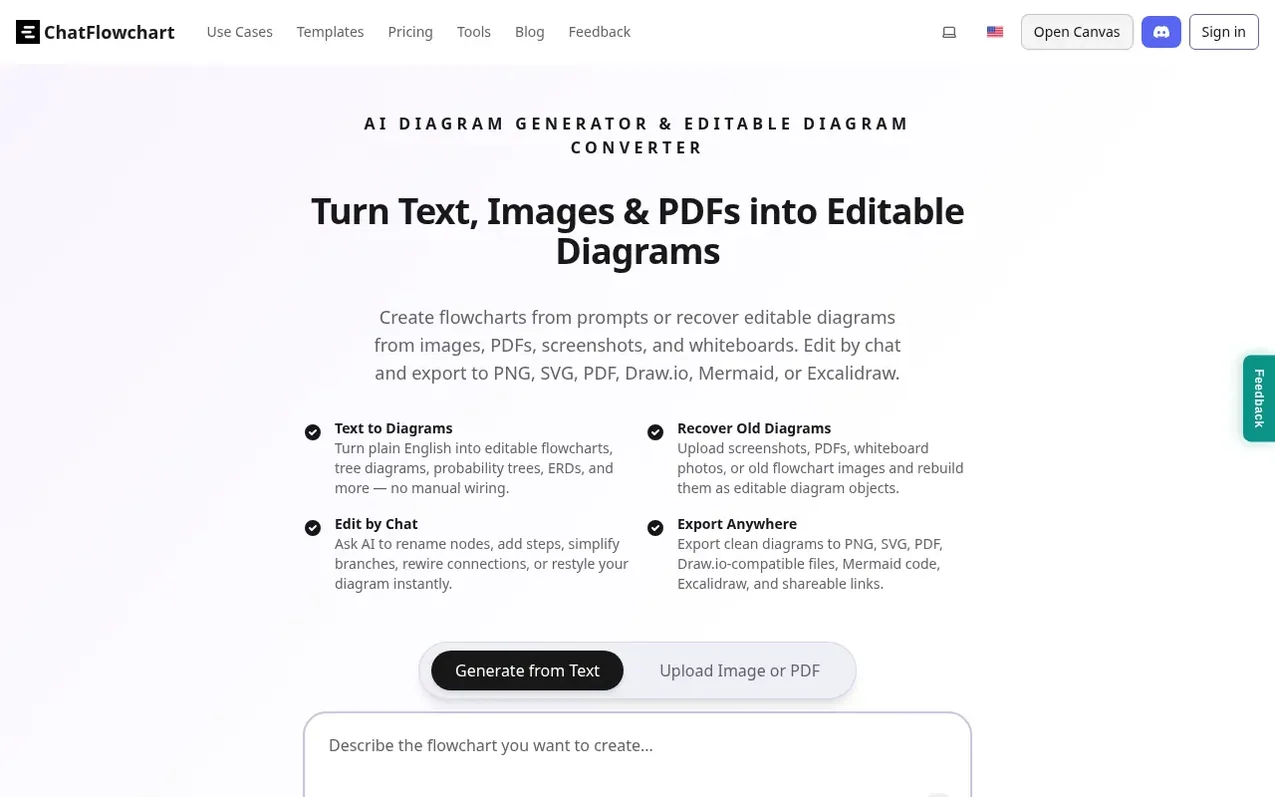
ChatFlowchart is an AI-powered diagram generator that converts plain text descriptions into editable flowcharts and diagrams. Users can describe workflows, processes, or algorithms in natural language and the AI automatically generates a structured diagram with appropriate layout and styling.
Beyond text input, the platform can recover editable diagrams from images, PDFs, screenshots, and whiteboard photos. Users can then refine these diagrams through conversational chat commands, asking the AI to rename nodes, add steps, rewire connections, or adjust layouts.
The tool supports over ten diagram types including flowcharts, UML diagrams, entity-relationship diagrams (ERDs), mind maps, C4 diagrams, BPMN, and organizational charts. Generated diagrams can be exported to PNG, SVG, PDF, Draw.io-compatible files, Mermaid code, and Excalidraw, or shared via links.
What it does
- Generate flowcharts from plain text descriptions
- Convert images to editable diagrams
- Edit diagrams through conversational chat
- Support for 10+ diagram types
- Export to multiple formats including PNG, SVG, PDF, Draw.io, Mermaid, and Excalidraw
- No signup required for free use
- Automatic layout and styling
- Diagram collaboration and sharing
- Create flowchart animation videos
Pricing
Pricing model: Freemium
Shopper questions
Can I generate a flowchart from text or a paragraph?
Yes, you can paste plain English or bullet points and the AI will parse steps and decisions to build a clean flowchart.
Can I edit the flowchart by chat?
Yes, you can rename nodes, add steps, rewire connections, and adjust layout through conversational chat commands.
What export formats are supported?
ChatFlowchart supports PNG, SVG, and PDF export formats, as well as Draw.io, Mermaid, and Excalidraw-compatible exports.
Which diagram types are supported?
The platform supports over ten diagram types including flowcharts, UML, ERD, mind maps, C4, BPMN, organizational charts, and more.
Do I need to sign up to use ChatFlowchart?
No, you can try it online for free without signing up or providing a credit card.
ChatFlowchart has a free listing. The owner can unlock the full profile with a paid launch for $5:
- Founder story (locked)
- Milestones (locked)
- Demo video (locked)
- Dofollow website link (locked)
Shoppers also viewed
- MyPaperKit
Design tools
- AI Kitchen Design
Design tools
- ideare
Design tools
- Matita
Design tools



