
ChartKit
Think-cell-style charts and AI for Google Workspace
Chrome extension that creates think-cell-style charts in Google Slides, adds AI writing powered by your own Claude, and links numbers to Google Sheets.
About this launch
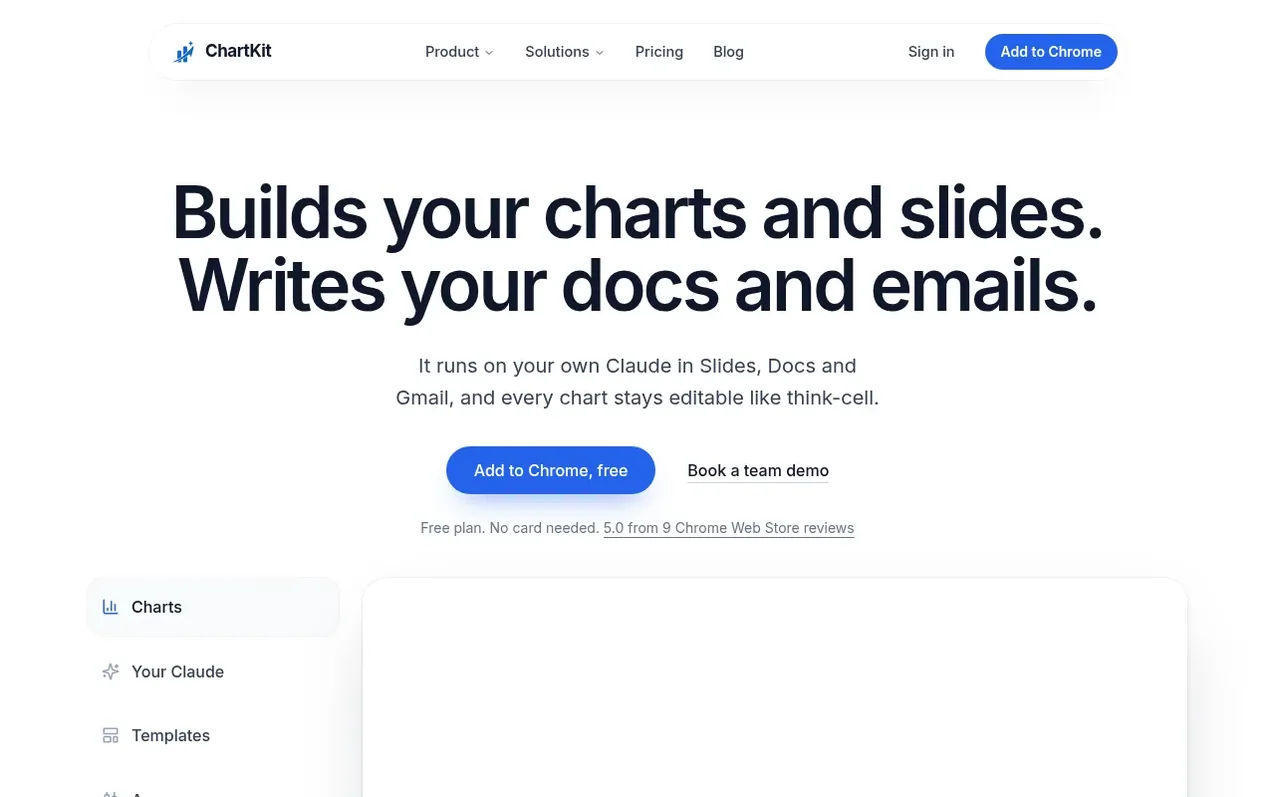
ChartKit is a Chrome extension that brings advanced charting and AI to Google Workspace. It draws think-cell-style charts—including waterfall, Mekko, Gantt, stacked bar, line, scatter, and more—directly on Google Slides, with the ability to re-edit them later. The tool integrates AI writing into Slides, Docs, and Gmail through your own Claude or ChatGPT subscription, adding no model cost. Charts can be linked to Google Sheets so numbers stay synchronized, and colleagues without ChartKit can view charts as images. It also includes a desktop app for Mac and Windows, templates, components, slide library features, and deck checks that scan for off-brand colors, wrong fonts, and conflicting numbers.
What it does
- Waterfall, Mekko, Gantt, and other advanced chart types
- Charts linked to Google Sheets that auto-update
- AI Chat and writing pill using your own Claude or ChatGPT
- Claude connector to insert charts from claude.ai
- Deck checks for off-brand colors, wrong fonts, and conflicting numbers
- Chart annotations including Delta, CAGR, level line, and axis break
- Team palette and shared layouts for brand consistency
- Slide library with approved slides searchable across team
- Desktop app for Mac and Windows to build charts and export as PNG
- Align, arrange, and distribute tools for slide layout
Pricing
Pricing model: Freemium
Free: €0, 10 charts per month. Pro: €10/month (billed monthly) or €80/year. Enterprise: custom pricing per seat.
Shopper questions
Is there a think-cell for Google Slides?
think-cell does not run in Google Slides, but ChartKit is a Chrome extension that draws think-cell-style charts directly on your slide and allows you to re-edit them later.
Is ChartKit free?
ChartKit offers a free plan with 10 charts per month with every chart type. Pro is €10 per month or €80 per year with a 14-day trial.
Can I use my own Claude?
Yes. Chat and the writing pill run on your own Claude or ChatGPT subscription, or on your company's AI gateway, so ChartKit adds no model bill.
Is my data safe?
ChartKit only accesses the decks you open it on and never trains models on your data.
Is there a PowerPoint version?
Not in the Microsoft store yet. The ChartKit desktop app for Mac and Windows works today.
ChartKit has a free listing. The owner can unlock the full profile with a paid launch for $5:
- Founder story (locked)
- Milestones (locked)
- Demo video (locked)
- Dofollow website link (locked)
Shoppers also viewed
- MyPaperKit
Design tools
- AI Kitchen Design
Design tools
- ideare
Design tools
- Matita
Design tools



