
Caxton
A native Mac editor for text, CSVs, and data files
A native macOS application for editing text, CSV files, and structured data directly on your Mac, with no uploads or imports.
About this launch
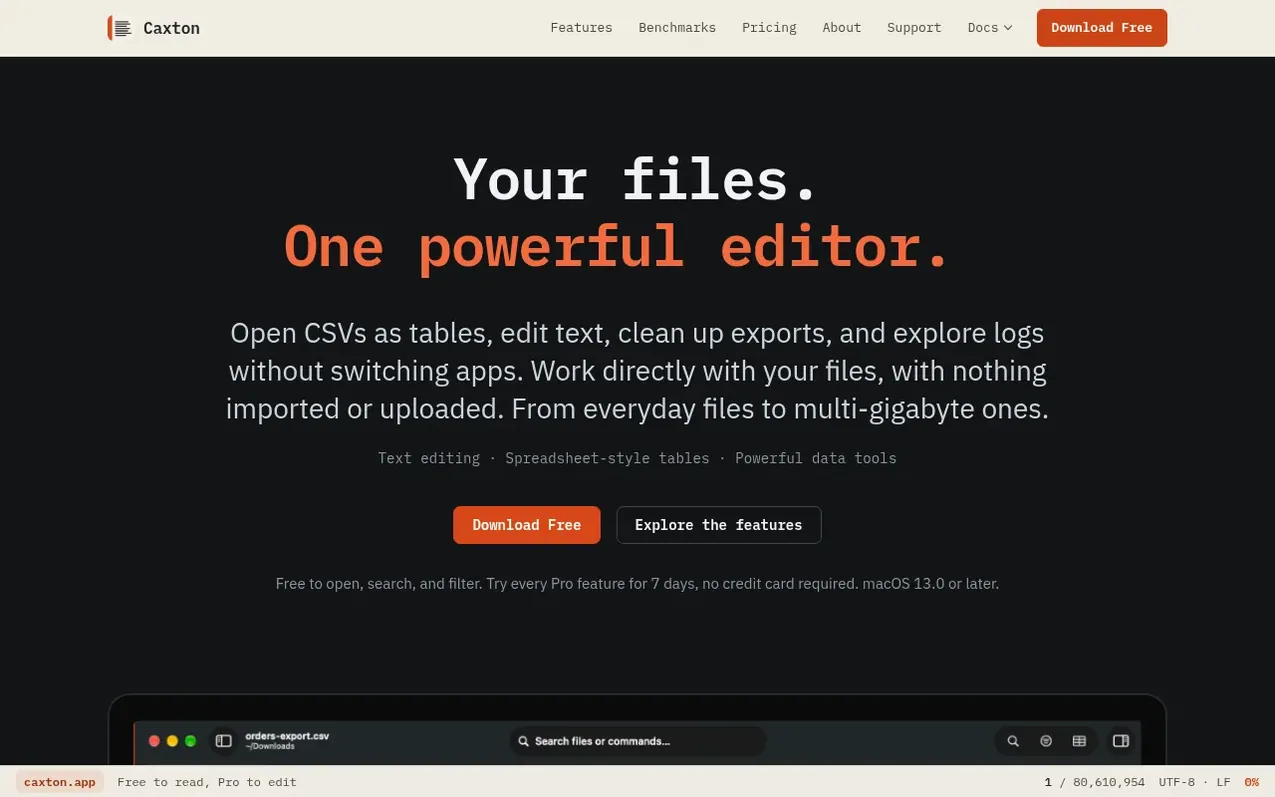
Caxton is a native macOS file workbench that combines text editing, CSV table editing, and data cleanup in one application. It opens files directly from your Mac without importing or uploading, handles files from kilobytes to multi-gigabyte sizes, and provides tools for searching, filtering, transforming columns, removing duplicates, and validating data. The application preserves data exactly as stored, including leading zeros and long IDs, and saves changes back to the original file format.
What it does
- Text editing with memory-mapped files for large documents
- CSV and TSV table editing with column transforms
- Column transformations and data type preservation
- CSV validation with structural and data rules
- File comparison without copying data
- Extract matches and columns to new documents
- Local processing with no cloud uploads or telemetry
Pricing
Pricing model: Freemium
Caxton Free (free forever); Caxton Pro monthly at $9.99 USD, annual at $99.99 USD, or lifetime at $179.99 USD. Team pricing starts at $79 to $99.99 USD per seat per year.
Shopper questions
Is there a free version?
Yes. After the 7-day Pro trial, Caxton Free keeps opening files, searching, filtering, comparing, and copying, and you can still save reports such as duplicate groups, problem rows, and frequency tables. Editing or saving a file you opened, and extracting its contents to a new document, need Caxton Pro.
Will it work on a base MacBook Air with 8 GB?
Yes. On an 8 GB M1 Air the same 10 GB log opens immediately, keystroke latency stays at about 1 ms, and every match count comes out identical to the 64 GB Pro. Searches that run from cache on a big machine run from disk on a small one, so a full pass over a 10 GB file takes about 15 seconds instead of 1.0.
Does my data leave my Mac?
No. Files are read in place and never uploaded; there is no cloud processing and no telemetry. License activation sends only what the privacy policy lists.
How is this different from Zed, BBEdit, or VS Code?
Caxton is text editing, CSV tables, and data cleanup in one native Mac app. Choose it when you want to work directly with a file, switch between text and columns, keep values like leading zeros exactly as they are, or open a file your current editor can't.
Is it a spreadsheet?
No. The grid opens delimited files as typed columns you can sort, filter, fill, dedupe, and edit, and it saves back to plain CSV. There are no formulas and no charts, on purpose.
Caxton has a free listing. The owner can unlock the full profile with a paid launch for $5:
- Founder story (locked)
- Milestones (locked)
- Demo video (locked)
- Dofollow website link (locked)
Shoppers also viewed
- MyPaperKit
Design tools
- AI Kitchen Design
Design tools
- ideare
Design tools
- Matita
Design tools



