
CADCraft
Free online CAD in your browser with no account or installation required
A free, open-source 2D CAD editor that runs in your browser, supporting DXF and DWG file formats with local storage and optional cloud saves.
About this launch
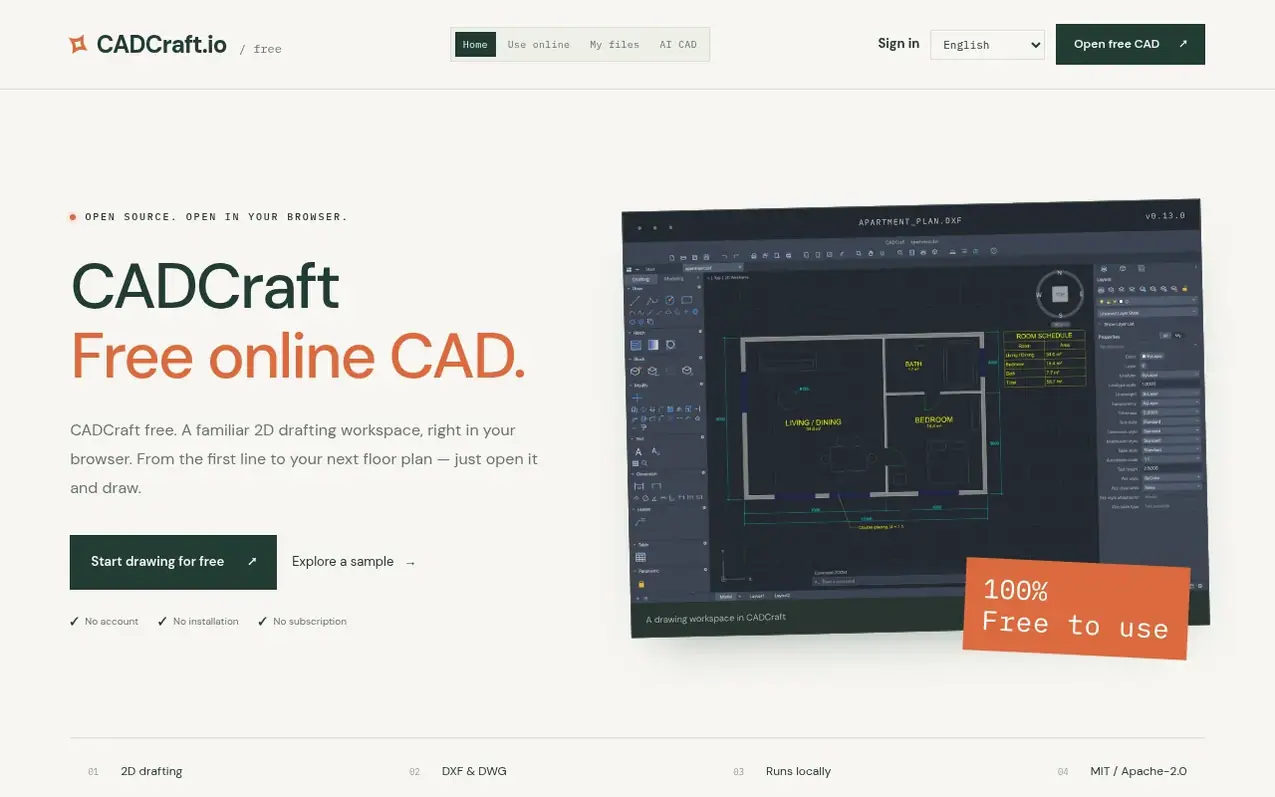
CADCraft is a free online CAD application that runs directly in your web browser without requiring installation or account creation. It provides a familiar 2D drafting workspace with support for industry-standard DXF and DWG file formats, allowing you to open existing drawings and save your work locally to your computer.
The application offers precision drafting tools including lines, circles, polylines, and arcs with object snaps and coordinate input. You can organize your work using layers, dimensions, blocks, and hatching. CADCraft is built on open-source software licensed under MIT or Apache-2.0, with the engine running locally in your browser using WebAssembly.
While drawing files are not automatically uploaded, signed-in users have the option to save drawings to a private cloud with 10 MB per drawing and 100 MB per account limits. The site emphasizes keeping your own local backups. CADCraft.io independently hosts a customized build of the open-source CADCraft project and is not the official project website.
What it does
- 2D drafting with lines, circles, polylines and arcs
- DXF and DWG file support
- Layers, dimensions, blocks and hatching
- Object snaps and coordinate input
- Local file storage and download
- Private cloud save with optional account
- Runs in Chrome, Edge, Firefox or Safari
Pricing
Pricing model: Free
Shopper questions
Is CADCraft really free?
Yes. CADCraft is open-source software under MIT or Apache-2.0 with no subscription, sign-in or payment requirement.
Does it work with DWG and DXF?
The official project supports DXF and DWG drawing workflows, though compatibility varies by file version and content. CADCraft is still in early development, so keep the original file and check important drawings after import.
Where are my drawings saved?
Guest drawings download to your computer via Save and Export. Signed-in users can optionally save to private cloud storage with limits of 10 MB per drawing and 100 MB per account.
What browser should I use?
Use a current Chrome, Edge, Firefox or Safari browser with WebGPU or WebGL2 support. If you experience rendering problems, try WebGL mode.
Is this the official CADCraft website?
No. cadcraft.io is independently operated and hosts a customized CADCraft web build, not the original software's official website.
CADCraft has a free listing. The owner can unlock the full profile with a paid launch for $5:
- Founder story (locked)
- Milestones (locked)
- Demo video (locked)
- Dofollow website link (locked)
Shoppers also viewed
- MyPaperKit
Design tools
- AI Kitchen Design
Design tools
- ideare
Design tools
- Matita
Design tools



