
BabaPic
Mac batch image compressor and format converter with preset export
Native macOS app for batch image compression, format conversion, resizing and preset-based export with folder watching and local processing.
About this launch
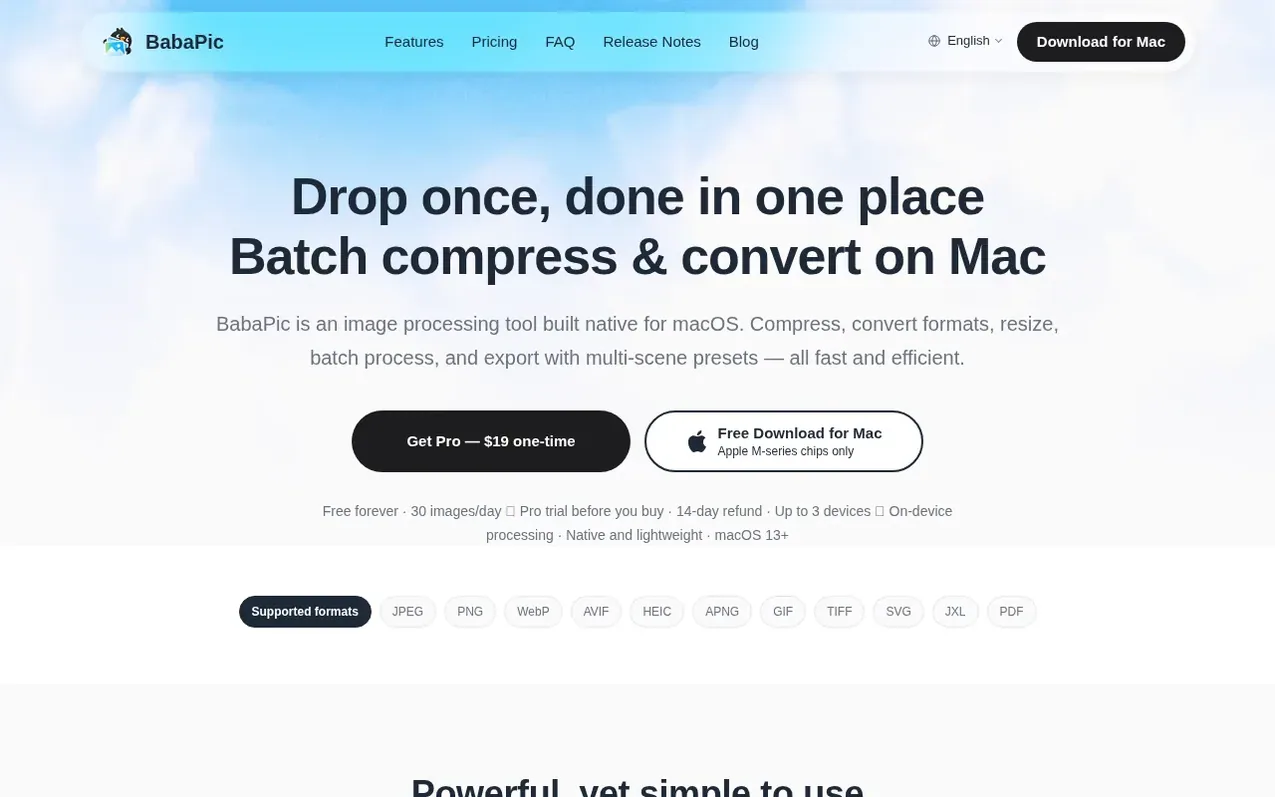
BabaPic is a native macOS application for processing images locally on your Mac. It compresses, converts between formats, resizes images and handles batch operations efficiently. Users can create reusable presets to save quality, size, naming and destination settings, then export ready-made sets in one click for different use cases like app icons, web images, social posts or e-commerce shots. The app supports reading 11 image formats and exporting to JPEG, PNG, WebP, AVIF, HEIC and JXL. Advanced features include folder watching to automatically process new images with a preset, and the ability to generate multiple output formats and sizes from a single source image in one pass. All processing runs locally on the device with no uploads to servers.
What it does
- Compression with adjustable quality settings
- Read 11 image formats, export to JPEG, PNG, WebP, AVIF, HEIC, JXL
- Batch processing with live file size savings display
- Reusable presets for quality, size, naming and destination
- Multiple output groups with different formats and sizes in one pass
- Folder watching for automatic processing of new images
- Local processing with no server uploads
- Image resizing capabilities
- Menu bar integration with status bar icon
- Activation on up to 3 Macs with one license
Pricing
Pricing model: Paid
BabaPic Free: free forever, 30 images per day. BabaPic Pro: $19 one-time purchase, lifetime license, free updates forever, unlimited processing.
Shopper questions
Which image formats does BabaPic support?
BabaPic reads 11 formats — JPEG, PNG, WebP, AVIF, HEIC, APNG, GIF, TIFF, SVG, JXL and PDF. Export supports JPEG, PNG, WebP, AVIF, HEIC and JXL, or keeps the original format.
What are the system requirements?
BabaPic requires an Apple Silicon Mac with an M-series chip (M1, M2, M3, M4 or later) and macOS 13 (Ventura) or later is recommended. Intel-based Macs are not supported.
Can I control image compression quality?
BabaPic provides an adjustable quality setting so you can balance file size against image quality yourself. For no quality loss, you can choose lossless formats such as PNG.
Is BabaPic a one-time purchase or subscription?
BabaPic Pro costs $19 USD as a one-time purchase with a lifetime license and free lifetime updates. It is not a subscription and there are no recurring fees.
How does folder watching work?
In BabaPic Pro, enable folder watching and choose a target folder plus a preset. Any new image added to that folder is then processed automatically with your preset without manual importing.
BabaPic has a free listing. The owner can unlock the full profile with a paid launch for $5:
- Founder story (locked)
- Milestones (locked)
- Demo video (locked)
- Dofollow website link: not on this free listing (its website link is nofollow)
Shoppers also viewed
- Hexby.ai
Design tools
- Emblematic
Design tools
- DASHUND.link
Design tools
- Apptune
Design tools