
Audio Enhancer
AI audio enhancer and video voice enhancer for clean, professional-quality sound instantly
An AI-powered tool that removes background noise, echo, and other audio issues from recordings and videos with one-click enhancement.
About this launch
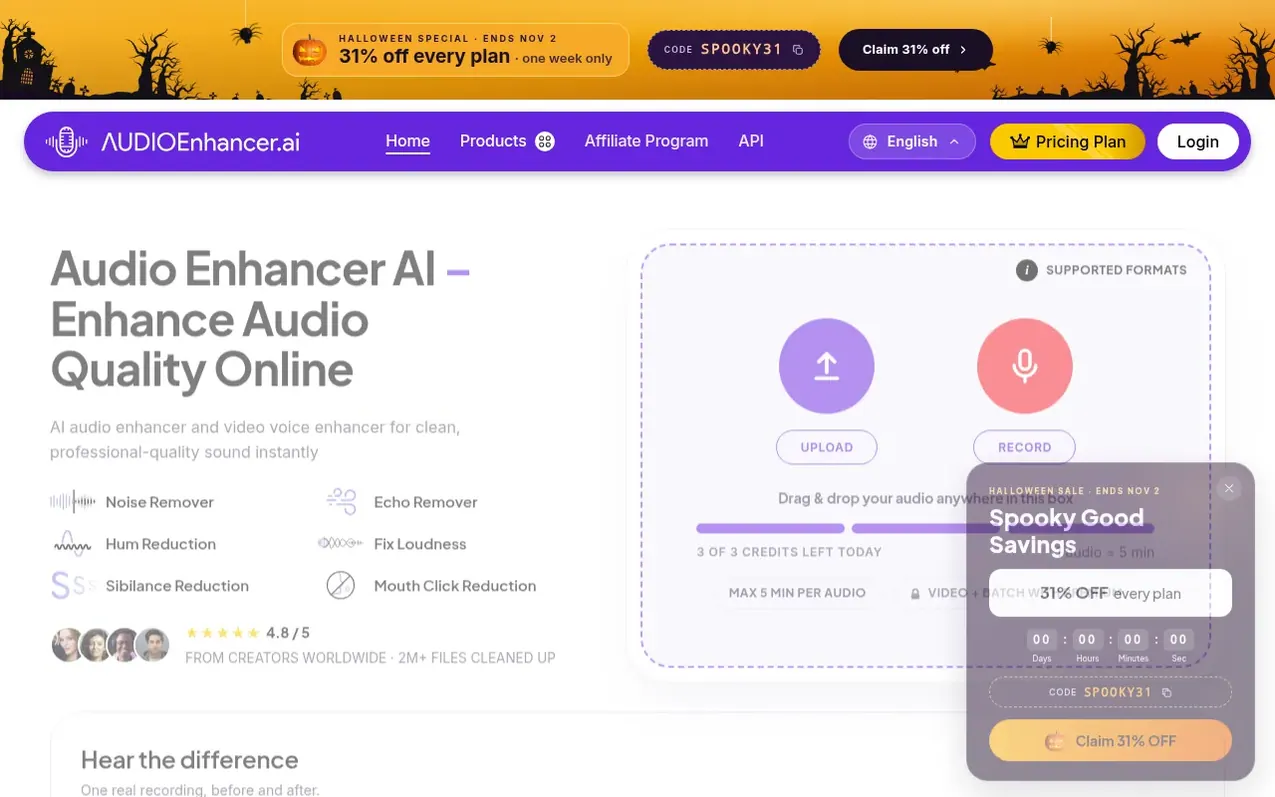
Audio Enhancer is an AI-powered platform designed to improve audio and video quality by removing unwanted background noise, echo, and other sound issues. Users can upload audio files or videos, select from multiple enhancement types including Clean Speech, Noise Reducer, Fix Loudness, and Noise/Echo Remover, and download enhanced files in various formats. The platform supports numerous audio and video formats, offers both free and premium plans, and serves podcasters, video creators, and musicians who need professional-quality sound processing.
What it does
- Noise removal to suppress static background sounds
- Clean Speech to remove mouth clicks, plosives and sibilance
- Fix Loudness to balance loudness and levels
- Echo and unwanted sound removal
- Support for audio formats including MP3, WAV, FLAC, OGG, AAC, and more
- Support for video formats including MP4, MOV, MKV, WEBM, AVI, and more
- Download in multiple formats including MP3, WAV, and FLAC
- A/B comparison to hear before and after enhancement
- Fine-tuning sliders for speech, music, and background levels
- Batch processing with premium support for 3 files at once
Pricing
Pricing model: Freemium
Free plan: 3 credits per day, 5 minutes per file maximum. Premium: $14.99 per month, includes unlimited minutes, 3 files at once, 1 GB file size, 2 hour long files, 10 GB space, and ad-free experience. Halloween special: 31% off every plan with code SPOOKY31.
Shopper questions
How do I enhance my audio using Audio Enhancer?
Upload your audio file or make a recording, select your enhancement type from options like Clean Speech, Noise Reducer, Fix Loudness, or Noise/Echo Remover, click the Enhance Audio button, and then download your enhanced file.
What audio and video formats does Audio Enhancer support?
Audio Enhancer supports 32 formats total including MP3, WAV, FLAC, OGG, AAC, AIFF, ALAC, OPUS, WMA, AMR, CAF, and more for audio, and MP4, MOV, MKV, WEBM, AVI, and others for video.
What is included in the free plan?
The free plan includes 3 credits per day with a maximum of 5 minutes per audio file. Premium features like video processing and batch processing are not available on the free plan.
Can I process video files with Audio Enhancer?
Yes, video enhancement is available as a premium feature. The tool cleans up the audio track while keeping the video exactly as it is.
Audio Enhancer has a free listing. The owner can unlock the full profile with a paid launch for $5:
- Founder story (locked)
- Milestones (locked)
- Demo video (locked)
- Dofollow website link (locked)
Shoppers also viewed
- EzVisualizer
Audio editing
- EraseNoise
Audio editing
- SCloudConvert
Audio editing
- Disband
Audio editing