AppScreenshots
Free app screenshot editor for App Store and Google Play
Create professional app store screenshots with device mockups, templates, and batch export for iOS, Android, and other platforms.
About this launch
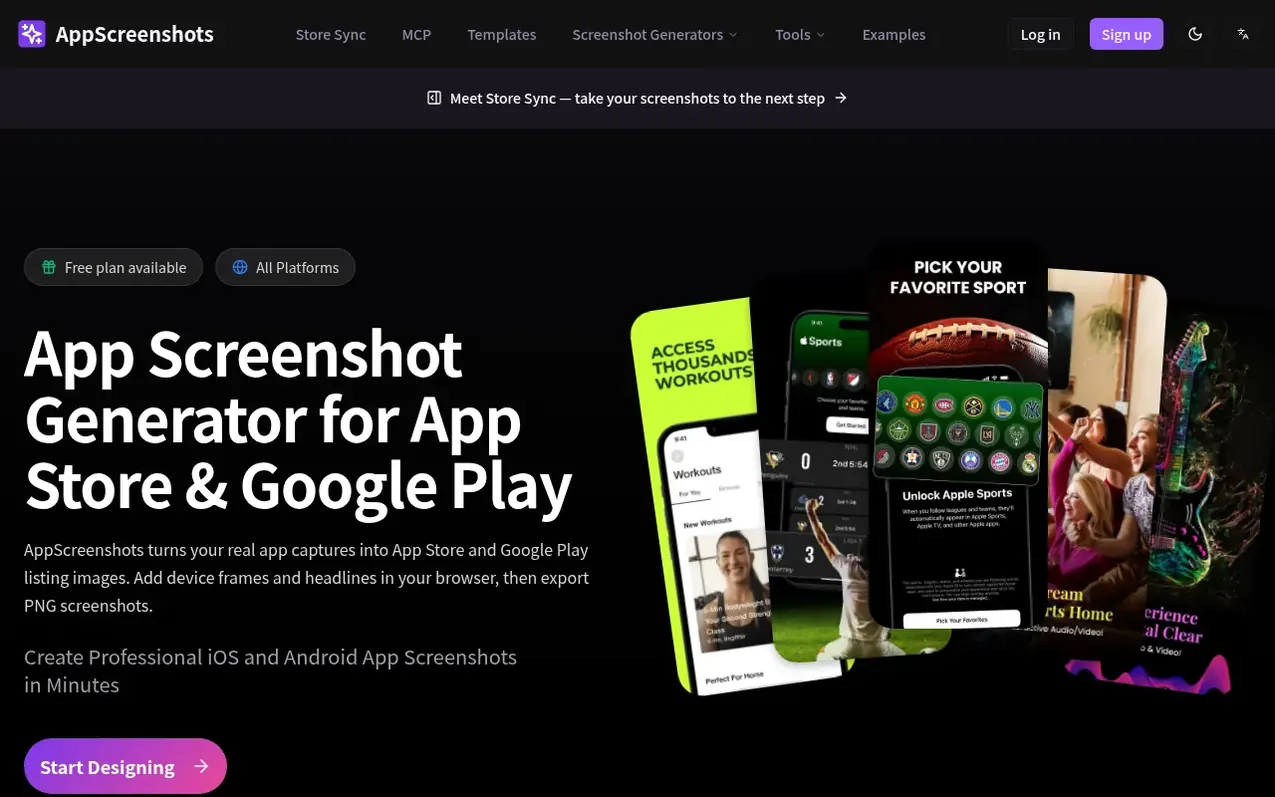
AppScreenshots is a free web-based tool that helps developers and designers create professional app store listing images. Upload your app screenshots, choose from templates or start blank, add device frames and headlines, then export PNG files. The editor runs in your browser for local editing and export. Free accounts can save up to 1 project and start 1 AI workflow. Paid plans unlock unlimited projects, batch export, multi-language support, and AI features. The tool supports App Store, Google Play, Huawei AppGallery, and Chrome Web Store with preset dimensions for each platform.
What it does
- Device mockups for iPhone, iPad, Android phones and tablets, Apple Watch
- AI-powered screenshot generation from product descriptions
- Template library with pre-designed layouts
- Multi-language support for 14 languages
- Batch translation and export to ZIP
- Export to PNG and JPG without watermark
- Platform presets for App Store, Google Play, Chrome Web Store, Huawei AppGallery
- Browser-based local editing with no software installation
- Cloud project saving and restoration
Pricing
Pricing model: Freemium
Free: 1 saved project, 1 AI workflow, export without watermark. 7-day Launch Pass: $4.99 one-time, 3 extra AI workflows, batch export for selected project. Pro: $9.9/month or annual (save 17%), unlimited projects, 30 AI workflows/month, batch translation and export. Lifetime: $199 one-time, unlimite
Shopper questions
Is AppScreenshots really free to use?
Core editing and local PNG export are free. A free account can save up to 1 screenshot project and start 1 AI workflow in total. Batch translation and multi-language export require Pro or Lifetime plans. Premium templates have separate access rules.
What platforms and devices are supported?
You can create listing images for App Store, Google Play, Huawei AppGallery, and Chrome Web Store. Choose a preset for your target platform and verify the exported pixel dimensions against current store requirements.
Do I need design skills to create professional screenshots?
No. Start from a template or blank canvas, upload your app captures, and edit headlines, backgrounds, and device frames. AI layouts are starting points that you customize with your real app UI before export.
How does the multi-language feature work?
Manage up to 14 project languages and edit each language version manually. Batch translation and multi-language ZIP export require Pro or Lifetime. Review wording, fonts, and text wrapping in every language before export.
Is my data safe and where are my screenshots stored?
Local editing and export run in your browser. Cloud uploads, saved projects, and AI features send the content needed for those features to the company's services.
AppScreenshots has a free listing. The owner can unlock the full profile with a paid launch for $5:
- Founder story (locked)
- Milestones (locked)
- Demo video (locked)
- Dofollow website link (locked)
Shoppers also viewed
- MyPaperKit
Design tools
- AI Kitchen Design
Design tools
- ideare
Design tools
- Matita
Design tools



