App Mockup Studio
Free App Store and Google Play screenshot generator with customizable templates and device frames
App Mockup Studio creates professional App Store and Google Play screenshots with customizable templates, device frames, and store-ready export sizes.
About this launch
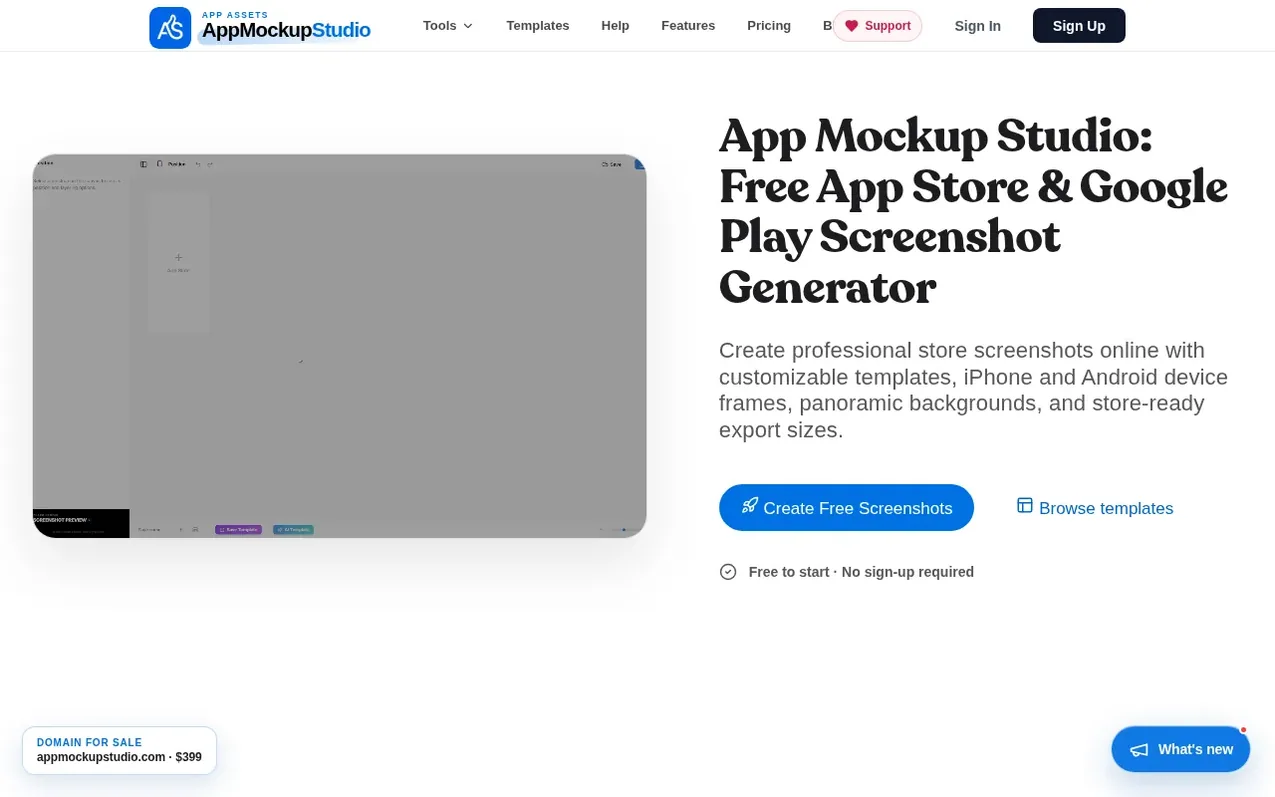
App Mockup Studio is a free online tool for creating professional App Store and Google Play screenshots. Users can choose from customizable templates, upload their app screenshots, and frame them in 3D device mockups with panoramic backgrounds. The tool supports all major devices including iPhone, iPad, and Android phones with high-resolution export options. A free version is available without sign-up, while a Pro subscription unlocks 4K export, premium templates, and advanced features like panoramic tools and bulk export.
What it does
- 3D Device Mockups for iPhone, iPad, and Android devices
- Customizable panoramic backgrounds across multiple slides
- Professional app store screenshot templates
- Advanced typography and color controls
- High-resolution export for App Store and Google Play
- App Description Generator with ASO copy
- Feature Graphic Creator for Google Play
- App Icon Generator with size formatting
- Cloud sync and project management
- Metadata Counter for store character limits
Pricing
Pricing model: Freemium
Free: no cost with 3 projects, 5 slides per project, standard resolution export. Pro Monthly: $3.99/month with unlimited projects and slides, no watermark exports, cloud sync. Pro Yearly: $29.99/year with everything in monthly plus full ASO studio access, priority export rendering, and team collabor
Shopper questions
Is App Mockup Studio free?
Yes, you can create projects and use core app screenshot tools for free. Pro subscription adds unlimited projects, premium editor features, and unlimited ASO generations.
Which app stores are supported?
App Mockup Studio supports Apple App Store and Google Play, providing exact dimensions for iPhone, iPad, Android phones, and tablets.
Do I need to sign up to create screenshots?
No sign-up is required to start designing. You only need an account if you wish to save your projects in the cloud for later editing.
Can I use the generated descriptions commercially?
Yes, you can adapt the generated copy for your app listing. Always review claims, product details, and store policies before publishing.
What devices are supported?
App Mockup Studio maintains a library of templates for latest devices including iPhone 16 Pro Max, iPad M4, and Google Pixel 9 with high-resolution exports.
App Mockup Studio has a free listing. The owner can unlock the full profile with a paid launch for $5:
- Founder story (locked)
- Milestones (locked)
- Demo video (locked)
- Dofollow website link (locked)
Shoppers also viewed
- MyPaperKit
Design tools
- AI Kitchen Design
Design tools
- ideare
Design tools
- Matita
Design tools



