Aircad
Precision 2D drafting and 3D modeling with multiplayer editing and AI
Browser-based CAD application combining 2D drafting, 3D modeling, real-time collaboration, and AI-assisted design in one integrated platform.
About this launch
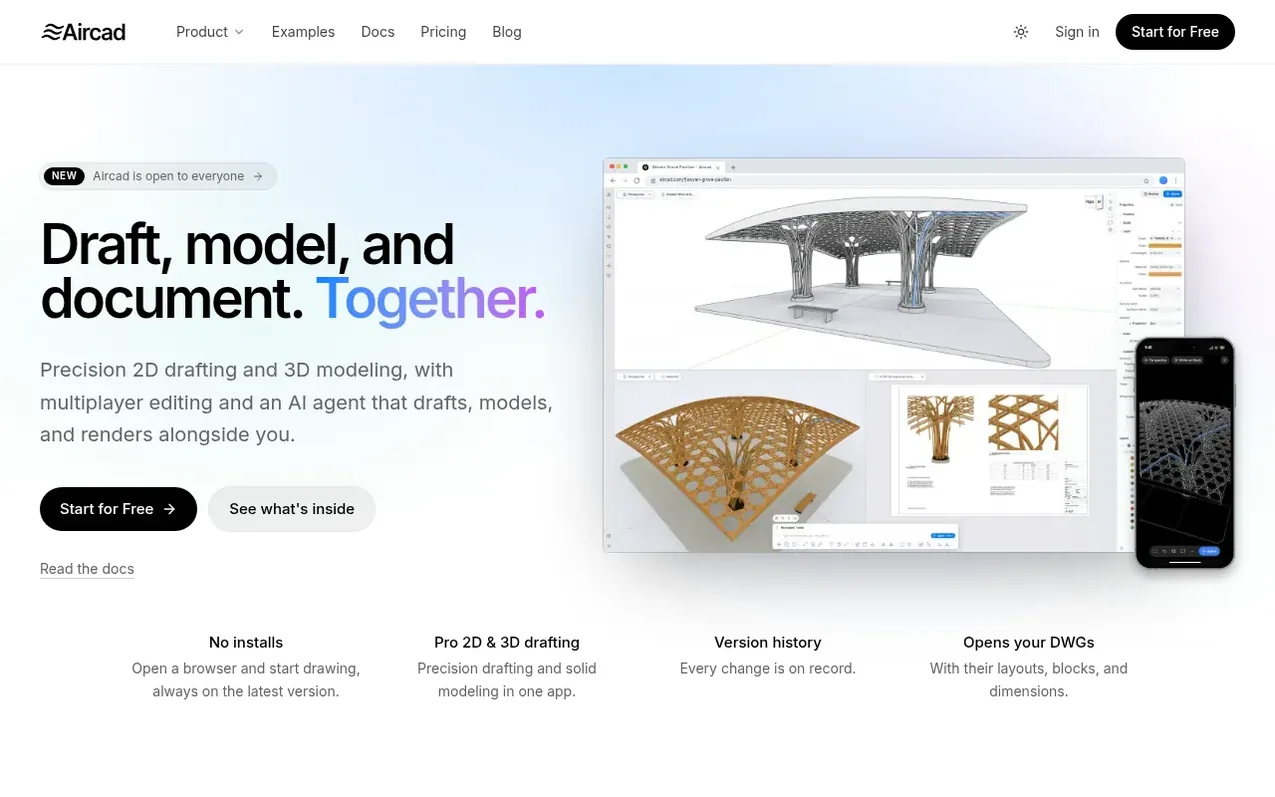
Aircad is a cloud-based CAD application that combines precision 2D drafting and 3D solid modeling in a single workspace. It supports DWG and DXF files with full layout and block compatibility, and enables real-time multiplayer editing where teams can work on the same drawing simultaneously without file conflicts or email handoffs.
The platform includes an AI agent that can answer questions about designs, suggest modifications, and perform drafting and modeling tasks based on plain-language requests. Every change is tracked with complete version history, and team members can add comments pinned directly to drawings for contextual feedback. Users can share files with customizable permissions, making reviewers and commenters free to add while only editors require paid seats.
Aircad supports importing from Rhino, STEP, glTF, and SVG formats, and can export to DWG, DXF, PDF, STL, and OBJ. The application handles large models with up to 250,000 entities smoothly and includes scripting capabilities for creating custom commands using JavaScript.
What it does
- 2D drafting with familiar tools (trim, extend, fillet, offset, hatches, blocks, layers)
- 3D solid modeling (booleans, fillets, lofts, sweeps, push/pull)
- Real-time multiplayer editing with live cursors
- Complete version history with change tracking and restore
- DWG and DXF import/export with layouts, blocks, dimensions
- AI agent that drafts, models, renders based on plain language
- Collaborative commenting and review pinned to drawings
- GD&T and geometric dimensioning annotations
- Layouts with viewports, print preview, PDF export
- JavaScript scripting API for custom commands
Pricing
Pricing model: Freemium
Free: $0 forever, includes 3 personal files, 3 DWG/DXF conversions monthly, 30 days version history, and 200 AI credits. Pro: $19/month or $190/year (Founder's Club pricing for new accounts until January 31, 2027; standard $29/month or $290/year), includes unlimited files, full version history, and
Shopper questions
How do AI credits work?
Free accounts start with 200 credits. Pro and each editor on a team get a monthly allowance. A request costs credits based on the model chosen, and the cost shows under every answer. Auto picks a model for you at the standard rate. Pro accounts and teams can buy more when they run out.
What happens if I go over a limit or stop paying?
Going over a limit never deletes anything. Files over the limit become read-only: you can open, view, and download them, and editing comes back as soon as you're under the limit or upgrade.
Who needs a seat on a team?
Only people who edit the team's files need a paid seat. Anyone who opens, comments, or reviews is a viewer, and viewers are free.
Can I import DWG files into Aircad?
Yes. You can open and import DWG and DXF files with their layouts, blocks, and dimensions preserved.
Aircad has a free listing. The owner can unlock the full profile with a paid launch for $5:
- Founder story (locked)
- Milestones (locked)
- Demo video (locked)
- Dofollow website link (locked)
Shoppers also viewed
- Iconaut
Design tools
- Voilà Charts
Design tools
- MockShot Studio
Design tools
- BannerSplitter
Design tools