AI Room Designer
Redesign your room from a photo with AI
Web app that uses AI to generate design ideas for rooms from photos, sketches and floor plans, with 40+ workflows for different design tasks.
About this launch
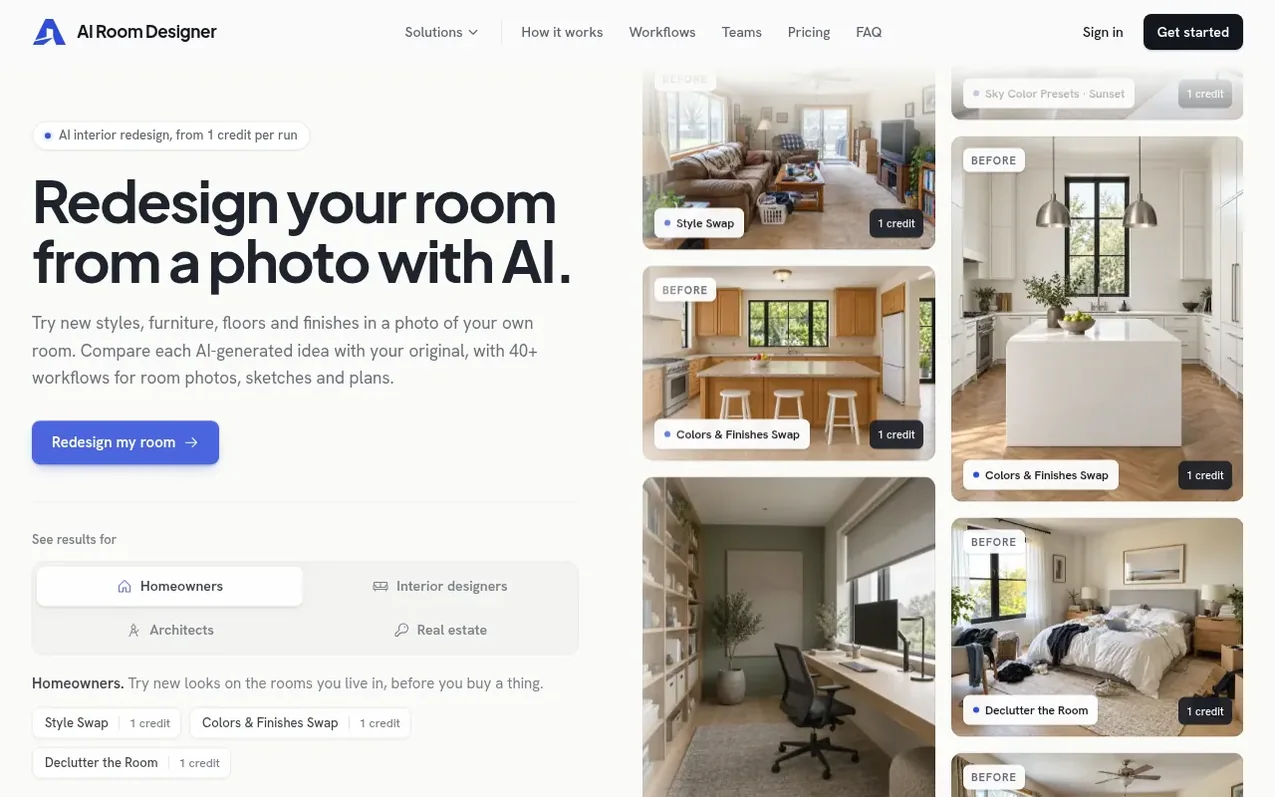
AI Room Designer is a browser-based application that transforms room photos, sketches and floor plans into visual design concepts using AI. Users can explore multiple design options including full restyles, furniture swaps, color and finish changes, decluttering and lighting adjustments. The app is built for homeowners exploring changes before purchasing, interior designers presenting options to clients, architects turning drawings into renders, and real estate agents staging properties. Each workflow shows its credit cost before running, with most using 1 credit per execution and results always displayed alongside the original image for comparison. The service runs entirely in the browser with no installation required.
What it does
- Style Swap - restyle entire rooms to match reference images
- Declutter the Room - remove clutter, cables and laundry from photos
- Colors & Finishes Swap - change palettes and finishes with reference images
- Floor Plan to Render - convert 2D floor plans into styled interior renders
- Hand-Sketch to Render - turn hand sketches into finished room renders
- Add Furniture - virtually stage empty rooms in chosen styles
- Flooring Swap - preview different floor options using reference images
- Lighting Scene Presets - view rooms under different lighting conditions
- Product Visualizer - preview specific items in your room photo
- Home Setup Wizard - apply one style across multiple room photos
Pricing
Pricing model: Paid
Solo: $19/month for 30 credits (3-day, $1 trial first). Studio: $49/month for 100 credits and 3 seats (3-day, $1 trial first). Agency: $99/month for 200 credits and 10 seats (3-day, $1 trial first). Most workflows use 1 credit per run; some use 2 credits; Floor Plan to Render uses 4 credits; Home Se
Shopper questions
What is AI room design?
AI room design creates visual ideas for a room from a photo, sketch or floor-plan image. It can change the style, furniture, colors, flooring or lighting while aiming to keep the room recognizable. AI Room Designer is a browser app with 40+ of these design workflows.
Can I take a picture of my room and have AI redesign it?
Yes. Start with one clear phone photo to restyle, declutter or furnish a room, or try a targeted change from a reference image. Most photo workflows use 1 credit per run, with Style Swap estimated at 2–10 minutes.
How does pricing work?
You pay in credits per run. Most workflows use 1 credit; a few use 2, Floor Plan to Render uses 4 and Home Setup Wizard uses 1 per room, so a run uses 1–4 credits. Failed or cancelled runs release their credits. Plans start at $19 a month for 30 credits. Every plan starts with a 3-day trial for $1 with 5 credits.
What can I upload besides a photo?
You can upload sketches, SketchUp views, floor plans or moodboards as JPG, PNG or WebP images. AutoCAD to Render for DWG/DXF files is available on request. Floor Plan to Render uses 4 credits per run with an estimated run time of 2–10 minutes.
Is there a mobile app?
No — it's a web app that works in your phone's browser; no download is needed. The same account also works on a tablet or a desktop browser.
AI Room Designer has a free listing. The owner can unlock the full profile with a paid launch for $5:
- Founder story (locked)
- Milestones (locked)
- Demo video (locked)
- Dofollow website link: not on this free listing (its website link is nofollow)
Shoppers also viewed
- Hexby.ai
Design tools
- Emblematic
Design tools
- DASHUND.link
Design tools
- Apptune
Design tools